213
U
Create a slide show of the pictures in the current playback folder (
207). Hidden
images (
208) are not displayed.
To start the slide show, highlight
Start
and press
J
. The following operations can be
performed while the slide show is in progress:
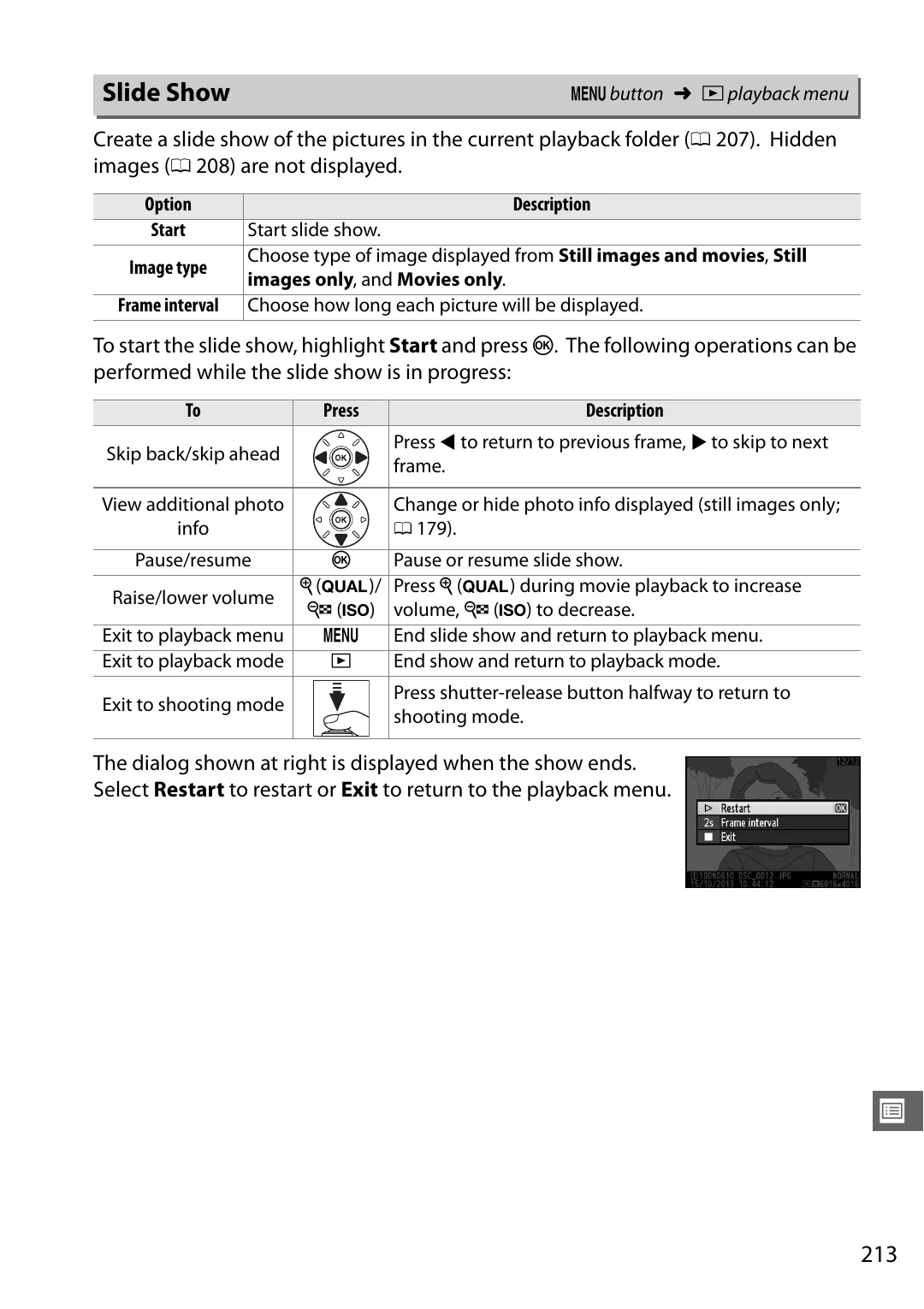
The dialog shown at right is displayed when the show ends.
Select
Restart
to restart or
Exit
to return to the playback menu.
Slide Show
G
button
➜
D
playback menu
Option
Description
Start
Start slide show.
Image type
Choose type of image displayed from
Still images and movies
,
Still
images only
, and
Movies only
.
Frame interval
Choose how long each picture will be displayed.
To
Press
Description
Skip back/skip ahead
Press
4
to return to previous frame,
2
to skip to next
frame.
View additional photo
info
Change or hide photo info displayed (still images only;
Pause/resume
J
Pause or resume slide show.
Raise/lower volume
X
(
T
)/
W
(
S
)
Press
X
(
T
) during movie playback to increase
volume,
W
(
S
) to decrease.
Exit to playback menu
G
End slide show and return to playback menu.
Exit to playback mode
K
End show and return to playback mode.
Exit to shooting mode
Press shutter-release button halfway to return to
shooting mode.