211
U
8
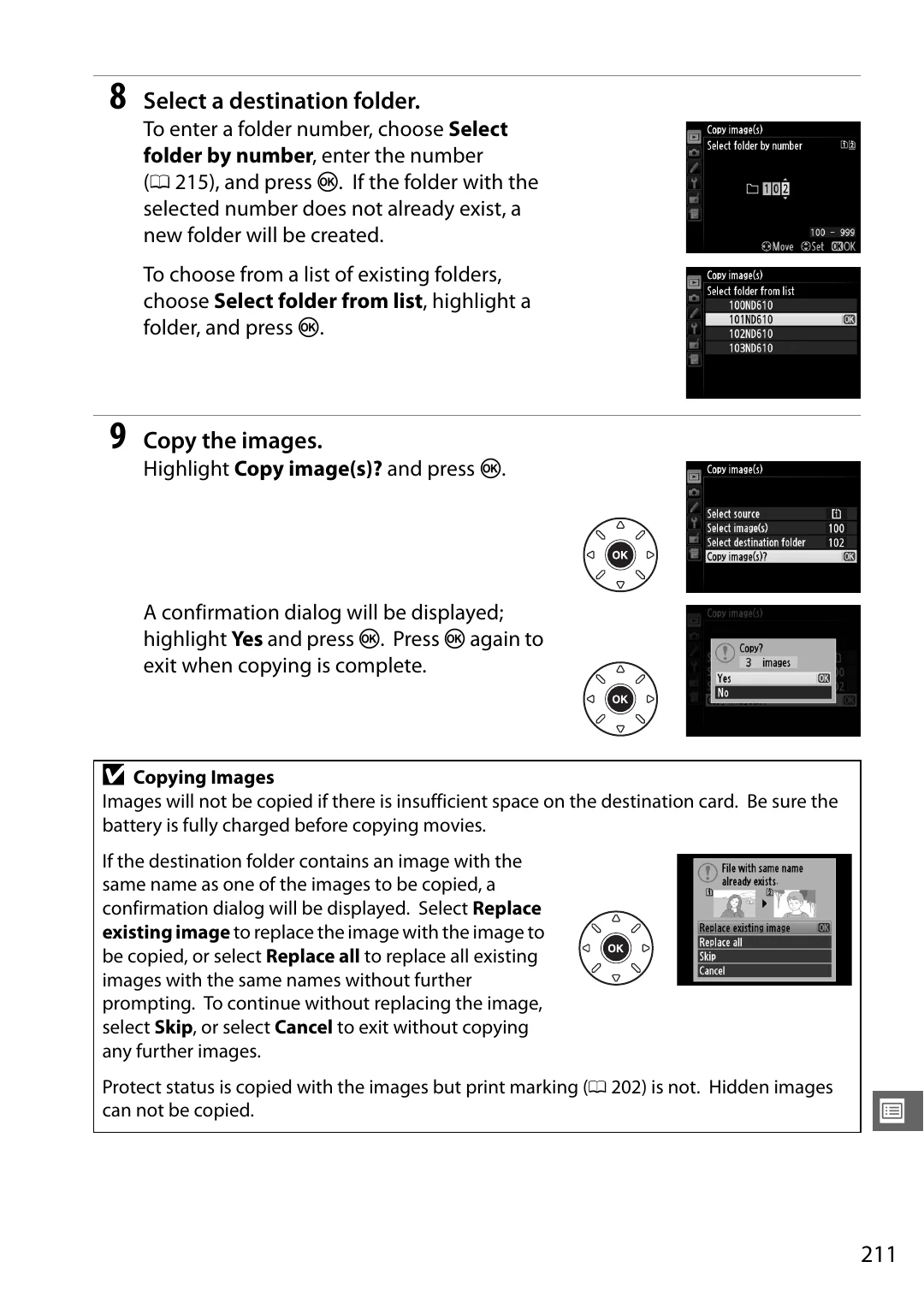
Select a destination folder.
To enter a folder number, choose
Select
folder by number
, enter the number
(
215), and press
J
. If the folder with the
selected number does not already exist, a
new folder will be created.
To choose from a list of existing folders,
choose
Select folder from list
, highlight a
folder, and press
J
.
9
Copy the images.
Highlight
Copy image(s)?
and press
J
.
A confirmation dialog will be displayed;
highlight
Yes
and press
J
. Press
J
again to
exit when copying is complete.
D
Copying Images
Images will not be copied if there is insufficient space on the destination card. Be sure the
battery is fully charged before copying movies.
If the destination folder contains an image with the
same name as one of the images to be copied, a
confirmation dialog will be displayed. Select
Replace
existing image
to replace the image with the image to
be copied, or select
Replace all
to replace all existing
images with the same names without further
prompting. To continue without replacing the image,
select
Skip
, or select
Cancel
to exit without copying
any further images.
Protect status is copied with the images but print marking (
202) is not. Hidden images
can not be copied.