212
U
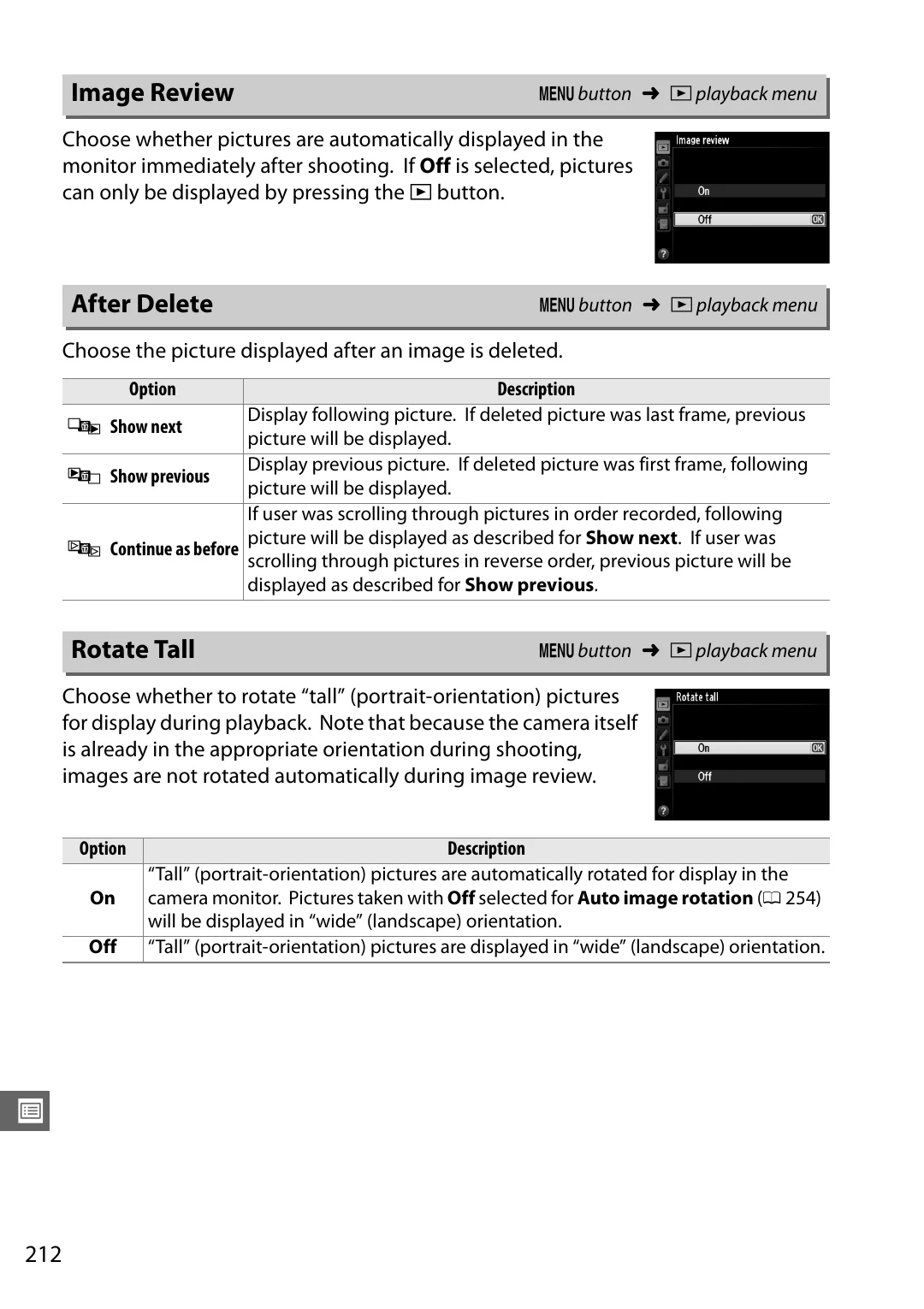
Choose whether pictures are automatically displayed in the
monitor immediately after shooting. If
Off
is selected, pictures
can only be displayed by pressing the
K
button.
Choose the picture displayed after an image is deleted.
Choose whether to rotate “tall” (portrait-orientation) pictures
for display during playback. Note that because the camera itself
is already in the appropriate orientation during shooting,
images are not rotated automatically during image review.
Image Review
G
button
➜
D
playback menu
After Delete
G
button
➜
D
playback menu
Option
Description
S
Show next
Display following picture. If deleted picture was last frame, previous
picture will be displayed.
T
Show previous
Display previous picture. If deleted picture was first frame, following
picture will be displayed.
U
Continue as before
If user was scrolling through pictures in order recorded, following
picture will be displayed as described for
Show next
. If user was
scrolling through pictures in reverse order, previous picture will be
displayed as described for
Show previous
.
Rotate Tall
G
button
➜
D
playback menu
Option
Description
On
“Tall” (portrait-orientation) pictures are automatically rotated for display in the
camera monitor. Pictures taken with
Off
selected for
Auto image rotation
will be displayed in “wide” (landscape) orientation.
Off
“Tall” (portrait-orientation) pictures are displayed in “wide” (landscape) orientation.