216
U
❚❚
Selecting Folders from a List
1
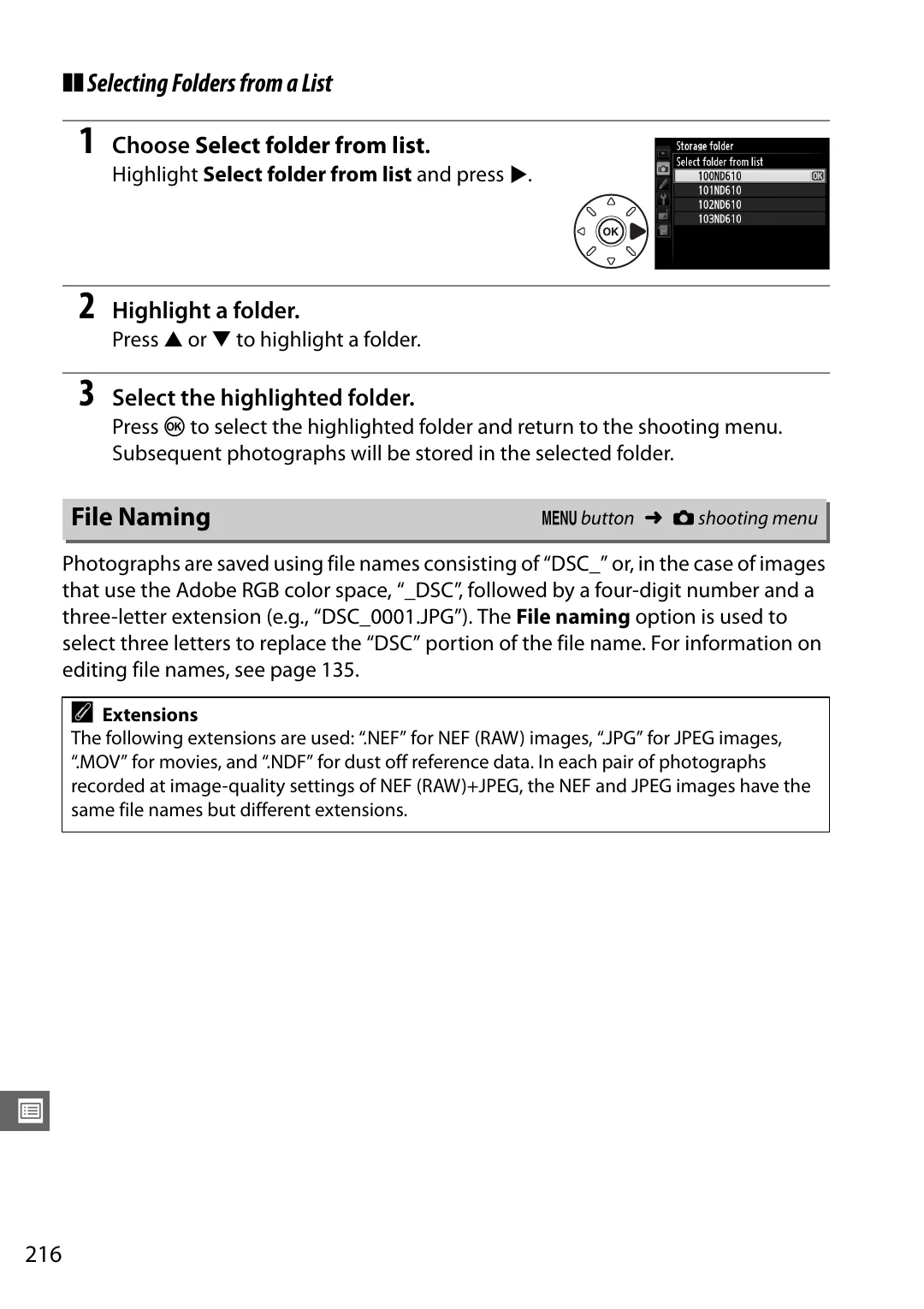
Choose
Select folder from list
.
Highlight
Select folder from list
and press
2
.
2
Highlight a folder.
Press
1
or
3
to highlight a folder.
3
Select the highlighted folder.
Press
J
to select the highlighted folder and return to the shooting menu.
Subsequent photographs will be stored in the selected folder.
Photographs are saved using file names consisting of “DSC_” or, in the case of images
that use the Adobe RGB color space, “_DSC”, followed by a four-digit number and a
three-letter extension (e.g., “DSC_0001.JPG”). The
File naming
option is used to
select three letters to replace the “DSC” portion of the file name. For information on
editing file names, see page 135.
File Naming
G
button
➜
C
shooting menu
A
Extensions
The following extensions are used: “.NEF” for NEF (RAW) images, “.JPG” for JPEG images,
“.MOV” for movies, and “.NDF” for dust off reference data. In each pair of photographs
recorded at image-quality settings of NEF (RAW)+JPEG, the NEF and JPEG images have the
same file names but different extensions.