106
S
A
AUTO
If the mode dial is rotated to
P
,
S
,
A
, or
M
after
AUTO
is selected for ISO sensitivity in another
mode, the ISO sensitivity last selected in
P
,
S
,
A
, or
M
mode will be restored.
A
Hi 0.3–Hi 2
The settings
Hi 0.3
through
Hi 2
correspond to ISO sensitivities 0.3–2 EV over ISO 6400 (ISO
8000–25600 equivalent). Pictures taken at these settings are more likely to be subject to
noise (randomly-spaced bright pixels, fog, or lines).
A
Lo 0.3–Lo 1
The settings
Lo 0.3
through
Lo 1
correspond to ISO sensitivities 0.3–1 EV below ISO 100 (ISO
80–50 equivalent). Use for larger apertures when lighting is bright. Contrast is slightly
higher than normal; in most cases, ISO sensitivities of ISO 100 or above are recommended.
A
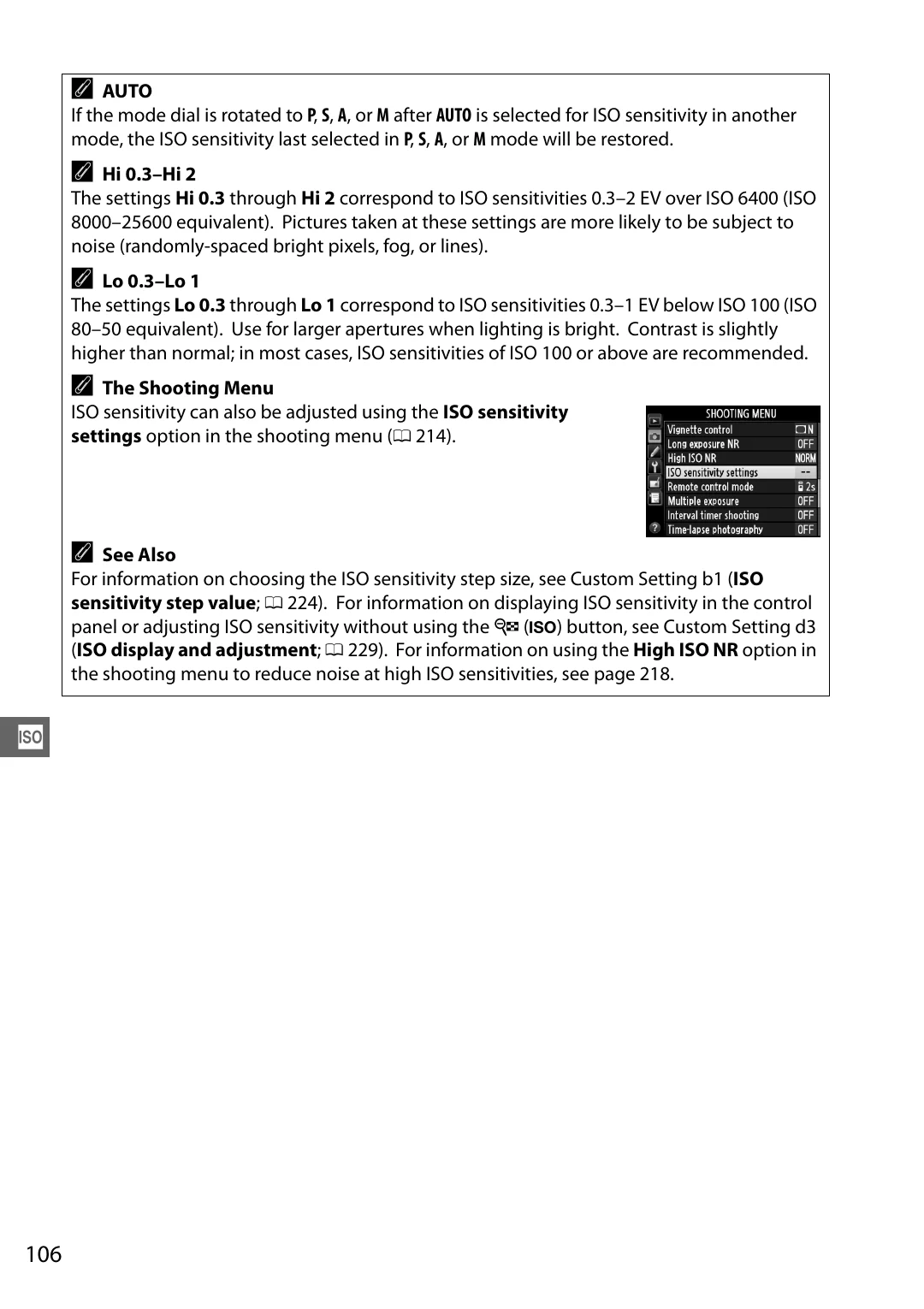
The Shooting Menu
ISO sensitivity can also be adjusted using the
ISO sensitivity
settings
option in the shooting menu (
A
See Also
For information on choosing the ISO sensitivity step size, see Custom Setting b1 (
ISO
sensitivity step value
224). For information on displaying ISO sensitivity in the control
panel or adjusting ISO sensitivity without using the
W
(
S
) button, see Custom Setting d3
(
ISO display and adjustment
229). For information on using the
High ISO NR
option in
the shooting menu to reduce noise at high ISO sensitivities, see page 218.