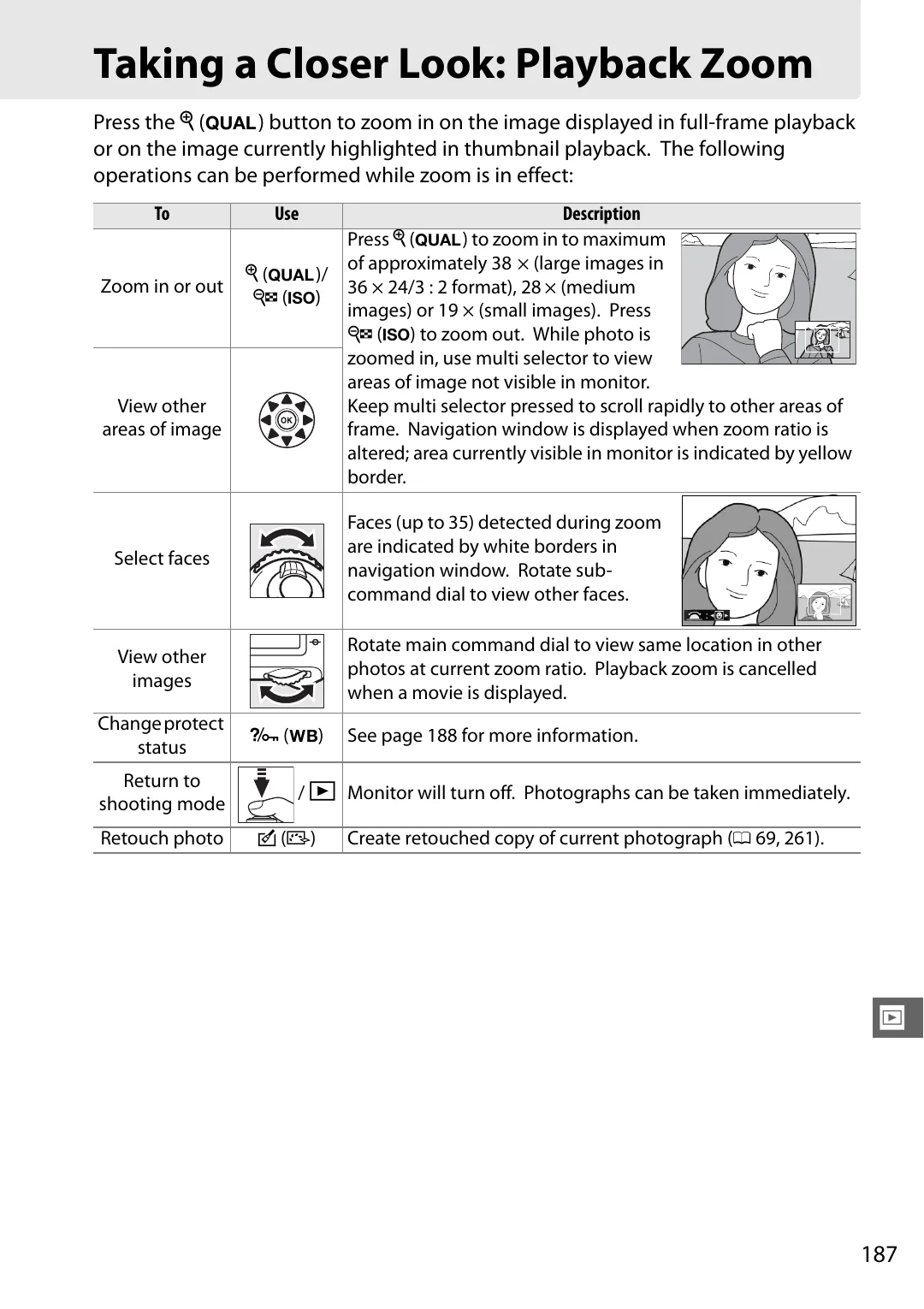
187
I
Taking a Closer Look: Playback Zoom
Press the
X
(
T
) button to zoom in on the image displayed in full-frame playback
or on the image currently highlighted in thumbnail playback. The following
operations can be performed while zoom is in effect:
To
Use
Description
Zoom in or out
X
(
T
)/
W
(
S
)
Press
X
(
T
) to zoom in to maximum
of approximately 38 × (large images in
36 × 24/3 : 2 format), 28 × (medium
images) or 19 × (small images). Press
W
(
S
) to zoom out. While photo is
zoomed in, use multi selector to view
areas of image not visible in monitor.
Keep multi selector pressed to scroll rapidly to other areas of
frame. Navigation window is displayed when zoom ratio is
altered; area currently visible in monitor is indicated by yellow
border.
View other
areas of image
Select faces
Faces (up to 35) detected during zoom
are indicated by white borders in
navigation window. Rotate sub-
command dial to view other faces.
View other
images
Rotate main command dial to view same location in other
photos at current zoom ratio. Playback zoom is cancelled
when a movie is displayed.
Change protect
status
L
(
U
)
See page 188 for more information.
Return to
shooting mode
/
K
Monitor will turn off. Photographs can be taken immediately.
Retouch photo
c
(
b
)
Create retouched copy of current photograph (