191
I
4
Press
J
to complete the operation.
A confirmation dialog will be displayed;
highlight
Yes
and press
J
.
❚❚
Select Date: Deleting Photographs Taken on a Selected Date
1
Choose
Select date
.
In the delete menu, highlight
Select date
and press
2
.
2
Highlight a date.
Press
1
or
3
to highlight a date.
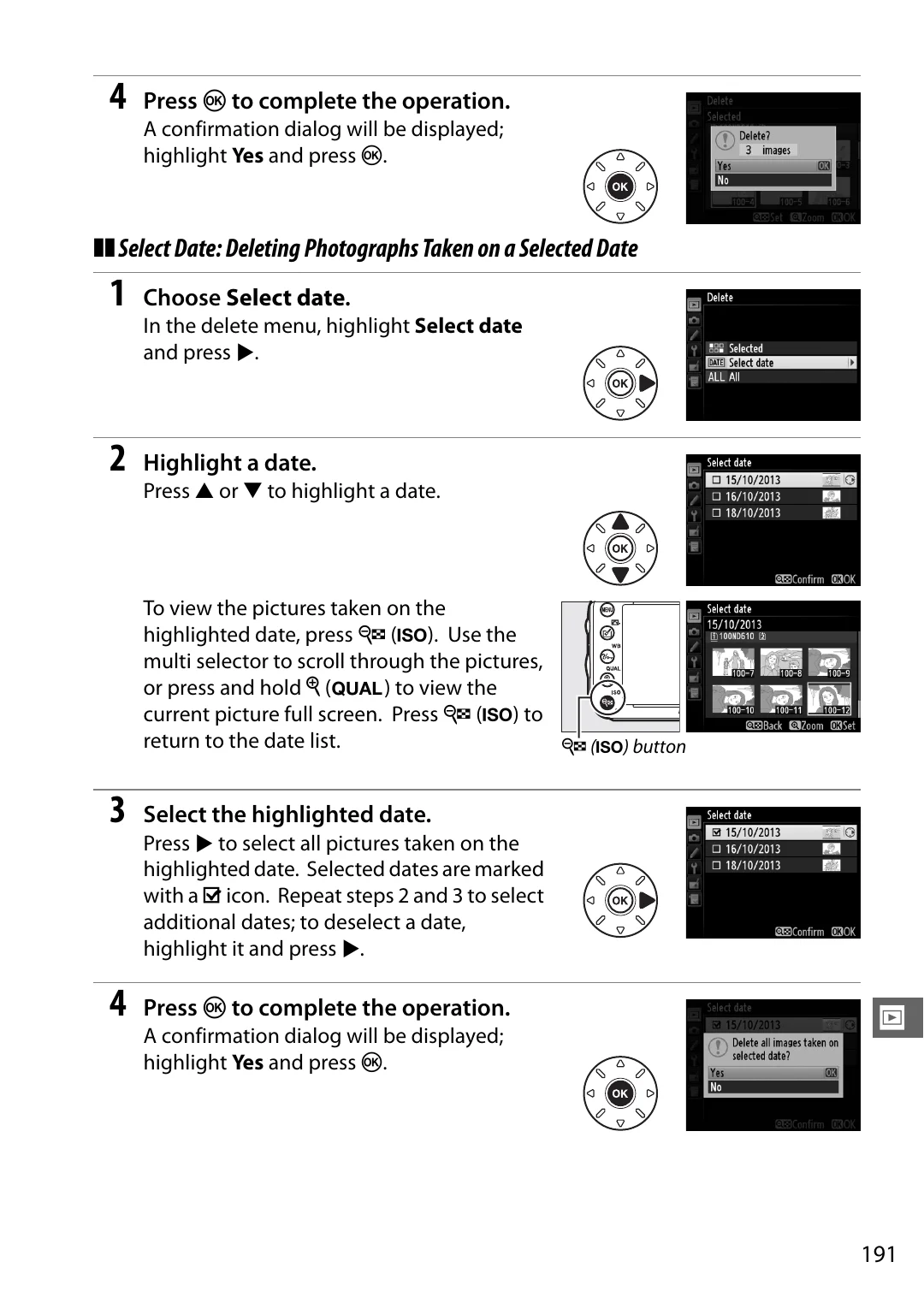
To view the pictures taken on the
highlighted date, press
W
(
S
). Use the
multi selector to scroll through the pictures,
or press and hold
X
(
T
) to view the
current picture full screen. Press
W
(
S
) to
return to the date list.
3
Select the highlighted date.
Press
2
to select all pictures taken on the
highlighted date. Selected dates are marked
with a
M
icon. Repeat steps 2 and 3 to select
additional dates; to deselect a date,
highlight it and press
2
.
4
Press
J
to complete the operation.
A confirmation dialog will be displayed;
highlight
Yes
and press
J
.
W
(
S
) button