Sequence Display Options
Press the c button (playback mode) M d button M Sequence display
options M k button
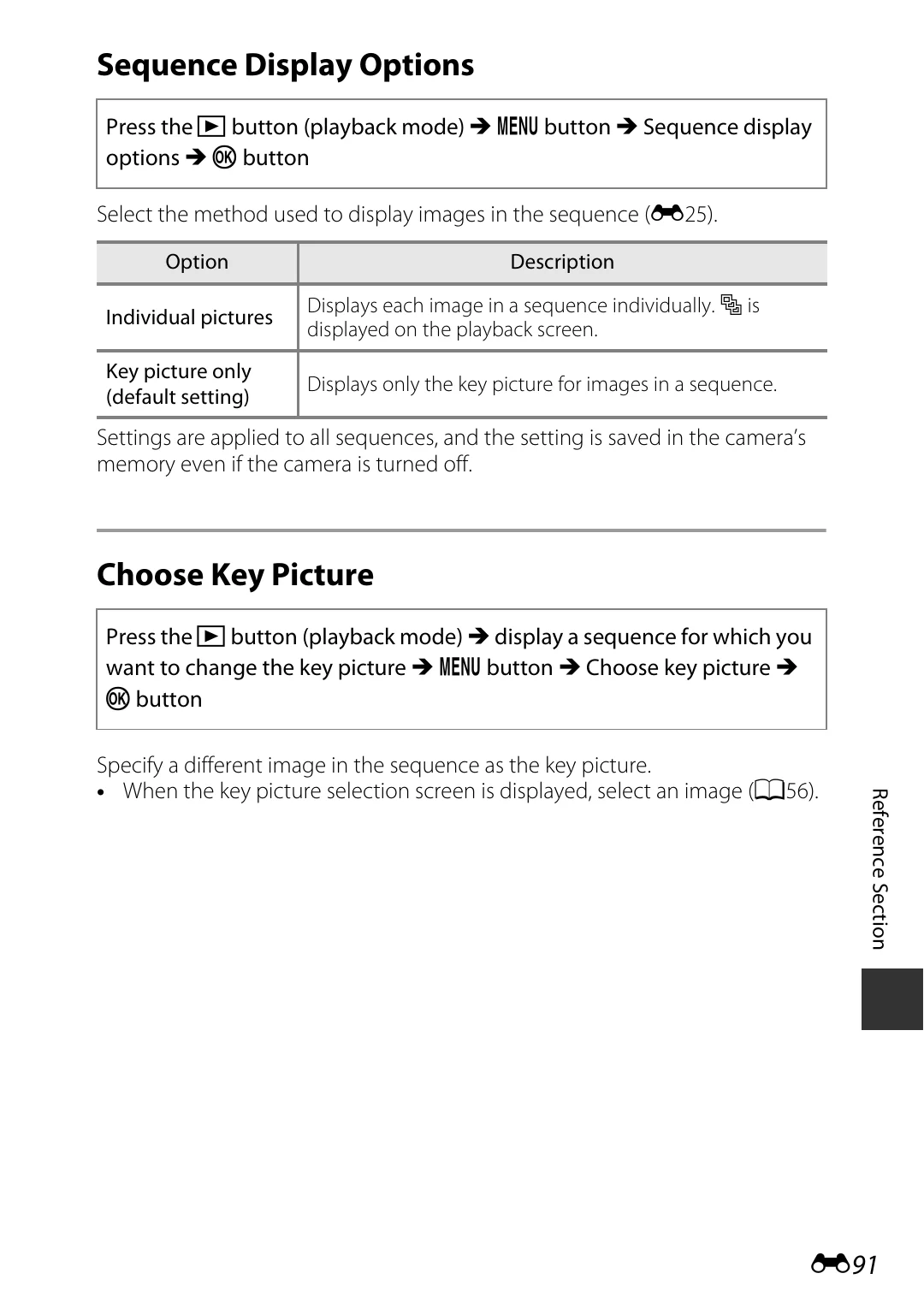
Select the method used to display images in the sequence (E25).
Option
Description
Individual pictures
Displays each image in a sequence individually. F is
displayed on the playback screen.
Key picture only
(default setting)
Displays only the key picture for images in a sequence.
Settings are applied to all sequences, and the setting is saved in the camera’s
memory even if the camera is turned off.
Choose Key Picture
Press the c button (playback mode) M display a sequence for which you
want to change the key picture M d button M Choose key picture M
k button
Reference Section
Specify a different image in the sequence as the key picture.
• When the key picture selection screen is displayed, select an image (A56).
E91