Nokia 1315 User Guide
Copyright 2006 Nokia. All rights reserved
Nokia Care Online
For updates
Browsing and email*, may require
Should you still require further assistance, please refer to
Content
Copy contacts to and from
Call register
Additional safety
Nokia battery authentication
Options while viewing a list
Receive a note in calendar
For your safety
Only qualified personnel may install or repair this product
About your phone
Network services
Shared memory
Copyright 2006 Nokia. All rights reserved
Updates
Welcome
Get help
Find your phone label
End and power key Call key Keypad
Phone at a glance
Earpiece Headset port Right selection key
Microphone
Indicators and icons
Start screen
Quick keys
An enhancement is connected to the phone
Select Menu Settings Phone settings Help text activation
Phone menus
Scroll method
Shortcuts
Battery
Set up your phone
Antenna
Replace the back cover
Replace the battery
Keep all UIM cards out of the reach of small children
Turn your phone on or off
Charge the battery
Connect the headset
Make a call
Answer calls
Keyguard
Standard mode
Text entry
Activate and deactivate
Predictive text input
Enter text
Sentence case text predictive text is on
Lowercase text predictive text is on
Search
Contacts list
Add new contacts
Set up caller groups
Set up speed dials
Set up a group
Choose an option
Edit contacts list entries
Edit phone number
Change speed dials numbers
Delete speed dials numbers
Mail address entry
Edit web address
Delete detail-Delete existing e-mail
View-View the details of the e-mail address
Delete contacts list entries
Copy contacts to and from UIM card
Copy all contacts
Copy primary numbers only
Settings
Add number list entries
Caller groups
Send and receive contacts business cards
Select OK. The business card is sent
Messages
Text messages
Write and send
Archive-Save messages in an archive
Create a distribution list
Templates
Send a message to a distribution list
Read and reply
Choose a message option Create message options
Select Options Send
Insert picture-Insert a picture into your message
Change sending options
Change other settings
Read message options
Call and set up your voice mail
Voice messages
Listen to your voice messages
Save voice mailbox number
Save voice mail dialing code
Write down number and process
Insert dialing codes
Messages Listen to voice messages
Picture messages
Set up voice mail with dialing codes
Automate voice mail
Message folders
View a picture message
Save messages to folders
Select Insert picture
View saved messages
Drafts folder
Archive folder
Inbox folder
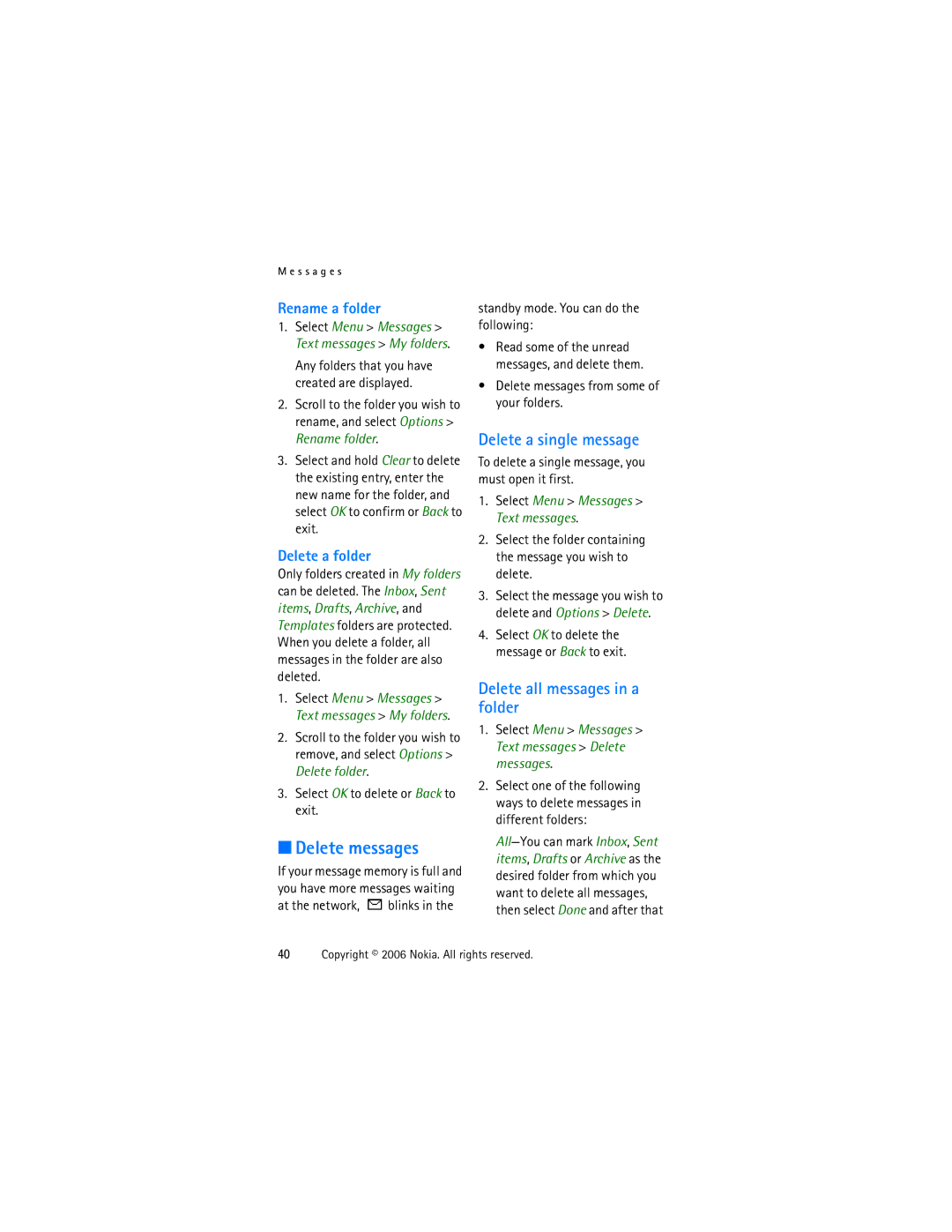
Delete messages
Delete a single message
Delete all messages in a folder
Rename a folder
S s a g e s
Call register
View missed calls
View received calls
View dialed numbers
Delete call lists
Call times
Duration of calls
Clear timers
Profiles
Activate
Personalize a profile
Set a timed profile
Settings
Call settings
International prefix
Make calls
Select Card name
Enter the card name, and select OK
Network services features
Store a feature code
Call summary
Call forwarding
Phone settings
Phone language
Writing language
Automatic keyguard
Confirm UIM service actions
Dtmf tones
Welcome note
Set type
Display settings
Time and date settings
Display brightness
Date
Backlight time-out
Tone settings
Security settings
PIN code request
Restrict calls
Access codes
Select Menu Settings Security settings Security level
Change the security code
PIN code
Network
Voice privacy
Change PIN code
PUK code
While roaming
Restore factory settings
Select an option to confirm the activation
Brew Download
Brew Download Mobile shop or Settings
Mobile shop-You can use Brew Download for download purpose
Voice recorder
Record speech or sound
Voice recorder options
Select Menu Voice recorder Record
Organiser
Alarm clock
Calendar
Open
Go to a date
View notes day view
Select Options Day notes
Send a note
Receive a note in calendar format
Options while viewing a list of notes
Move-Move the note to another date on your calendar
Calculator
Currency converter
View notes
Save notes
Countdown timer
Set the countdown timer
Enter a note for the timer, and select OK
Change the time
After you have set the timer, you can stop the timer
Stopwatch
Split or lap time
Save, view, or delete times
Operation note
To delete saved times, select
Delete all or One by one
To stop the clock, select Stop
Game settings
Games
Play a game
Select Menu Games Select game Scroll to a game
Images
Gallery
Tones
Enhancements
Reference information
Batteries and chargers
Nokia battery authentication guidelines
Authenticate hologram
Battery 12345678919876543210, and send to
To create a text message
Care and maintenance
Use chargers indoors
R e a n d m a i n t e n a n c e
Additional safety information
Operating environment
Medical devices
Pacemakers
Vehicles
Hearing aids
Certification information SAR
Emergency calls
Press the call key
Charging times
Battery information
Talk and standby times
Feature codes
Index
Message folders 38 messages Delete
Welcome note
 blinks in the