Connecting to Your PC
Connecting to Your PC
Your LCD Monitor : Front View Product Description • Accessory Pack • Connecting to Your PC • Getting Started • Optimizing Performance
Accessories (optional) : Installing the Protective Cover • Installing the Wall Mount Kit
Accessory Pack
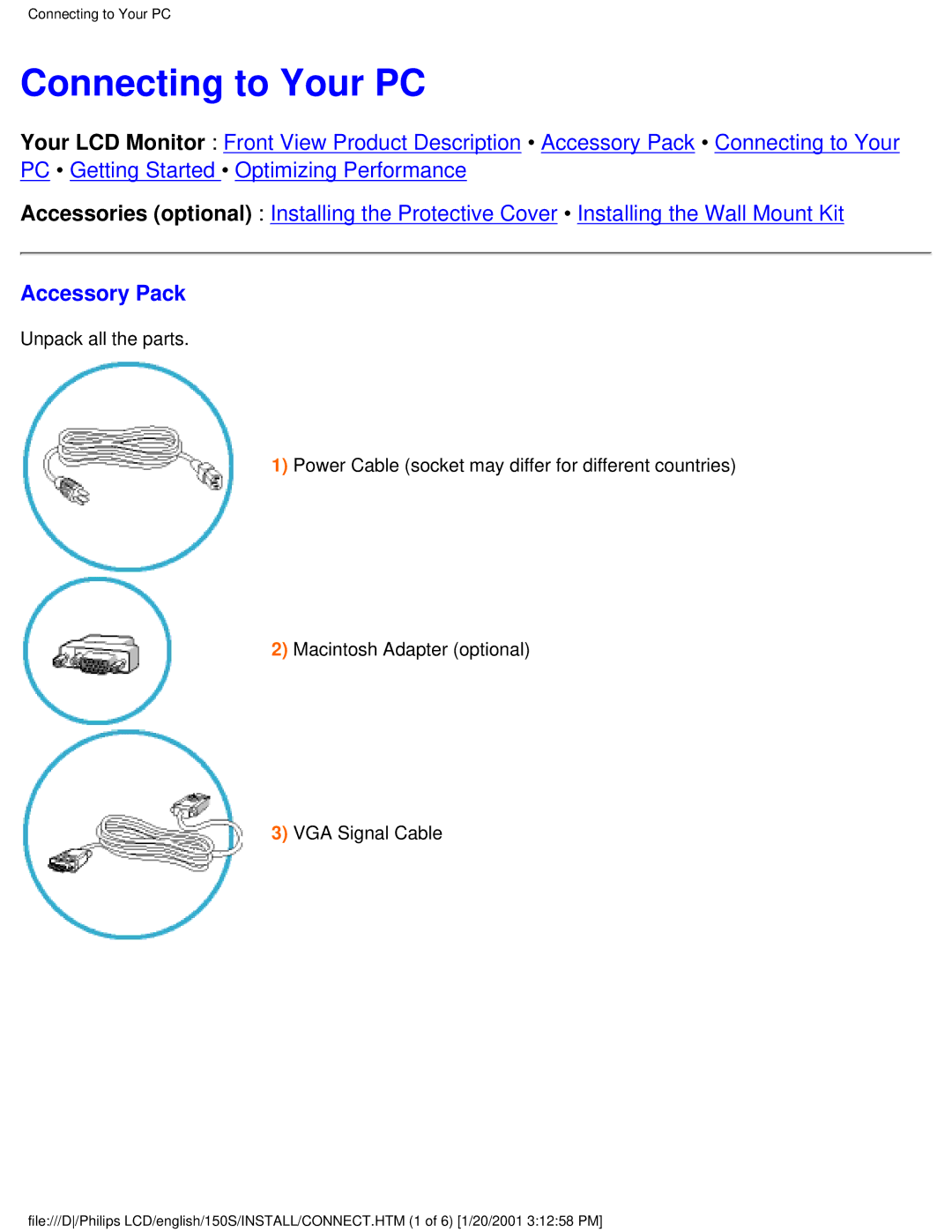
Unpack all the parts.
1)Power Cable (socket may differ for different countries)
2)Macintosh Adapter (optional)
3)VGA Signal Cable
file:///D/Philips LCD/english/150S/INSTALL/CONNECT.HTM (1 of 6) [1/20/2001 3:12:58 PM]