Disc Operations
English
Special picture disc features
IMPORTANT!
You have to turn on your TV and set to the correct Video In channel. (See page 12 “Setting the TV”).
●Load a Picture disc (Kodak Picture CD, JPEG).
➜For Kodak disc, the slide show will begin.
➜For JPEG disc, the picture menu appears on the TV screen. Press B to start the
Preview Function (JPEG)
Zoom picture
1During playback, press ZOOM repeatedly to display the picture with different scales.
2Use 1 2 3 4 keys to view the zoomed picture.
Playback with multi-angles
●During playback, press 3 4 1 2 to rotate the picture on the TV screen.
3: flip the picture vertically
4: flip the picture horizontally
1: rotate the picture
2: rotate the picture clockwise
Scan Effect
This function shows the content of the current folder or the whole disc.
1Press STOP during playback.
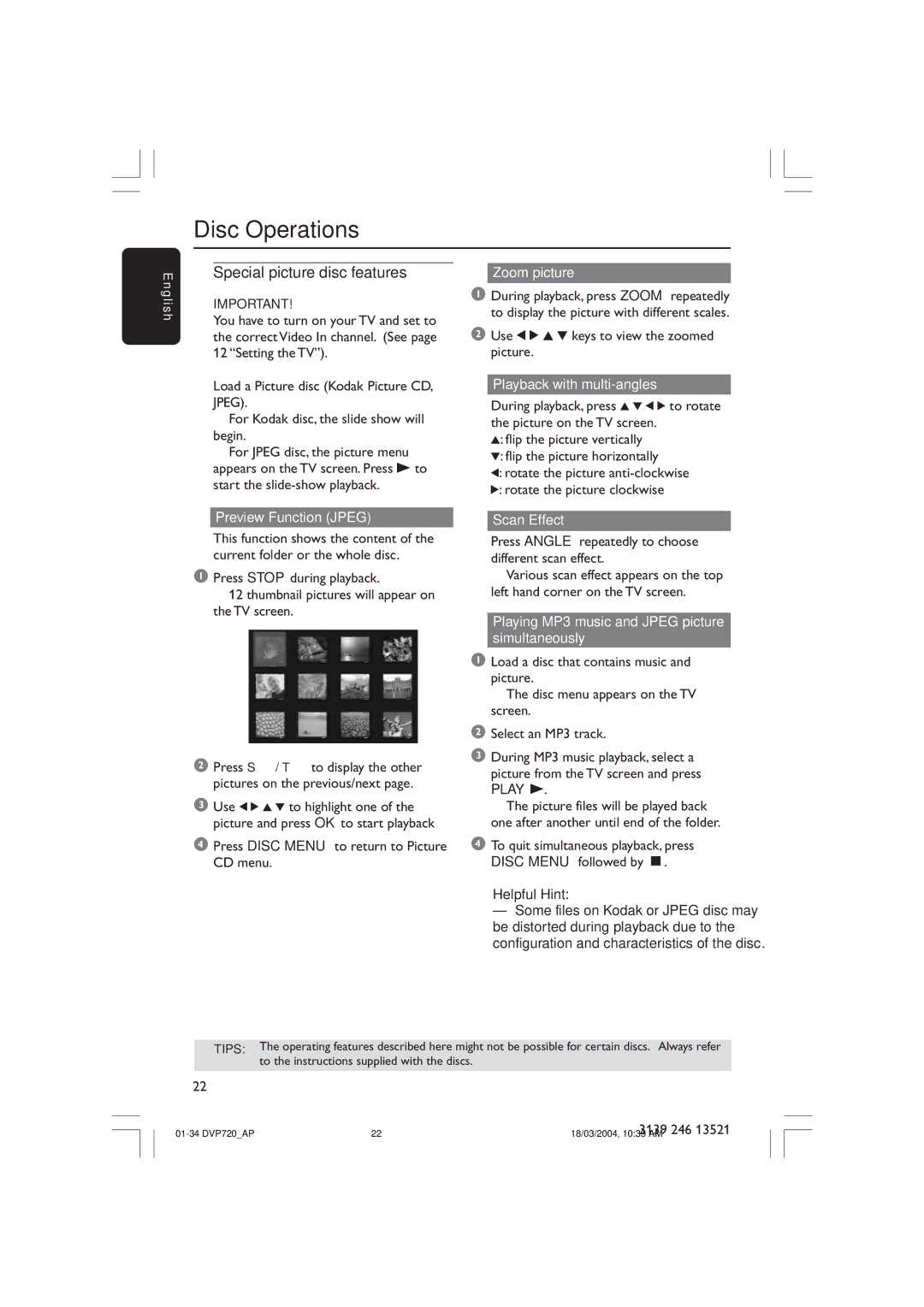
➜ 12 thumbnail pictures will appear on the TV screen.
2Press S / T to display the other pictures on the previous/next page.
3Use 1 2 3 4 to highlight one of the picture and press OK to start playback
4Press DISC MENU to return to Picture CD menu.
●Press ANGLE repeatedly to choose different scan effect.
➜ Various scan effect appears on the top left hand corner on the TV screen.
Playing MP3 music and JPEG picture simultaneously
1Load a disc that contains music and picture.
➜ The disc menu appears on the TV screen.
2Select an MP3 track.
3During MP3 music playback, select a picture from the TV screen and press
PLAY B.
➜ The picture files will be played back one after another until end of the folder.
4To quit simultaneous playback, press DISC MENU followed by Ç.
Helpful Hint:
–Some files on Kodak or JPEG disc may be distorted during playback due to the configuration and characteristics of the disc.
TIPS: The operating features described here might not be possible for certain discs. Always refer
to the instructions supplied with the discs.
22
22 | 3139 246 13521 | |
18/03/2004, 10:39 AM |