Basic Functions
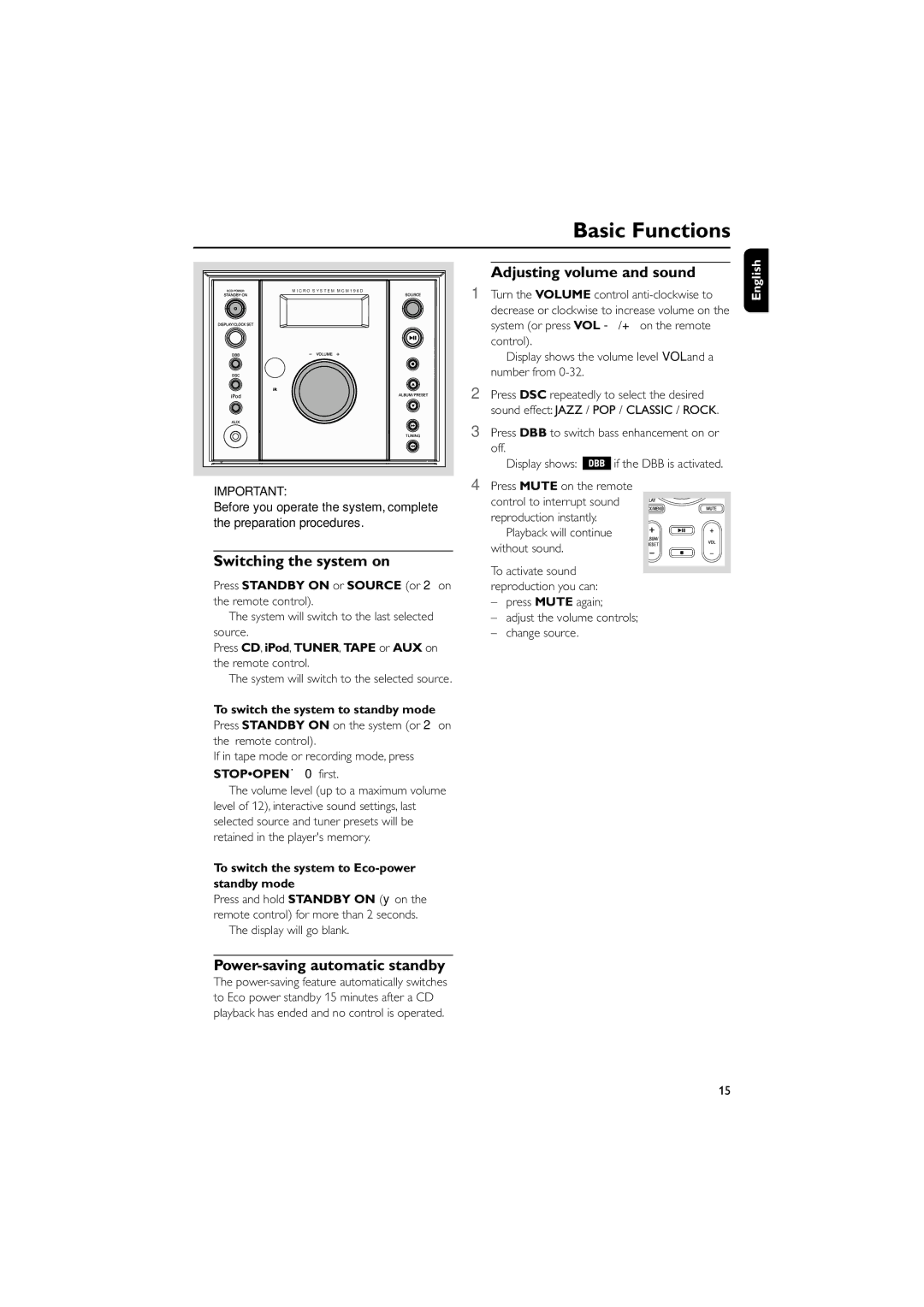
M I C R O S Y S T E M M C M 1 9 6 D |
IMPORTANT:
Before you operate the system, complete the preparation procedures.
Switching the system on
●Press STANDBY ON or SOURCE (or 2on the remote control).
➜The system will switch to the last selected source.
●Press CD, iPod, TUNER, TAPE or AUX on the remote control.
➜The system will switch to the selected source.
To switch the system to standby mode
●Press STANDBY ON on the system (or 2on the remote control).
●If in tape mode or recording mode, press STOP•OPENÇ0 first.
➜ The volume level (up to a maximum volume level of 12), interactive sound settings, last selected source and tuner presets will be retained in the player's memory.
To switch the system to Eco-power standby mode
●Press and hold STANDBY ON (y on the remote control) for more than 2 seconds. ➜ The display will go blank.
Adjusting volume and sound
1Turn the VOLUME control
decrease or clockwise to increase volume on the system (or press VOL
control).
➜ Display shows the volume level VOL and a number from
2Press DSC repeatedly to select the desired sound effect: JAZZ / POP / CLASSIC / ROCK.
3Press DBB to switch bass enhancement on or
off.
➜ Display shows:  if the DBB is activated.
4Press MUTE on the remote
control to interrupt sound reproduction instantly.
➜ Playback will continue without sound.
●To activate sound reproduction you can:
–press MUTE again;
–adjust the volume controls;
–change source.
English
Power-saving automatic standby
The
15