Remote Maintenance by telnet
109
4
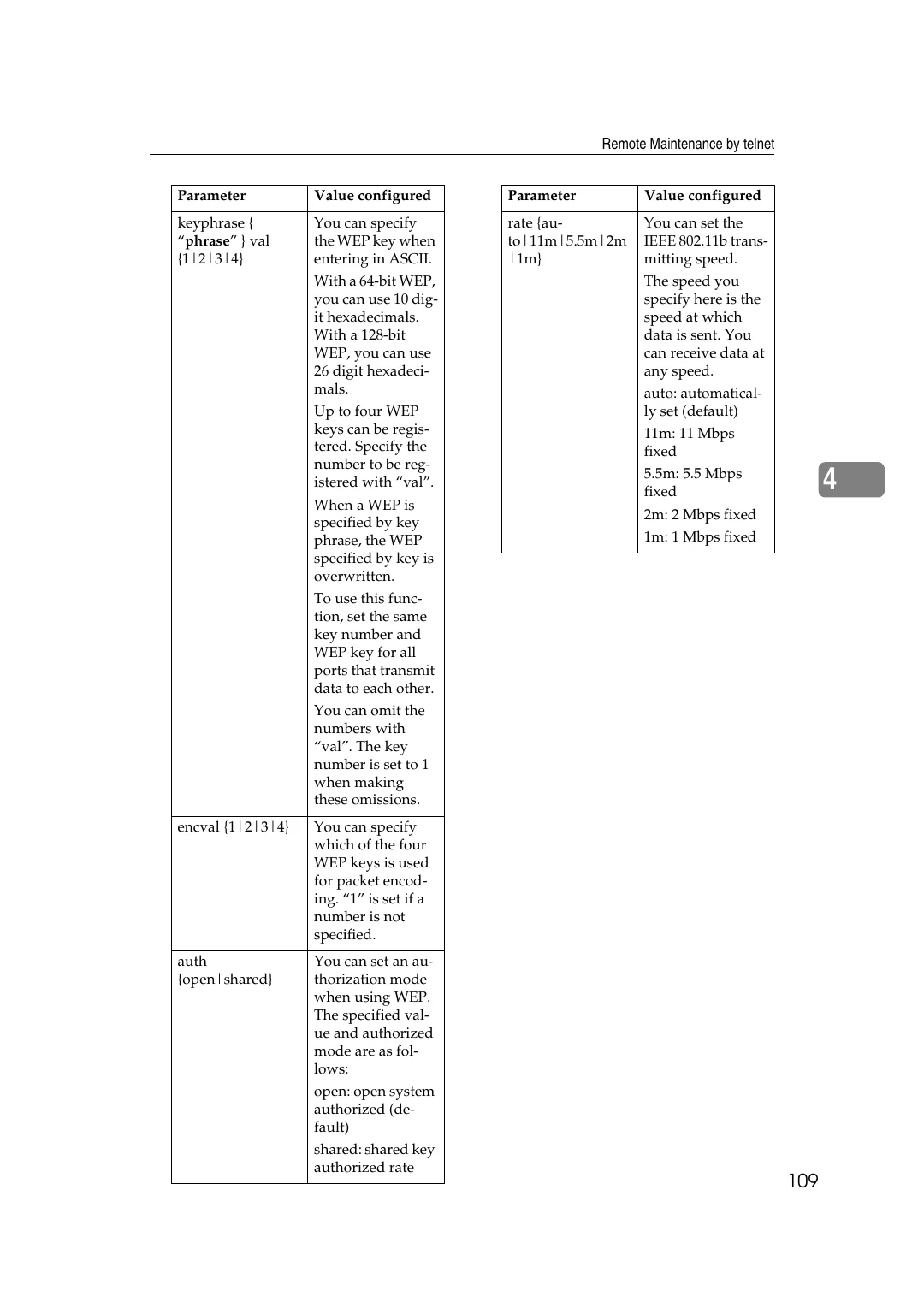
keyphrase {
“
phrase
” } val
{1|2|3|4}
You can specify
the WEP key when
entering in ASCII.
With a 64-bit WEP,
you can use 10 dig-
it hexadecimals.
With a 128-bit
WEP, you can use
26 digit hexadeci-
mals.
Up to four WEP
keys can be regis-
tered. Specify the
number to be reg-
istered with “val”.
When a WEP is
specified by key
phrase, the WEP
specified by key is
overwritten.
To use this func-
tion, set the same
key number and
WEP key for all
ports that transmit
data to each other.
You can omit the
numbers with
“val”. The key
number is set to 1
when making
these omissions.
encval {1|2|3|4}
You can specify
which of the four
WEP keys is used
for packet encod-
ing. “1” is set if a
number is not
specified.
auth
{open|shared}
You can set an au-
thorization mode
when using WEP.
The specified val-
ue and authorized
mode are as fol-
lows:
open: open system
authorized (de-
fault)
shared: shared key
authorized rate
Parameter
Value configured
rate {au-
to|11m|5.5m|2m
|1m}
You can set the
IEEE 802.11b trans-
mitting speed.
The speed you
specify here is the
speed at which
data is sent. You
can receive data at
any speed.
auto: automatical-
ly set (default)
11m: 11 Mbps
fixed
5.5m: 5.5 Mbps
fixed
2m: 2 Mbps fixed
1m: 1 Mbps fixed
Parameter
Value configured