INPUT SELECT
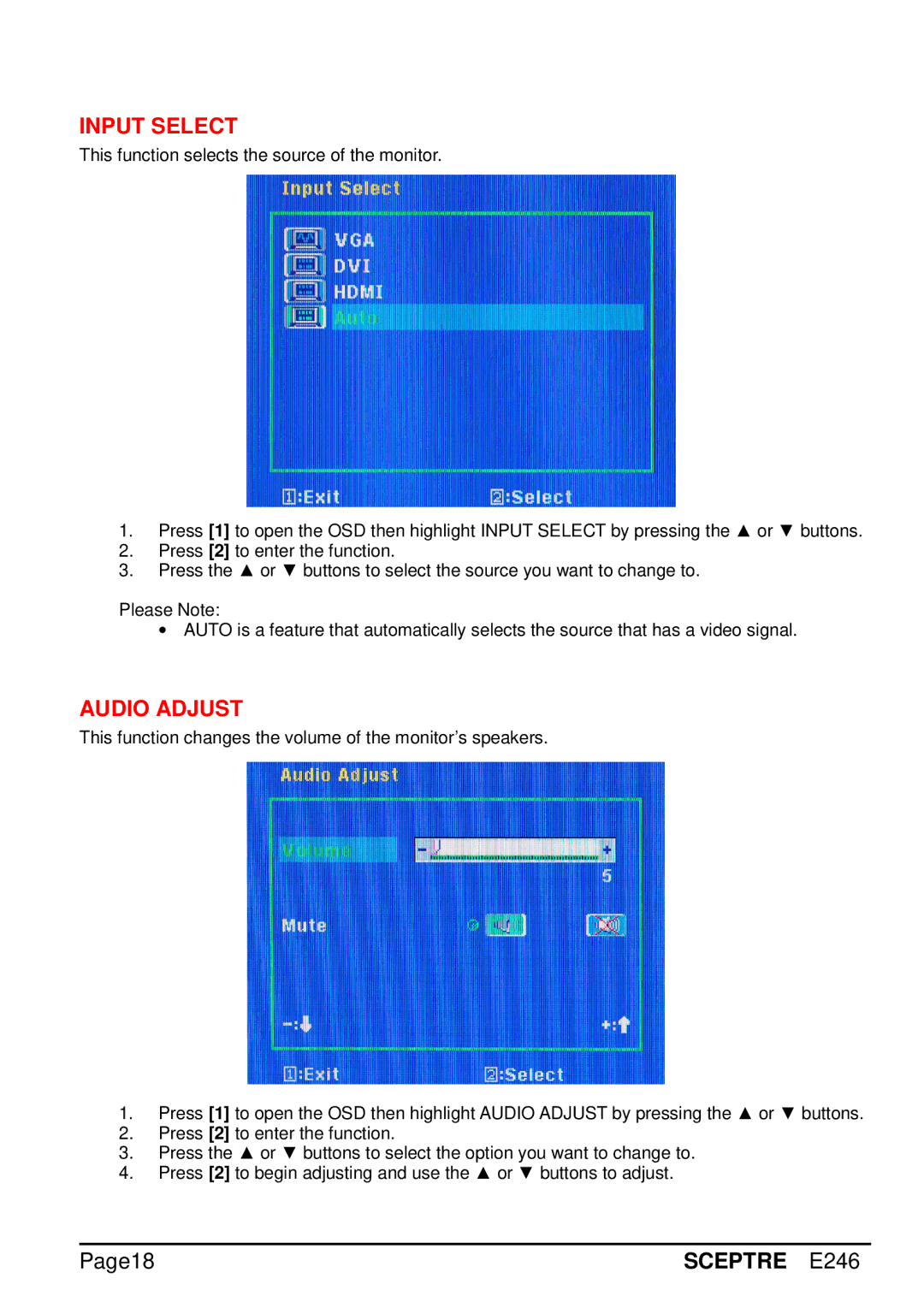
This function selects the source of the monitor.
1.Press [1] to open the OSD then highlight INPUT SELECT by pressing the ▲ or ▼ buttons.
2.Press [2] to enter the function.
3.Press the ▲ or ▼ buttons to select the source you want to change to.
Please Note:
∙AUTO is a feature that automatically selects the source that has a video signal.
AUDIO ADJUST
This function changes the volume of the monitor’s speakers.
1.Press [1] to open the OSD then highlight AUDIO ADJUST by pressing the ▲ or ▼ buttons.
2.Press [2] to enter the function.
3.Press the ▲ or ▼ buttons to select the option you want to change to.
4.Press [2] to begin adjusting and use the ▲ or ▼ buttons to adjust.
Page18 | SCEPTRE E246 |