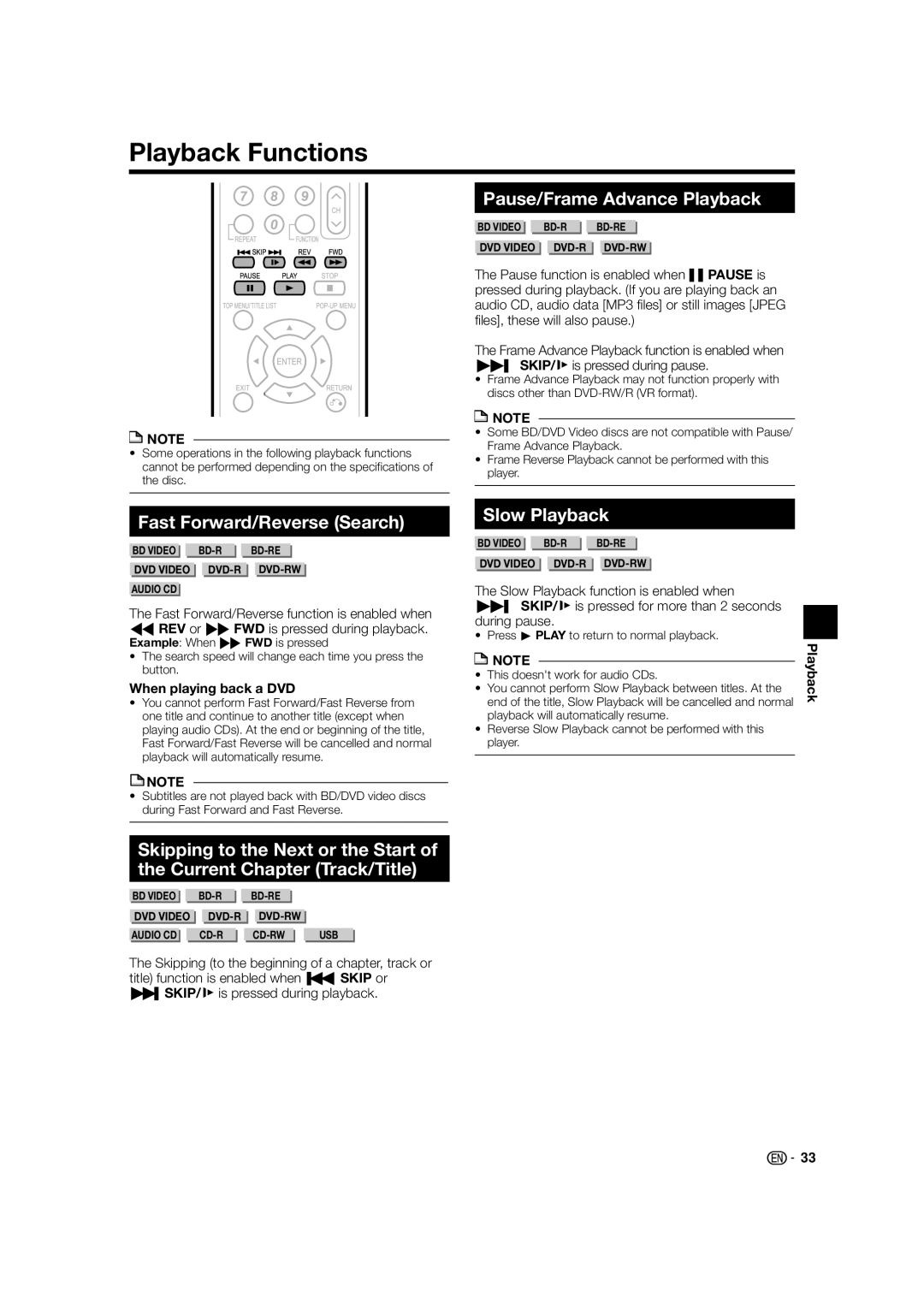
Playback Functions
 NOTE
NOTE
•Some operations in the following playback functions cannot be performed depending on the specifications of the disc.
Fast Forward/Reverse (Search)
BD VIDEO | ||
DVD VIDEO | ||
AUDIO CD |
|
|
The Fast Forward/Reverse function is enabled when GREV or JFWD is pressed during playback.
Example: When JFWD is pressed
•The search speed will change each time you press the button.
When playing back a DVD
•You cannot perform Fast Forward/Fast Reverse from one title and continue to another title (except when playing audio CDs). At the end or beginning of the title, Fast Forward/Fast Reverse will be cancelled and normal playback will automatically resume.
 NOTE
NOTE
•Subtitles are not played back with BD/DVD video discs during Fast Forward and Fast Reverse.
Pause/Frame Advance Playback
| BD VIDEO |
|
|
|
|
| ||||
|
|
|
|
|
|
| ||||
| DVD VIDEO |
|
|
| ||||||
The Pause function is enabled when FPAUSE is pressed during playback. (If you are playing back an audio CD, audio data [MP3 files] or still images [JPEG files], these will also pause.)
The Frame Advance Playback function is enabled when LSKIP/l is pressed during pause.
•Frame Advance Playback may not function properly with discs other than
 NOTE
NOTE
•Some BD/DVD Video discs are not compatible with Pause/ Frame Advance Playback.
•Frame Reverse Playback cannot be performed with this player.
Slow Playback
| BD VIDEO |
|
|
|
|
| ||||
|
|
|
|
|
|
| ||||
| DVD VIDEO |
|
|
| ||||||
The Slow Playback function is enabled when LSKIP/l is pressed for more than 2 seconds during pause.
• Press d PLAY to return to normal playback.
| NOTE |
| Playback |
|
|
| |
• | This doesn't work for audio CDs. |
| |
• | You cannot perform Slow Playback between titles. At the |
| |
| end of the title, Slow Playback will be cancelled and normal |
| |
| playback will automatically resume. |
| |
• | Reverse Slow Playback cannot be performed with this |
| |
| player. |
| |
|
|
|
|
Skipping to the Next or the Start of the Current Chapter (Track/Title)
| BD VIDEO |
|
|
|
|
|
| ||||
|
|
|
|
|
|
|
|
|
|
|
|
| DVD VIDEO |
|
|
| |||||||
|
|
|
|
|
|
|
|
| |||
AUDIO CD |
|
|
| USB | |||||||
The Skipping (to the beginning of a chapter, track or title) function is enabled when TSKIP or USKIP/l is pressed during playback.

 33
33