HiPath Cordless Office HiPath 3000 V3.0 or later
Safety notes for the mobile telephone
Safety notes for the mobile telephone
Overview of unit parts
Overview of unit parts
Safety notes for using the battery
Safety notes for using the battery
Contents
Conducting calls enhanced functions
System functions
Page
Operating instructions
Operating instructions
Conducting calls the basic func- tions
Dial first, then seize the line
First seize the line, then dial
Conducting calls the basic functions
Cor u Oand poss. W Possibly
Callback
Manual number redial
Cor u Dor E
Booking a callback
Deleting a callback request
Enquiry
You receive a Callback call
Either
Answering a call
Cor u
Enquiry is ended and you return to the call on- hold
Ending a call
Placing a call in a call pickup group
Aor k
Rejecting a call
Continue
Call forwarding
Activating call forwarding
Deactivating call forwarding
Conducting Direct Calls
After leaving the radio network
Activating or deactivating the keypad lock
Leaving the radio network
Function keys
Description of the keys
Description of the keys
Key Name Use
Control key
NET/Callback key
Operation Function
Control Idle status Lists An input Key Menus Field
Icon Name Use
Display keys
Inserting the batteries
Putting the handset into service
Removing the protective cover
Charging and using the battery
Nickel Metal Hydrid NiMH, 500 mAh
Operating and charging times
Permitted batteries
Fitting the attachment clip
Setting the handset display language
Select a language
Setting the system display language
Ringer volume and melody
Setting the handset
Handset volume
Setting the time control for the ringer
Advisory Meaning
Advisory tones
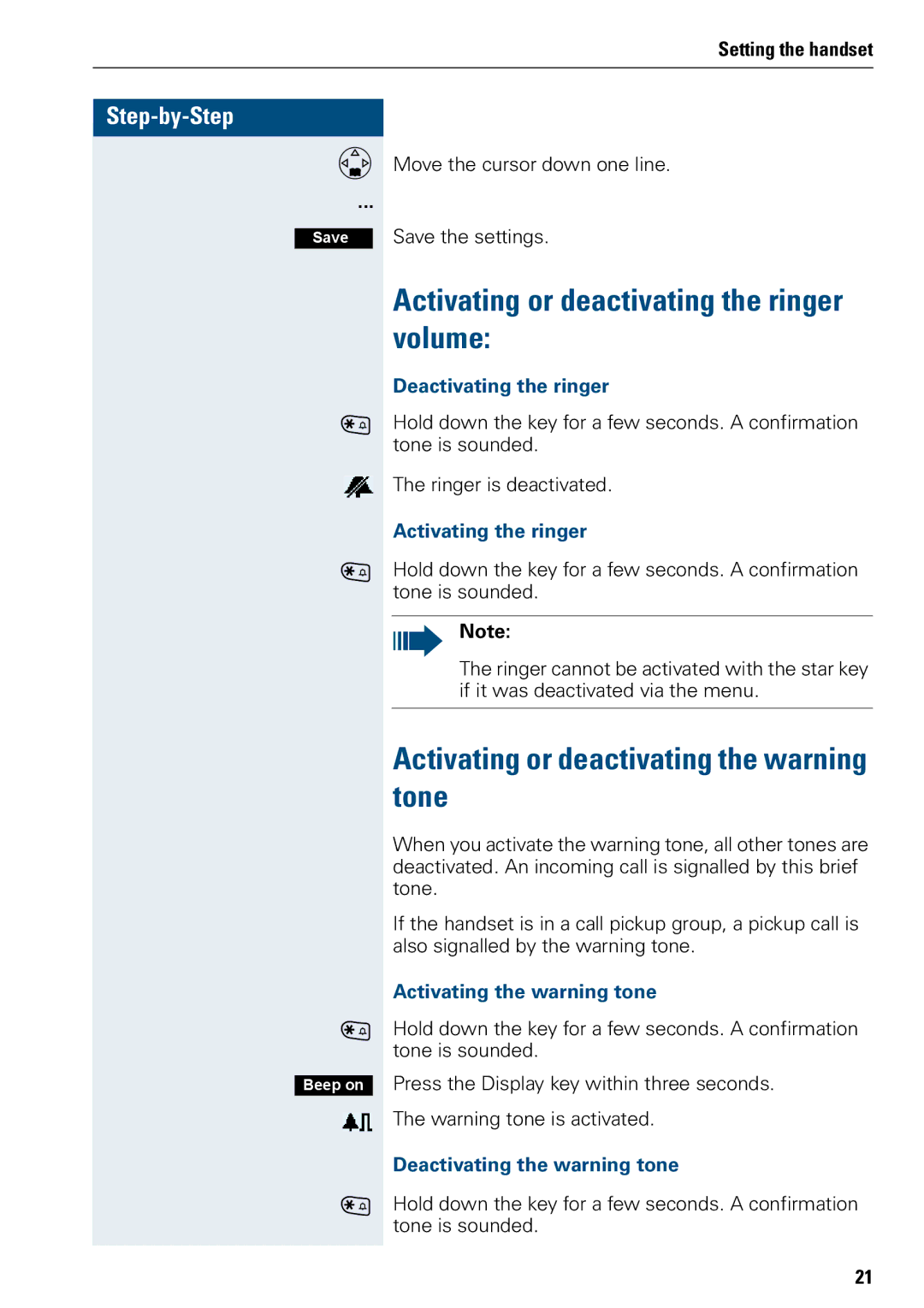
Activating or deactivating the warning tone
Activating or deactivating the ringer volume
Activating/deactivating automatic call answering
Activating/deactivating the silent alert
Fam G
Setting the date and time
Determining direct call numbers
Resetting the defaults
Feature Action
Features
Speakerphone mode
Activating speakerphone mode
Setting the volume
Automatic redial
Deactivating speakerphone mode
Number redial
Adding a telephone number to the redial list
System speed dialling
Deleting a phone number from the redial list
Dialling a speed dialling destination
Setting up an individual speed dialling destination
Individual system speed dialling
Dialling an individual speed dialling destination
System telephone directory
Calling the system telephone directory
Finding an entry
Dor R
Handset directory/carrier list
Dialling the entry
Quitting the redial list
Dor R Dor o Either
Directed assignment of an MSN multi- ple subscriber number
Dor R Dor E
Finding and dialling an entry
Making calls using identification codes
Using the handset as a second line
Deactivating the phone number display
Directed call transfer
Activating the phone number display
Another telephone rings
Deactivating do not disturb
Activating/deactivating do not disturb
Activating do not disturb
Call trace
Call charge display
Talking to a visitor by means of the door opener equipment
Using the handset to open the door opener during a call
Entrance telephone
Deactivating the door release
Activating the door release
Activating a control relay
TDS telephone data service
Activating control relays
Deactivating a control relay
Sending a signal to the network
Activating call forwarding to a trunk
External call forwarding with a multi- ple subscriber number
Deactivating call forwarding to a trunk
Using night service
Activating night service
Deactivating night service
Using dual-tone multifrequency sig- nalling
Automatic tone dialling is not active
Automatic tone dialling is active
Picking up a specific parked call
Parking/activating calls
Parking a call
Conducting calls with multiple users
You receive a call waiting signal second call
Call waiting
Conducting calls with multiple users
Ending the second call
Call waiting tone off/on
Ending the first call
Deactivating the call waiting tone
Override
Disabling/enabling automatic call waiting
Disabling the call waiting tone
Enabling the call waiting tone
Transferring Without announcing the transfer
Transferring calls
Transferring With announcement of call transfer
Resuming the call with the waiting user
Placing a call on hold
Toggling
Forming a conference
Setting up a conference
Conducting a conference
Ending a conference
Expanding a conference
Leaving a conference
Viewing the names of conference parties
Connecting parties
Disconnecting a party from the conference
Viewing the conference parties list
Closing the conference party list
Using the second call function
Activating/deactivating group calls
Group functions
You belong to a hunt group or group call group
You are a member of several groups
Activating/deactivating all groups
Adding users to a group
Ringing group on
First user
Other users
Logging on/off
UCD call distribution
Logging on
Logging off
Requesting time
Logging on/off temporarily
Wrap-up time
Logging back on
UCD night service
Nigh destination on
Night destination off
Activating/deactivating group calls
Mulap group Multiple Line Applica- tion
Checking the number of waiting calls
Forwarding on
Forwarding a Mulap line
Forwarding off
Message functions
Message functions
If necessary o
Activating an advisory message
Deactivating an advisory message
Sending/calling text messages
Opening an incoming text message
Send a text message
Viewing a new message
Answering a message or voice-mail message
Calling an old message
Check for a new voice-mail message
Selecting a call request
Caller list
Deleting a caller from the caller list
Calling back a caller
Adding a caller to the caller list
Activating the alarm clock
Handset alarm clock function
Additional functions
Additional functions
FOff G
Deactivating the alarm clock
Handset appointment reminder func- tion
Deactivating the appointment reminder function
Activating the appointment reminder function
Confirming an appointment reminder call
Displaying an unconfirmed appointment
System appointment function
Deleting/ checking entered appointments
Entering an appointment
Confirming an appointment
Setting the room monitor
Oif necessary W
Walkie-talkie mode
Deactivating walkie-talkie mode
Activating walkie-talkie mode
Making and answering calls
Calling handset
Selecting a base
Telephone blocking
Telephone blocking
Unlocking the handset
Locking/unlocking the handset
Locking the handset
Central telephone lock/locking/un- locking other handsets
Calling functions via the menu
System functions
Calling functions via codes
System functions
Functions Codes
Functions and codes
System functions Functions Codes
Off
Functions Codes
Error Possible cause Remedy
Troubleshooting
Appendix
Appendix
Technical data
Cleaning the handset
Communication system
Handsets
Power supply unit
Accessories
Charging shell
Headset
Extract from original declaration
Declaration of conformity
Index
Index