Wireless Broadband Router WBR 7011b
This product is made by Topcom Belgium
English
Connection Panel
Configuring the PC to Connect to the CABLE/DSL Router
English
Winipcfg for Windows 95/98
Verify Your PC’S IP Configuration
Ipconfig for Windows 2000/NT
Windows XP
Ipconfig / Renew will renew the IP address, gateway and DNS
192.168.1.1
Setup the Broadband Router
English
Cable Modem Used for cable modem connections
Click Next to proceed
Now choose your Broadband Connection Type
English
Continuous The PPP-connection will always be active
Connection Type
WAN connection Dhcp client or Fixed IP address
Pptp Settings
Obtain an IP address automatically
Use the following IP address
Connection Type
Telstra Big Pond not for Europe -- Click OK to proceed
L2TP Settings
Now the quick setup wizard is finished
Now click Internet Connection
Connection Status
Click OK to finish
SSID, Channel
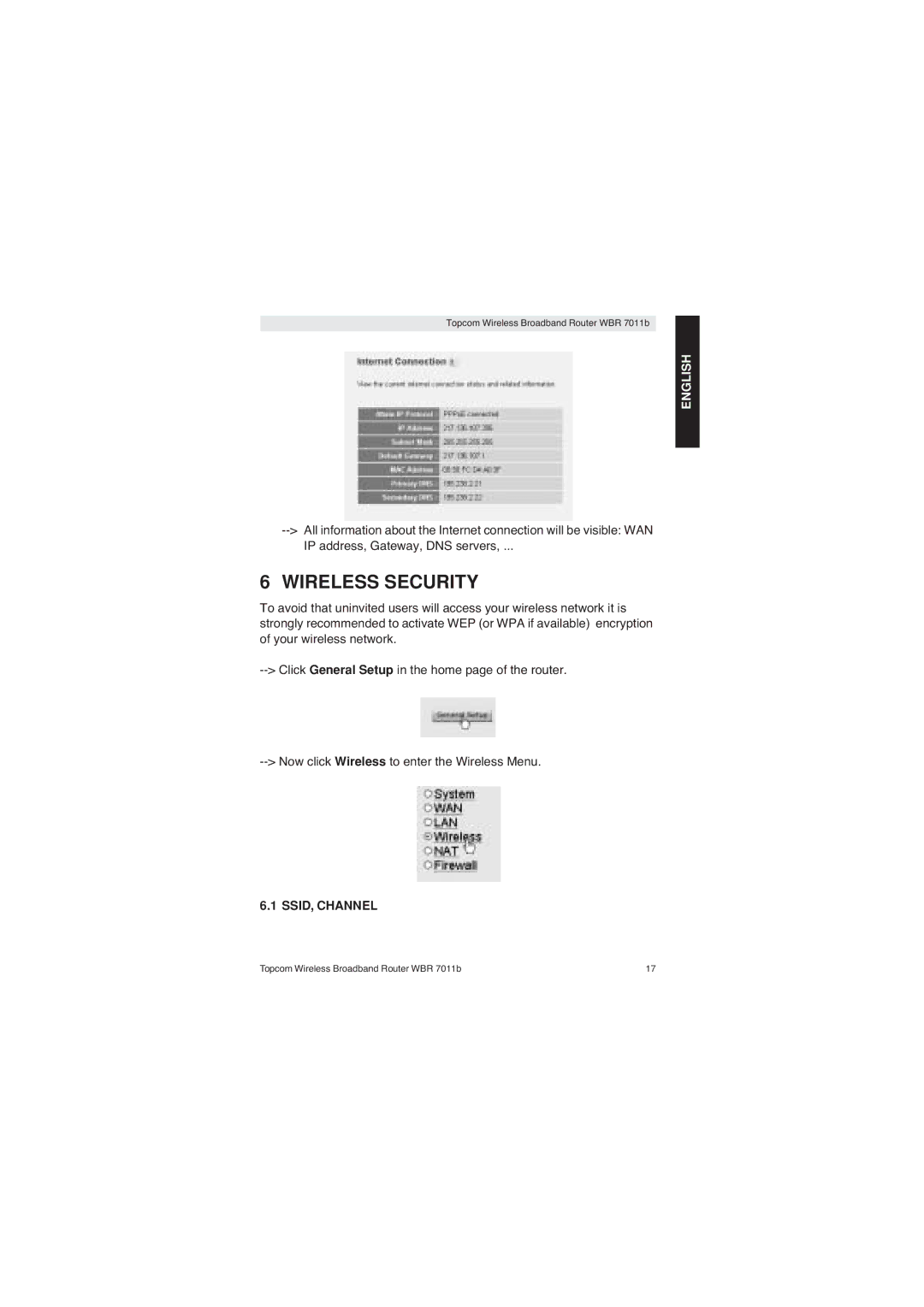
Wireless Security
Encryption
Choose Basic Settings
Choose Security to access the encryption menu
Key Length 64 bit
Example 64-bit WEP Encryption Encryption choose WEP
Hide the Essid
Other Settings
Broadcast Essid Select Disabled
Firmware Update
Warranty Period
Warranty
Warranty Exclusions
Topcom Wireless Broadband Router WBR 7011b
HET Aansluitingspaneel
Dubbelklik op het Netwerk-pictogram
DE PC Configureren OM DE KABEL/ DSL-ROUTER AAN TE Sluiten
Nederlands
Winipcfg Voor Windows 95/98
Controleer DE IP-CONFIGURATIE VAN UW PC
Ipconfig Voor Windows 2000/NT
Windows XP
DE Breedband Router Instellen
Nederlands
Cable Modem Gebruikt voor kabelmodemaansluitingen
Kies nu uw Broadband Connection Type
Service Provider Gateway Address Voer het Gateway IP-adres
Connection Type
WAN connection DHCP-client of vast IP-adres
Pptp Settings
Gebruik het volgende IP-adres
Connection Type
Status VAN DE Verbinding
Klik op General Setup op de startpagina van de router
Draadloze Beveiliging
Klik nu op Internet Connection
SSID, Kanaal
Klik nu op Wireless om naar het menu Wireless te gaan
Kies Basic Settings
Voorbeeld 64-bit WEP-codering
Codering
HET Essid Verbergen
Encryption kies WEP Key Length 64 bit
Andere Instellingen
Broadcast Essid Selecteer Disabled
Topcom Draadloze Breedband Router WBR 7011b
Klik op OK
Topcom Garantie
Garantieperiode
Afwikkeling VAN Garantieclaims
Garantiebeperkingen
Français
LE Panneau DE Connexion
Double-cliquez sur l’icône Réseau
Configuration DU PC Pour LA Connexion AU Routeur CABLE/DSL
Panneau de configuration
Français
Winipcfg Pour Windows 95/98
Vérifiez LA Configuration IP DE Votre PC
Ipconfig Pour Windows 2000/NT