Adjusting the Color Temperature
Adjust the white balance of the picture.
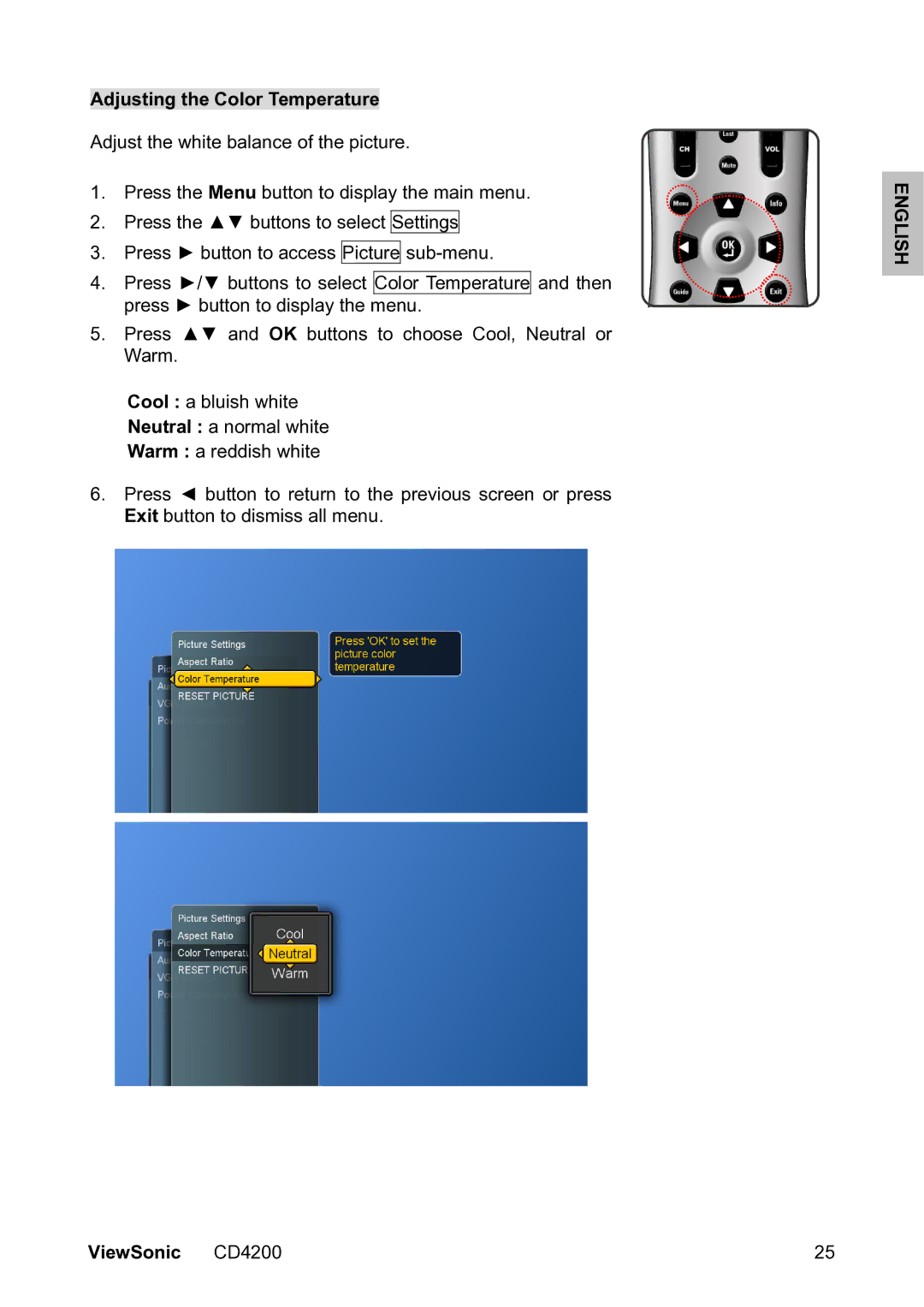
1.Press the Menu button to display the main menu.
2.Press the ▲▼ buttons to select Settings
3.Press ► button to access Picture
4.Press ►/▼ buttons to select Color Temperature and then press ► button to display the menu.
5.Press ▲▼ and OK buttons to choose Cool, Neutral or Warm.
Cool : a bluish white
Neutral : a normal white
Warm : a reddish white
6.Press ◄ button to return to the previous screen or press Exit button to dismiss all menu.
ENGLISH
ViewSonic CD4200 | 25 |