VIVOTEK
Cropping Setting Advanced Mode
Click Cropping Setting to open the Cropping Settings page.
Please follow the steps below to set up cropping mode for mutiple streams:
1.Click Cropping Setting to open the window as shown below.
2.Select a Captured area from the
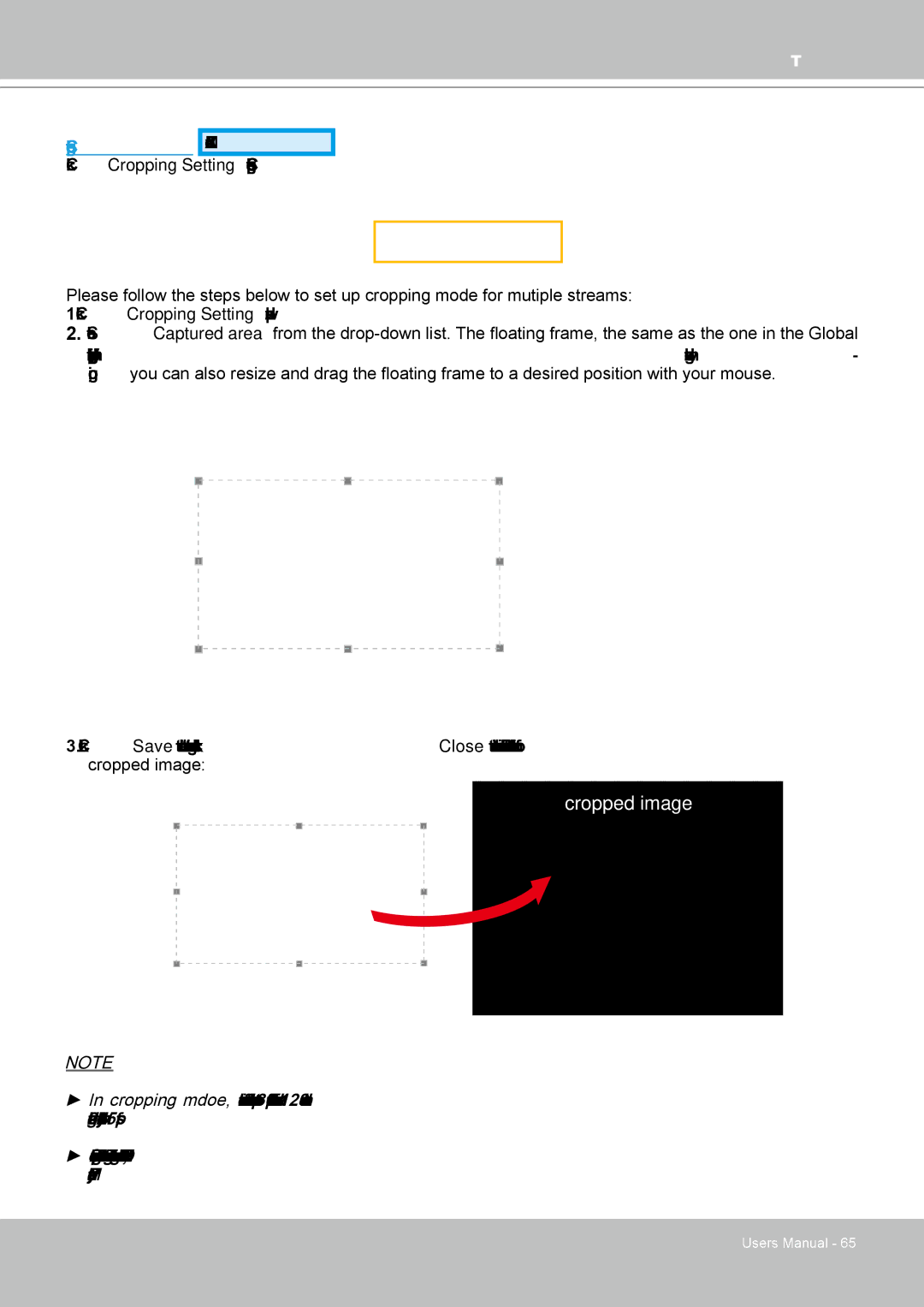
View window on the home page, will resize accordingly. If you want to set up a customized viewing re- gion, you can also resize and drag the floating frame to a desired position with your mouse.
3.Click Save to enable the settings and click Close to exit the window. Below is the illustration of cropped image:
cropped image
NOTE
►In cropping mdoe, the maximum frame rate will be up to 30fps if the width is under 1280 and the height is under 720; otherwise, the maximum frame rate may be reduced to 15fps.
►Select cropping mode will clear the settings in the Viewing Window and disable Motion Detection, Privacy Mask, and Preset Position.
User's Manual - 65