Power
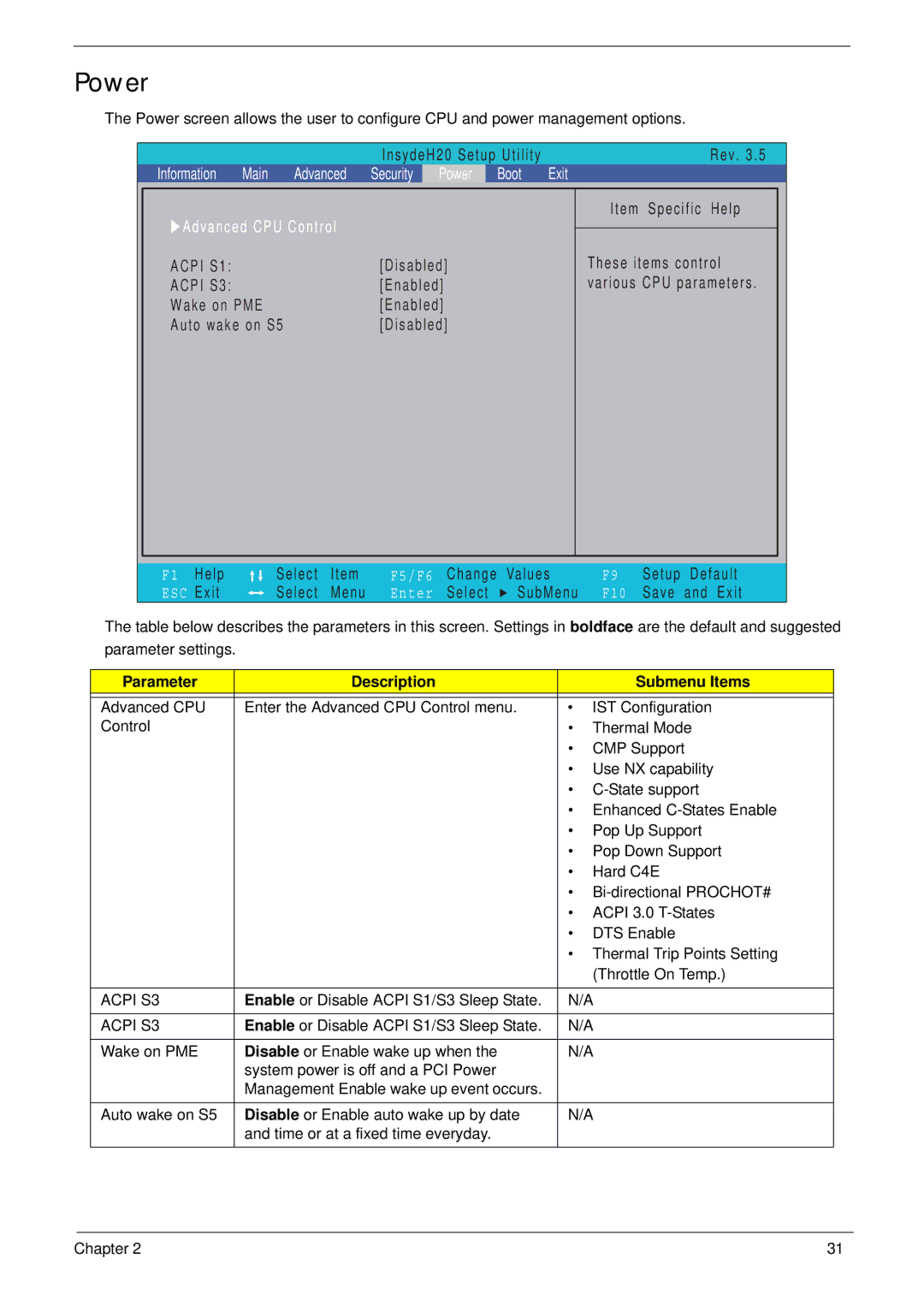
The Power screen allows the user to configure CPU and power management options.
|
|
|
|
| InsydeH20 Setup Utility |
|
|
| Rev. 3.5 | ||
Information | Main | Advanced | Security | Power | Boot | Exit |
|
|
| ||
XAdvanced CPU Control |
|
|
|
| Item Specific Help | ||||||
|
|
|
|
|
|
| |||||
ACPI S1: |
|
|
| [Disabled] |
|
| These items control | ||||
ACPI S3: |
|
|
| [Enabled] |
|
| various CPU parameters. | ||||
Wake on PME |
|
| [Enabled] |
|
|
|
|
| |||
Auto wake on S5 |
| [Disabled] |
|
|
|
|
| ||||
F1 | Help |
| Select | Item | F5/F6 Change | Values | F9 | Setup | Default | ||
ESC | Exit |
| Select | Menu | Enter | Select | SubMenu | F10 | Save | and Exit | |
The table below describes the parameters in this screen. Settings in boldface are the default and suggested parameter settings.
Parameter | Description |
| Submenu Items |
|
|
|
|
Advanced CPU | Enter the Advanced CPU Control menu. | • | IST Configuration |
Control |
| • | Thermal Mode |
|
| • | CMP Support |
|
| • | Use NX capability |
|
| • | |
|
| • Enhanced | |
|
| • | Pop Up Support |
|
| • | Pop Down Support |
|
| • | Hard C4E |
|
| • | |
|
| • | ACPI 3.0 |
|
| • | DTS Enable |
|
| • Thermal Trip Points Setting | |
|
|
| (Throttle On Temp.) |
|
|
| |
ACPI S3 | Enable or Disable ACPI S1/S3 Sleep State. | N/A | |
|
|
| |
ACPI S3 | Enable or Disable ACPI S1/S3 Sleep State. | N/A | |
|
|
| |
Wake on PME | Disable or Enable wake up when the | N/A | |
| system power is off and a PCI Power |
|
|
| Management Enable wake up event occurs. |
|
|
|
|
| |
Auto wake on S5 | Disable or Enable auto wake up by date | N/A | |
| and time or at a fixed time everyday. |
|
|
Chapter 2 | 31 |