504/604 MANUAL V2.0 | USING THE AUDIOCORDER > p. 24 |
3. Using the AudioCorder
You can record audio either from the
In the Home Screen, highlight the AudioCorder icon and press OK to display the
•All audio recordings made by your ARCHOS™ device are saved in the Music/ Recordings folder. If you wish to keep them in a different location, you can use the Move function of the Archos™ file browser after recording (see: Using the Browser).
•The icon  flashes in the status bar while recording.
•Audio files recorded by your ARCHOS™ device will be tagged as follows: Artist =
(Archos: Audio Recordings), Album = (Unknown).
3.1AudioCorder settings screen
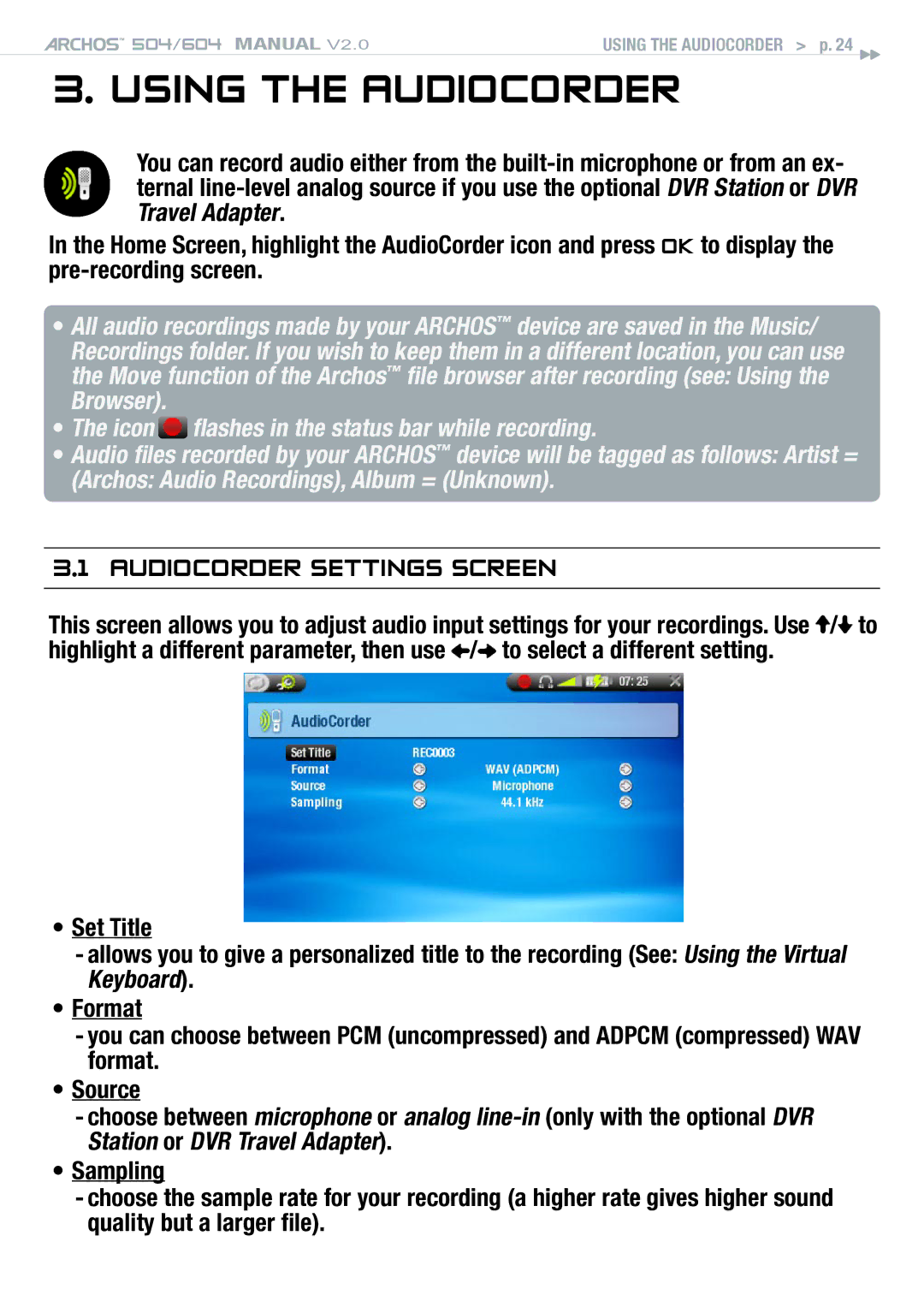
This screen allows you to adjust audio input settings for your recordings. Use  /
/ to highlight a different parameter, then use
  /
/ to select a different setting.
•Set Title
-allows you to give a personalized title to the recording (See: Using the Virtual Keyboard).
•Format
-you can choose between PCM (uncompressed) and ADPCM (compressed) WAV format.
•Source
-choose between microphone or analog
•Sampling
-choose the sample rate for your recording (a higher rate gives higher sound quality but a larger file).