504/604 MANUAL V2.0 | COMPUTER CONNECTION > p. 38 |
6.3 Disconnection
Windows® XP & WMP10 Or higher (Windows MEDIA Device Mode)
•Verify that no data are being transferred between your ARCHOS™ device and your computer (the HDD indicator on your ARCHOS™ device is not flick- ering).
•You can unplug the USB cable from your ARCHOS™ and/or computer.
Windows® Me, 2000 and XP (PC Hard Drive Mode Only)
DO NOT SIMPLY PULL OUT THE CABLE AT ANY TIME!
You must remove/unmount the ARCHOS™ from the computer before disconnecting the USB cable to avoid loss of data or freezing.
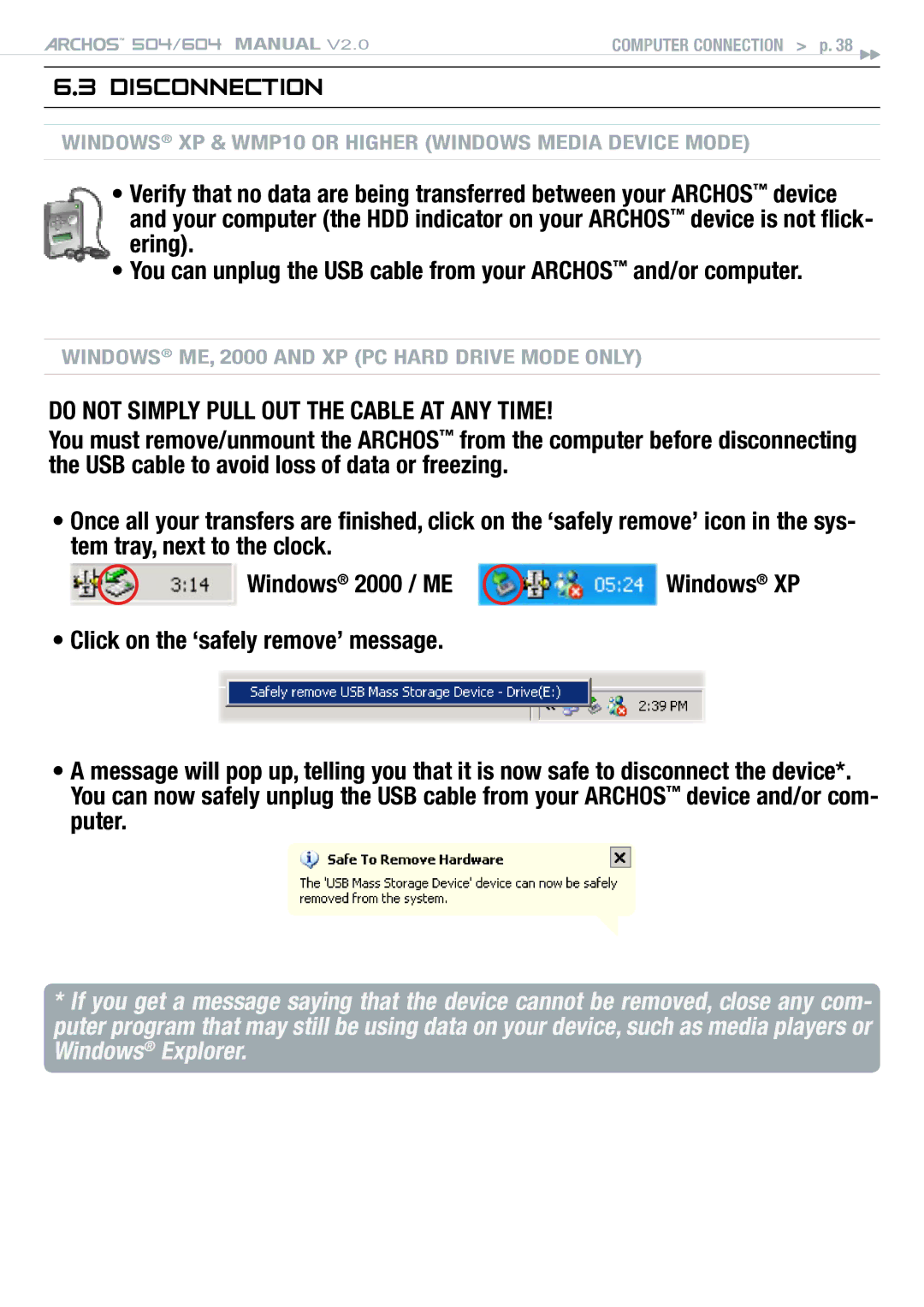
•Once all your transfers are finished, click on the ‘safely remove’ icon in the sys- tem tray, next to the clock.
Windows® 2000 / ME | Windows® XP |
•Click on the ‘safely remove’ message.
•A message will pop up, telling you that it is now safe to disconnect the device*. You can now safely unplug the USB cable from your ARCHOS™ device and/or com- puter.
*If you get a message saying that the device cannot be removed, close any com- puter program that may still be using data on your device, such as media players or Windows® Explorer.