Advanced Features
Alternate setup method
Using this method you can set up your SoundTouch™ system by first joining its own
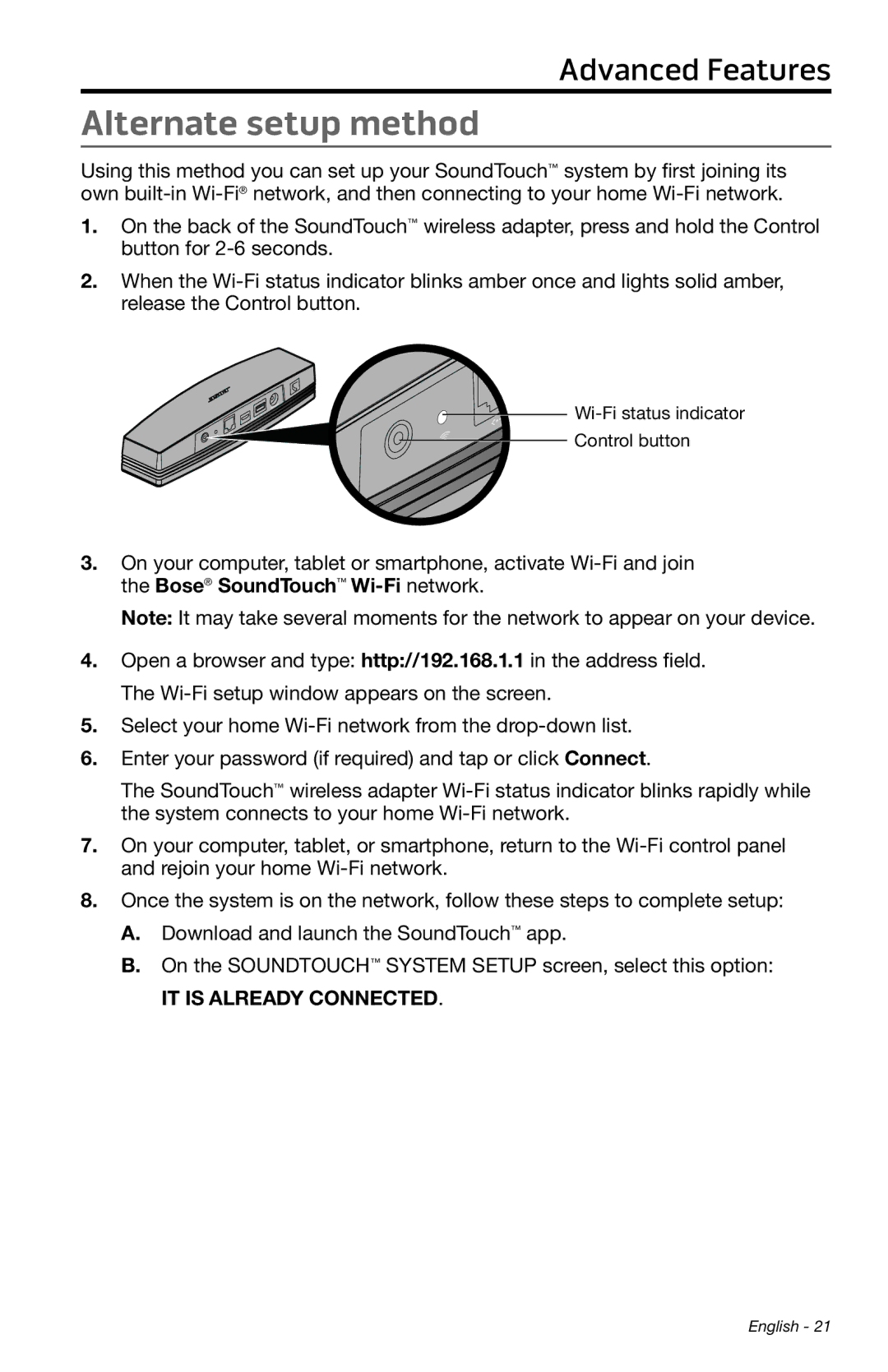
1.On the back of the SoundTouch™ wireless adapter, press and hold the Control button for
2.When the


Control button
3.On your computer, tablet or smartphone, activate
Note: It may take several moments for the network to appear on your device.
4.Open a browser and type: http://192.168.1.1 in the address field. The
5.Select your home
6.Enter your password (if required) and tap or click Connect.
The SoundTouch™ wireless adapter
7.On your computer, tablet, or smartphone, return to the
8.Once the system is on the network, follow these steps to complete setup:
A.Download and launch the SoundTouch™ app.
B.On the SOUNDTOUCH™ SYSTEM SETUP screen, select this option:
IT IS ALREADY CONNECTED.
English - 21