Video
Audio Playback Modes
Selecting the Audio Channel
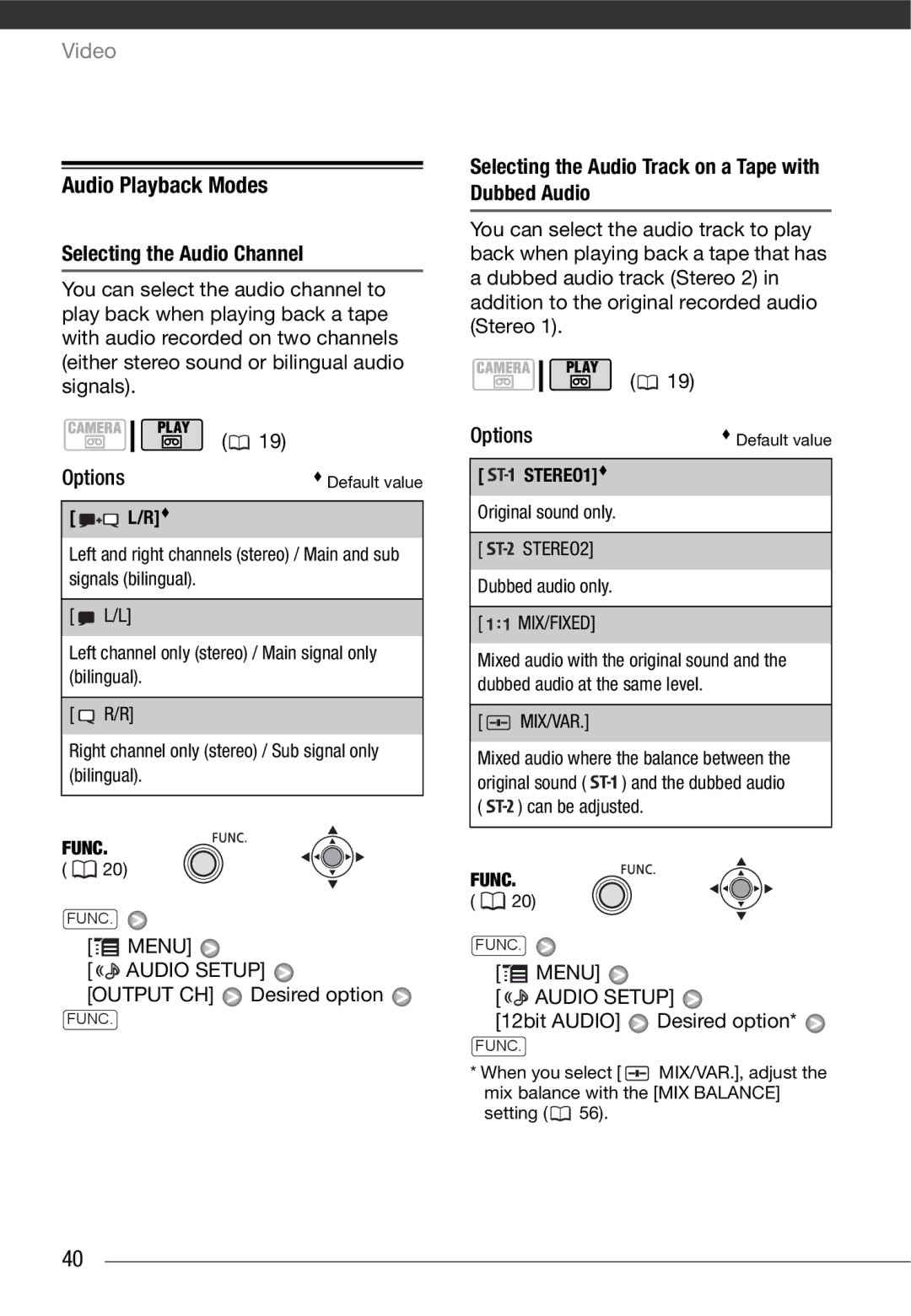
You can select the audio channel to play back when playing back a tape with audio recorded on two channels (either stereo sound or bilingual audio signals).
| ( | 19) |
Options | Default value | |
[ | L/R] |
|
Left and right channels (stereo) / Main and sub | ||
signals (bilingual). |
| |
[ | L/L] |
|
Left channel only (stereo) / Main signal only (bilingual).
[  R/R]
R/R]
Right channel only (stereo) / Sub signal only (bilingual).
FUNC.
(  20)
20)
FUNC.
[ MENU]
MENU] 
[ 
 AUDIO SETUP]
[OUTPUT CH]  Desired option
FUNC.
Selecting the Audio Track on a Tape with Dubbed Audio
You can select the audio track to play back when playing back a tape that has a dubbed audio track (Stereo 2) in addition to the original recorded audio (Stereo 1).
| ( | 19) |
Options | Default value | |
[ | STEREO1] |
|
Original sound only.
[
 STEREO2] Dubbed audio only.
[

 MIX/FIXED]
Mixed audio with the original sound and the dubbed audio at the same level.
[  MIX/VAR.]
Mixed audio where the balance between the
original sound ( 
 ) and the dubbed audio (
 ) can be adjusted.
FUNC.
(  20)
20)
FUNC.
[ MENU]
MENU] 
[ 
 AUDIO SETUP]
[12bit AUDIO]  Desired option*
FUNC.
*When you select [  MIX/VAR.], adjust the mix balance with the [MIX BALANCE]
setting (  56).
56).
40