Setting the Clock
To select your Home Time zone
101
To set the current time and date
Changing the Date Format
102
103
To configure World Time settings
Using World Time
To display the World Time screen
To configure summer time DST settings
104
Use and to select World, and then press
Changing the Display Language
After the setting is the way you want, press SET
Press SET again to exit the setting screen
105
Formatting Built-in Memory
106
107
Using a Memory Card
108
Using a Memory Card
To insert a memory card into the camera
To remove a memory card from the camera
109
Formatting a Memory Card
Copying Files
Memory Card Precautions
To copy all the files in built-in memory to a memory card
110
Press Menu to exit the copy operation
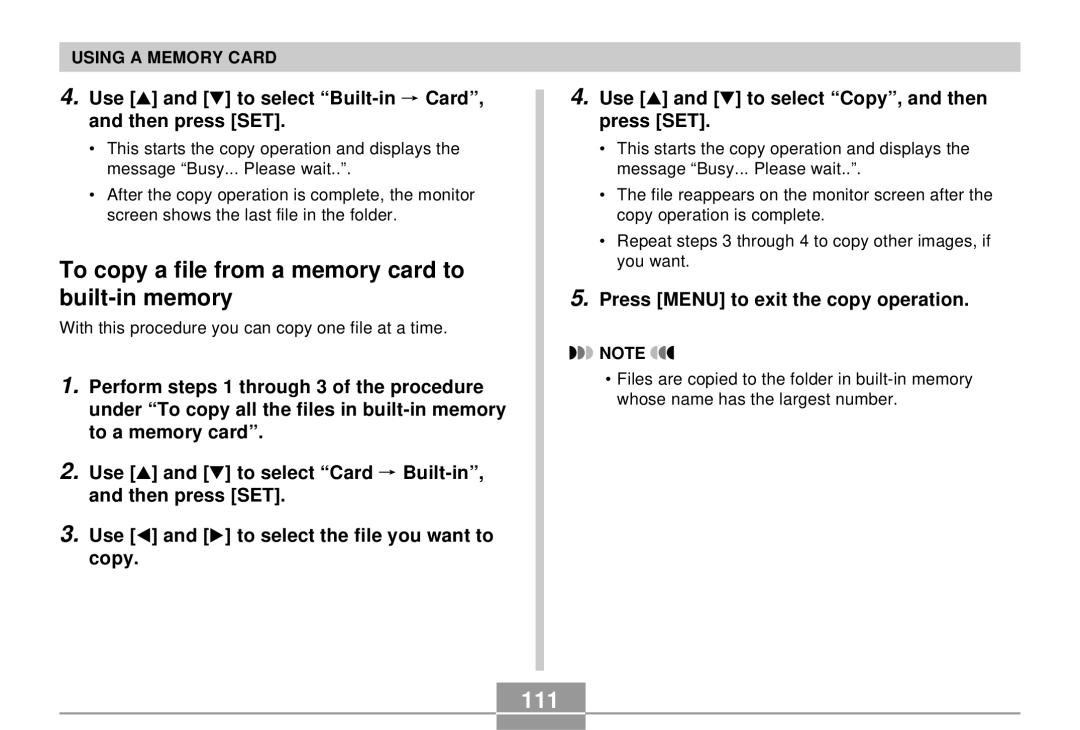
To copy a file from a memory card to built-in memory
111
Use and to select Built-in Card, and then press SET
Using the Camera with a Windows Computer
Viewing Images on a Computer
112
113
Windows 98/Me/2000 Users
Windows XP Users
114
Press the USB cradle’s USB button
115
116
WindowsMe/98 Users
Windows2000/XP Users
USB Connection Precautions
Using the Camera with a Macintosh Computer
117
118
Mac OS 8.6 Users
Mac OS 9/OS X Users
119
120
Your Macintosh will see the camera’s file memory as a drive
121
Operations You Can Perform from Your Computer
122
Using a Commercially Available SD Memory Card Reader/Writer
Using a Memory Card to Transfer Images to a Computer
Using a Computer with a Built-in SD Memory Card Slot
Using a Computer with a Built-in PC Card Slot
Memory Data
DCF Protocol
Memory Directory Structure
124
Folder and File Contents
Image Files Supported by the Camera
125
126
Built-in Memory and Memory Card Precautions
127
Using the Camera with a Computer
Using the Album Feature
Creating an album
128
Selecting an Album Layout
Album Type
Configuring Detailed Album Settings
129
Background Color
130
Image Use
Auto Album Creation On/Off
Viewing Album Files
131
Web browser to open File named
132
133
134
Installing the Software from the CD-ROM
Saving an Album
About the bundled CD-ROM
Macintosh
Computer System Requirements
135
Windows
136
Installing Software from the CD-ROM in Windows
Getting Started
Selecting a Language
Viewing the Contents of the Read me File
Installing an Application
137
User Registration
Exiting the Menu Application
138
To install Photo Loader
Installing Software
Installing Software from the CD-ROM on a Macintosh
To install Internet Explorer and Outlook Express
140
To install Acrobat Reader
To register as a user
141
To view the camera user’s guide
To read the Photo Loader user’s guide
Menu Reference
REC mode
Appendix
142
Play tab menu
Play mode
Set Up tab menu
143
Camera Indicator Lamps
Indicator Lamp Reference
144
145
146
USB Cradle Indicator Lamps
147
Troubleshooting Guide
148
149
Display Messages
Camera Functions
Main Specifications
Specifications
150
Approximate Memory Capacity and File sizes
151
152
Power Requirements
Special AC Adaptor Inlet Type
Rechargeable Lithium Ion Battery NP-20
153
USB Cradle CA-22
154

 Card”, and then press [SET].


 NOTE