HP-UX Directory Server deployment guide
Page
Table of Contents
Designing the directory tree
Designing the replication process
103
125
141
145
155
Introduction to directory services
About directory services
About global directory services
Introduction to Directory Server
About Ldap
Overview of the server frontend
Server plug-ins overview
Overview of the basic directory tree
Directory Server data storage
Expanded directory tree for example corp
Directory design overview
About directory entries
Distributing directory data
Performing queries on directory entries
Design process outline
Deploying the directory
Other general directory resources
Page
Planning the directory data
Introduction to directory data
Information to include in the directory
Information to exclude from the directory
Defining directory needs
Performing a site survey
Identifying the applications that use the directory
Identifying data sources
Characterizing the directory data
Determining level of service
Considering a data master
Determining data ownership
Determining data access
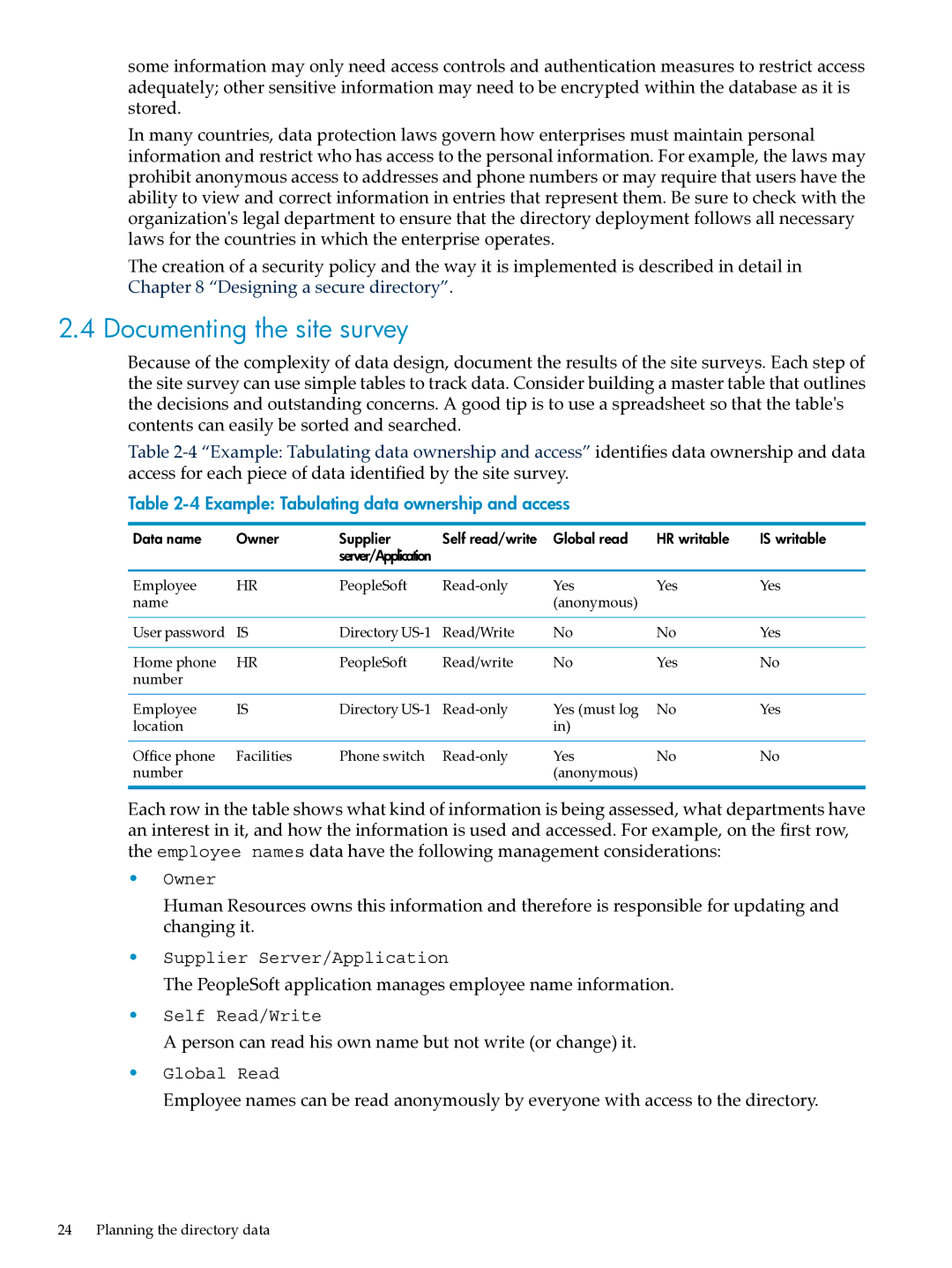
Example Tabulating data ownership and access
Documenting the site survey
Repeating the site survey
Page
Designing the directory schema
Schema design process overview
Standard schema
Schema format
Standard attributes
Standard object classes
Syntaxes support in Directory Server
Mapping the data to the default schema
Viewing the default directory schema
Matching data to schema elements
Customizing the schema
Data mapped to default directory schema
When to extend the schema
Getting and assigning object identifiers
Naming attributes and object classes
Strategies for defining new object classes
New object classes appear in LDAPv3 schema format as follows
Deleting schema elements
Creating custom schema files
Strategies for defining new attributes
Custom schema best practices
Naming schema files
Maintaining consistent schema
Using user defined as the origin
Defining schema in a single file
Defining attributes before object classes
Schema checking
Maintaining consistency in replicated schema
Selecting consistent data formats
Other schema resources
Designing the directory tree
Introduction to the directory tree
Designing the directory tree
Choosing a suffix
Suffix naming conventions
Naming multiple suffixes
Creating the directory tree structure
Branching the directory
Identifying branch points
Example environment directory tree
Directory tree for example isp
Replication considerations
Initial branching of the directory tree for example corp
Access control considerations
Directory branching for example isp
Naming Entries
Naming person entries
Naming group entries
Naming organization entries
Grouping directory entries
About roles
Naming other kinds of entries
About class of service
Deciding between roles and groups
Virtual directory information tree views
About virtual DIT views
10 Examples of a flat and an organizationally-based DIT
11 a combined DIT using views
Advantages of using virtual DIT views
12 a DIT with a virtual DIT view hierarchy
Example of virtual DIT views
Views and other directory features
Effects of virtual views on performance
Compatibility with existing applications
Directory tree design examples
Directory tree for an international enterprise
Other directory tree resources
Directory tree for an ISP
Page
Designing the directory topology
Topology overview
Distributing the directory data
About using multiple databases
Storing suffix data in separate databases
About suffixes
Directory tree spread across multiple databases
Using referrals
About knowledge references
About default referrals
Structure of an Ldap referral
Using smart referrals to redirect requests
Smart referrals
Redirecting a query to a different server and namespace
Tips for designing smart referrals
10 a circular referral pattern
Using chaining
Deciding between referrals and chaining
Evaluating access controls
Usage differences
This illustration, the following steps are performed
Using indexes to improve database performance
Overview of directory index types
Evaluating the costs of indexing
Page
Designing the replication process
Introduction to replication
Replication concepts
Unit of replication
Read-write and read-only replicas
Suppliers and consumers
Replication and changelogs
Common replication scenarios
Data consistency
Replication agreement
Single-master replication
Multi-master replication
Multi-master replication configuration two suppliers
Multi-master replication configuration B four suppliers
Cascading replication
Replication traffic in a multi-master environment
Cascading replication scenario
Mixed environments
Replication traffic and changelogs in cascading replication
Defining a replication strategy
Combined multi-master and cascading replication
Conducting a replication survey
Replicated selected attributes with fractional replication
Replication resource requirements
Managing disk space required for multi-master replication
Using replication for high availability
Replication across a wide-area network
Using replication for local availability
Using replication for load balancing
Example of network load balancing
Effects of replication and remote lookup on the network
Example of load balancing for improved performance
Calculating Directory Server load
Example replication strategy for a small site
Example replication strategy for a large site
Using replication with other Directory Server features
Replication and access control
Replication and Directory Server plug-ins
Replication and database links
Schema replication
See Creating custom schema files for more information
Replication and synchronization
Designing synchronization
Windows synchronization overview
Synchronization agreements
Planning windows synchronization
Changelogs
Controlling synchronization
Resource requirements
Managing disk space for the changelog
Defining the connection type
Determining the subtree to synchronize
Interaction with a replicated environment
Identifying the directory data to synchronize
Multi-master Directory Server Windows domain synchronization
Synchronizing passwords and installing password services
Defining an update strategy
Editing the sync agreement
NtUserDomainId
Password policies
Values for cn attributes
Values for street and streetAddress
Contraints on the initials attribute
NtGroupId Name
Unauthorized access
Designing a secure directory
About security threats
Unauthorized tampering
Denial of service
Determining access rights
Analyzing security needs
Overview of security methods
Ensuring data privacy and integrity
Conducting regular audits
Example security needs analysis
Selecting appropriate authentication methods
Anonymous access
Simple password
Certificate-based authentication
Simple password over SSL/TLS
Simple authentication and security layer
Proxy authentication
Preventing authentication by account deactivation
Designing a password policy
How password policy works
Designing a secure directory
Designing a password policy
Password policy checking process
Password policy attributes
Password change after reset
User-defined passwords
Password expiration
Grace login limit
Password syntax checking
Expiration warning
Password length
Password minimum age
Password history
Designing a password policy in a replicated environment
Password storage schemes
Designing an account lockout policy
Designing access control
About the ACI format
Targets
Permissions
Setting permissions
Allowing or denying access
Bind rules
Precedence rule
When to deny access
Where to place access control rules
Using filtered access control rules
Viewing ACIs Get effective rights
Using ACIs Some hints and tricks
Database encryption
Use Ldap search filters cautiously
Securing server to server connections
Other security resources
Local enterprise schema design
Directory design examples
Design example a local enterprise
Local enterprise data design
Local enterprise directory tree design
Local enterprise topology design
Database topology
Local enterprise replication design
Supplier architecture
Supplier consumer architecture
Supplier architecture for Example Corp
Local enterprise security design
Supplier and consumer architecture for Example Corp
Local enterprise tuning and optimizations
Design example a multinational enterprise and its extranet
Local enterprise operations decisions
Multinational enterprise schema design
Multinational enterprise data design
Multinational enterprise directory tree design
Entry for the l=Asia entry appears in Ldif as follows
Multinational enterprise topology design
Directory tree for Example Corp. Internationals extranet
Server topology
11 Server topology for Example Corp. Europe
Multinational enterprise replication design
12 Server topology for Example Corp. Internationals extranet
13 Supplier architecture for Example Corp. Europe
Multinational enterprise security design
Directory design examples
Support and other resources
Contacting HP
Related information
HP-UX Directory Server administration server guide
HP-UX documentation set
Troubleshooting resources
Typographic conventions
144
Access rights
Glossary
CGI
DIT
GSS-API
Ldap
NIS