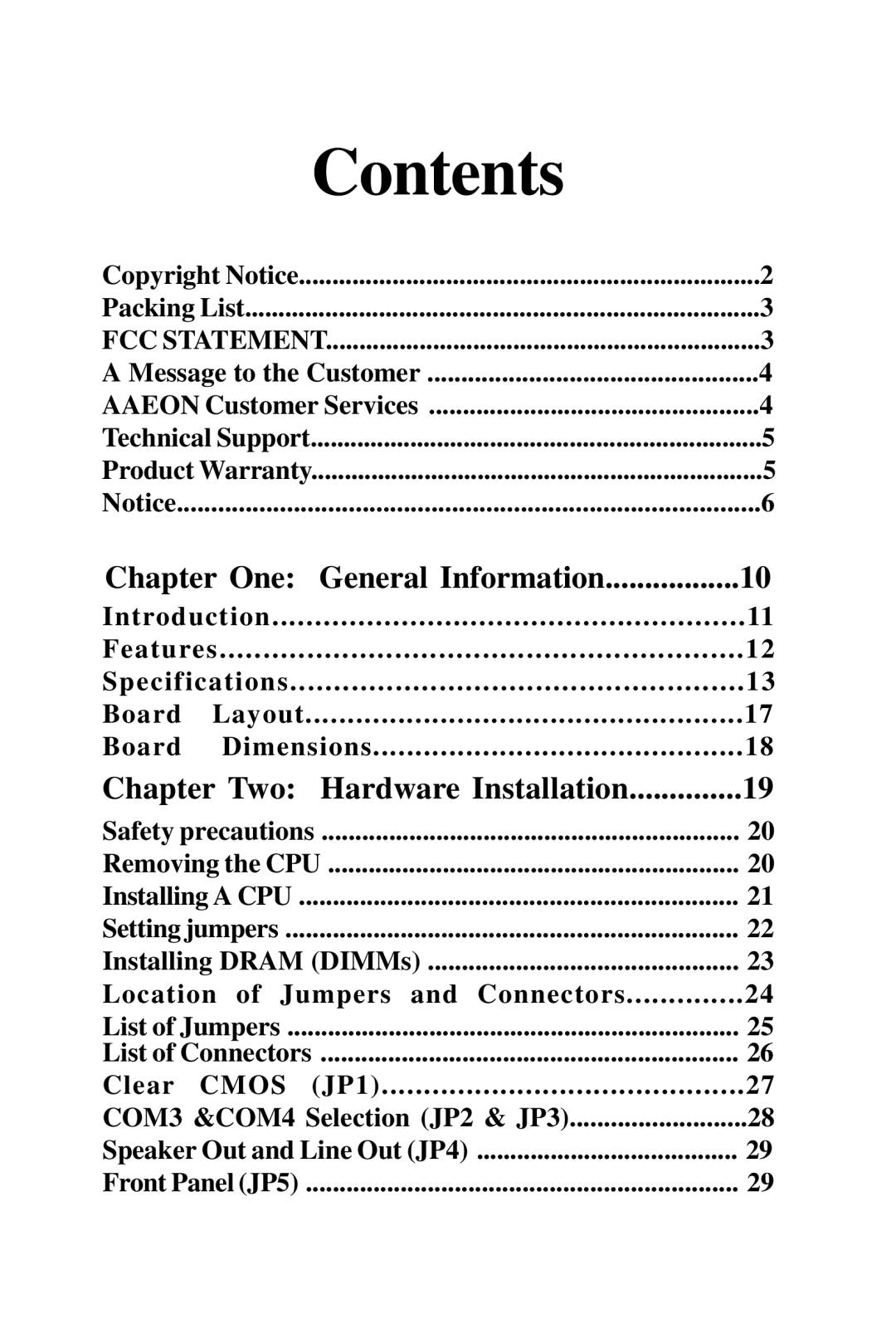
To Enter Setup Before Boot Press DEL KEY
Starting setup
Getting help
Case of Problems
These keys helps you navigate in Setup
Setup keys
Power Management Setup
Standard Cmos Features
Advanced Bios Features
Advanced Chipset Features
Set Supervisor/User Password
PnP/PCI Configuration
Load Fail-Safe Defaults
Load Optimized Defaults
Date and Time Configuration
Standard Cmos Features
Page
Drive a Drive B
Memory
Halt On
Base Memory
Other Memory
Extended Memory
Virus Warning
Advanced Bios Features
CPU Internal Cache/External Cache
Swap Floppy Drive
OS Select For DRAM64MB-Select
Typematic Rate Setting- Key strokes repeat at a
Typematic Dealy Msec- Sets the delay time
Typematic Rate Chars/Sec- Sets the number
Report No FDD For WIN 95- Wheather report
HDD S.M.A.R.T Capability
Sdram RAS-to-CAS Delay
Advanced Chipset Features Sdram CAS Latency Time
Sdram Cycle Time Tras/Trc
Delayed Transaction
System Bios Cacheable
Video Bios Cacheable
CPU Latency Timer
System Memory Frequency
Paging Mode Control
AGP Graphics Aperture Size
Display Cache Frequency
Ras# Timing
RAS-to-CAS Override
Ras# Precharge Timing
IDE Primary/Secondary Master/Slave PIO
Integrated Peripherals
On-Chip Primary PCI IDE
On-Chip Secondary PCI IDE
USB Controller
IDE HDD Block Mode
Power on Function
KB Power on Password
Onboard FDC Controller
Hot Key Power On
Uart Mode Select
UART2 Duplex Mode
Onboard Parallel Port
Parallel Port Mode
ECP Mode Use DMA
Onboard Serial Ports 1, 2,3,4
Watch Dog Timer
Power Management
Power Management Setup
Acpi Function
Video Off Method
Suspend Type
Suspend Mode
HDD Power Down
Video Off In Suspend
Resume By Alarm
Power On By Ring
Reload Global Timer Events
Resources Controlled By
PnP/PCI Configurations
PnP OS Installed
Reset Configuration Data
PC Health Status
Shutdown Temperature
Spread Spectrum
Clock By Slight Adjust
Frequency/Voltage Control
Auto Detect DIMM/PCI CLK
Load Fail-Safe Defaults
Load Optimized Default
Load Optimized Default
Enter Password
Set Supervisor Password
Set User Password
Save to Cmos and Exit
Save to Cmos and Exit
Quit without Saving
Drivers Installation
Installing Drivers
Installing Chipset Driver for Windows 95/98
Installing Ultra ATA Storage Driver for Windows 95/98
==Select the Optional Search for best Lan driver
Installing LAN for Windows 95/98
Installing VGA for Windows 95/98
Installing Audio for Windows 95/98
Please perform this procedure first
Installing Security Driver for Windows NT
Installing Ultra ATA Storage Driver for Windows NT
Installing VGA for Windows NT
Installing Audio for Windows NT
==Intel Pro Adapter will appear ==Click on OK
Installing LAN for Windows NT
Installing VGA for Windows