Playing back files stored on a PC and NAS
Use this procedure to play music files, image files or playlists.
1 Prepare for playback.
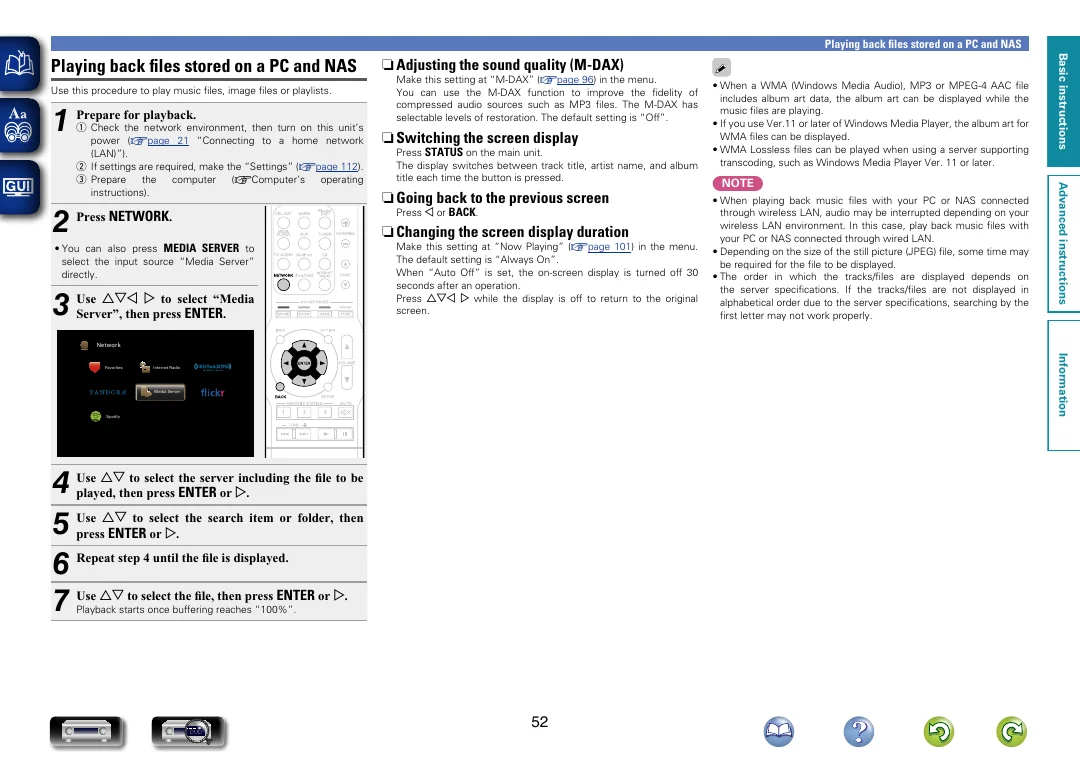
2 Press NETWORK .
Make this setting at “M-DAX” (vpage 96) in the menu.
You can use the M-DAX function to improve the fidelity of
compressed audio sources such as MP3 files. The M-DAX has
selectable levels of restoration. The default setting is “Off”.
n n Switching the screen display
Press STATUS on the main unit.
The display switches between track title, artist name, and album
title each time the button is pressed.
n n Going back to the previous screen
Press o or BACK .
• You can also press MEDIA SERVER to
select the input source “Media Server”
directly.
uio p to select “Media
3 Use
Server”, then press ENTER .
n n Changing the screen display duration
Make this setting at “Now Playing” (vpage 101) in the menu.
The default setting is “Always On”.
When “Auto Off” is set, the on-screen display is turned off 30
seconds after an operation.
Press uio p while the display is off to return to the original
screen.
• When a WMA (Windows Media Audio), MP3 or MPEG-4 AAC file
includes album art data, the album art can be displayed while the
music files are playing.
• If you use Ver.11 or later of Windows Media Player, the album art for
WMA files can be displayed.
• WMA Lossless files can be played when using a server supporting
transcoding, such as Windows Media Player Ver. 11 or later.
NOTE
• When playing back music files with your PC or NAS connected
through wireless LAN, audio may be interrupted depending on your
wireless LAN environment. In this case, play back music files with
your PC or NAS connected through wired LAN.
• Depending on the size of the still picture (JPEG) file, some time may
be required for the file to be displayed.
• The order in which the tracks/files are displayed depends on
the server specifications. If the tracks/files are not displayed in
alphabetical order due to the server specifications, searching by the
first letter may not work properly.
Advanced instructions
q Check the network environment, then turn on this unit’s
power (vpage 21 “Connecting to a home network
(LAN)”).
w If settings are required, make the “Settings” (vpage 112).
e Prepare
the
computer
(vComputer’s
operating
instructions).
n n Adjusting the sound quality (M-DAX)
Basic instructions
Playing back files stored on a PC and NAS
Network
Information
Favorites
Internet Radio
Media Server
Spotify
ui to select the server including the file to be
4 Use
played, then press ENTER or p .
ui to select the search item or folder, then
5 Use
press ENTER or p .
6 Repeat step 4 until the file is displayed.
7 Use ui to select the file, then press ENTER or p .
Playback starts once buffering reaches “100%”.
DVD
52