Playing back files stored on a PC and NAS
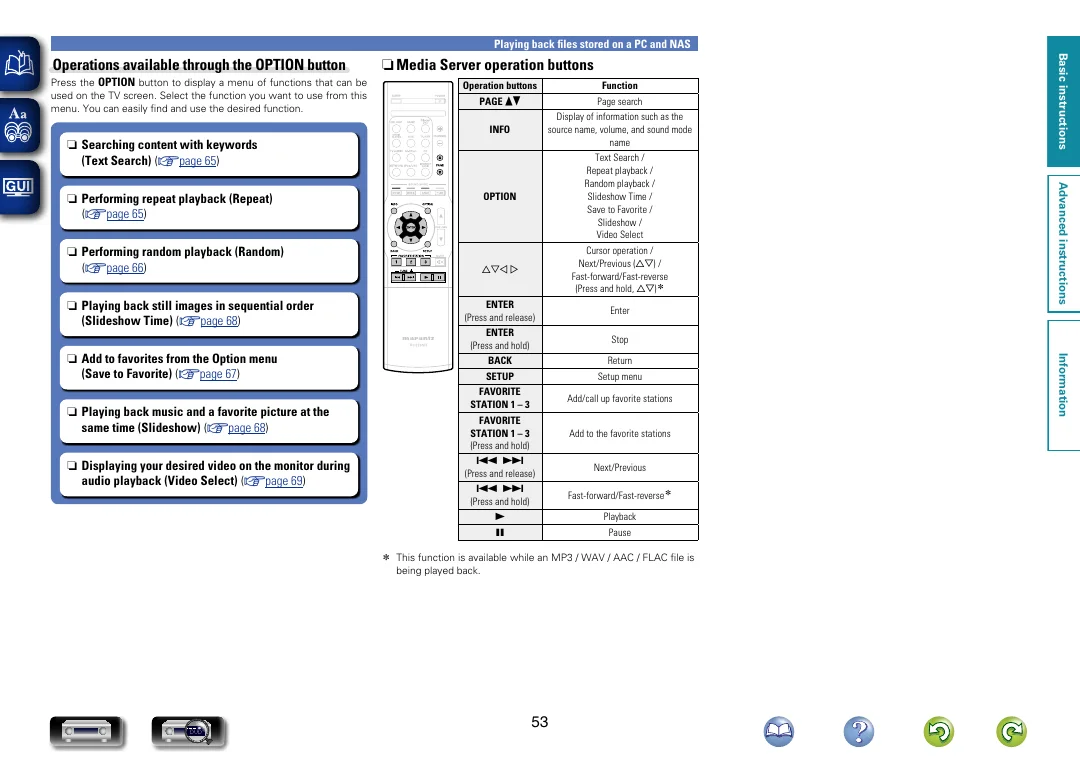
n n Media Server operation buttons
Function
PAGE df
Page search
INFO
Display of information such as the
source name, volume, and sound mode
name
OPTION
Text Search /
Repeat playback /
Random playback /
Slideshow Time /
Save to Favorite /
Slideshow /
Video Select
uio p
Cursor operation /
Next/Previous (ui) /
Fast-forward/Fast-reverse
(Press and hold, ui) z
ENTER
(Press and release)
Enter
ENTER
(Press and hold)
Stop
n n Searching content with keywords
(Text Search) (vpage 65)
n n Performing repeat playback (Repeat)
(vpage 65)
n n Performing random playback (Random)
(vpage 66)
n n Playing back still images in sequential order
(Slideshow Time) (vpage 68)
n n Playing back music and a favorite picture at the
same time (Slideshow) (vpage 68)
n n Displaying your desired video on the monitor during
audio playback (Video Select) (vpage 69)
BACK
Return
SETUP
Setup menu
FAVORITE
STATION 1 – 3
Add/call up favorite stations
FAVORITE
STATION 1 – 3
(Press and hold)
8 9
(Press and release)
8 9
(Press and hold)
1
Add to the favorite stations
Next/Previous
Fast-forward/Fast-reverse z
Playback
Pause
3
z z This function is available while an MP3 / WAV / AAC / FLAC file is
being played back.
DVD
53
Information
n n Add to favorites from the Option menu
(Save to Favorite) (vpage 67)
Advanced instructions
Operation buttons
Basic instructions
Operations available through the OPTION button
Press the OPTION button to display a menu of functions that can be
used on the TV screen. Select the function you want to use from this
menu. You can easily find and use the desired function.