FaxFinder IP
Warranty
S000493A, Version a
Copyright 2011, by Multi-Tech Systems, Inc
Revisions
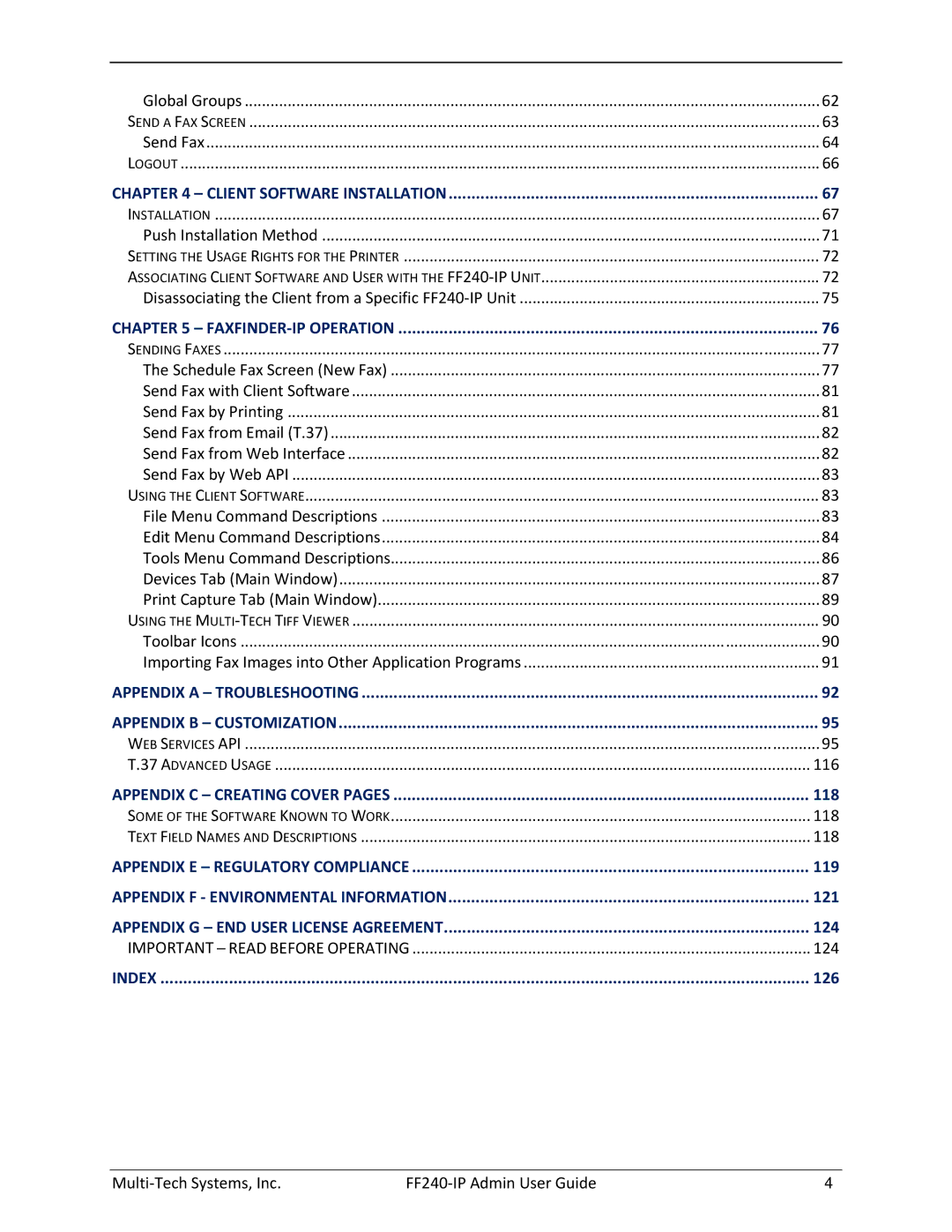
Contents
Multi-Tech Systems, Inc FF240-IP Admin User Guide
Safety Warnings
Product Description Specifications
Product Description
Technical Specifications
Introduction
Getting Started
FF240-IP Operating Modes
Send Fax screen
Client software
Mechanical Mounting
Inch Rack Enclosure Mounting Procedure
Rack Mounting
Back Panel Connections
External Descriptions
Front Panel LEDs
Installation Overview
Verify Powering
Connect FF240-IP to AC Outlet
Connect FF240-IP to Ethernet Network
Part B Configuring the FF240-IP Server
Setting Admin PC to Startup IP Address
Resetting Admin PC to Its Regular IP Address
Setting FF240-IP IP Addresses
Logging
Log In After Reset
Firefox Add Exception Process
Sending Test Faxes
Save your Configuration to a File on the Local PC
Sending a loop-back test fax
Sending a test fax on your SIP network
Adding Client-Users
Forgot Password?
Login Screen
Web Management Interface
Home Screen
Status & Logs Section
System Status
System Status
Printer Status section
Fax Status
Channel Status
Inbound Fax Status
Start Time
Extension
Recipient
Outbound Fax Status
Mail Queue
Mail Log
Inbound Fax Log
Outbound Fax Log
Resolution
Call Log
Direction
Fax Number
Network Configuration
System Configuration Section
Network
Smtp Configuration
Send a Test Email
Time
Time Configuration
Set Current Time
Printer
Printers
Advanced Setup
Advanced Setup
Cancel button
Add Printer
Shared Resources
Shares
Network Shares
Password
Confirm Password
Cancel button
Add Network Share
Certificates
Generate Server Certificate
Generate button
Email Address
Server Certificate
Save/Restore
Save/Restore Configuration
Restore Config
Restore button
Software Update
Software Update
License Upgrade
Reboot
Debug
Fax Configuration Section
SIP / T.38 Configuration
Authorization Required
Transport Protocol
SIP Proxy/Gateway
SIP Domain
Error Correction
Jitter Buffer Delay
Fax ID
Fax Method
General Setup
Inbound Routing
Email Size Limit
Fax Output Format Email Fax Details
Default Routing
Global Routing
Fax Destinations
Add Destination Global
Recipients
Fields
Values
Export Recipients to CSV
Delete All
Outbound Options
Outbound
Outbound Archive
Outbound Approval
Outbound Approval Setup
Approvers
Approved Fax Numbers
Approved Users
Cover Pages
Opt-Out
Cover Pages
Cover
Action Delete
Add Cover
Store & Forward Fax T.37
Store & Forward Fax T.37 Parameters
Store & Forward Fax T.37 Additional Hosts
Add
Fax Log
Fax Log Purge
Users Section
FaxFinder Users
Add / Import / Export / Delete All
Full Name
Edit Contacts for username
Edit Groups for username
Import
Existing Users
Users CSV Import Format
Contacts Section
Personal
Export
Delete All
Global
Global Contacts
Personal Groups
Global Groups
Personal Groups
Global Groups
Send a Fax Screen
Sender Information
Send Fax
Recipient Information
Cover Page Information
Attachments Options
Logout
Client Software Installation
Installation
Page
Page
Page
Push Installs of the Client Software
Push Installation Method
Client Install Shield Mass Uninstall
Setting the Usage Rights for the Printer
Associating Client Software and User with the FF240-IP Unit
For Windows Server 2003, Windows XP and earlier
For Windows Vista, Windows 7 and later
Add FF240-IP Manually Use Auto Discover to Locate FF240-IP
Client Installation
Disassociating the Client from a Specific FF240-IP Unit
FaxFinder-IP Operation
Introduction Overview
Sending Faxes
Schedule Fax Screen New Fax
Device pane
Reconnect button
Schedule Options pane
Fax Scheduling Options
Organization column
Recipients pane
Documents pane
Cover Page pane
Send the Fax
Send Fax with Client Software
Send Fax by Printing
Send Fax from Email T.37
Send Fax from Web Interface
Using the Client Software
File Menu Command Descriptions
File menu Commands
Send Fax by Web API
Edit Menu Command Descriptions
Add FF240-IP
Advanced tab
Date/Time tab
Logging tab
Tools Menu Command Descriptions
Devices Tab Main Window
Open
Fax Status tab
User Info tab
Set as Default
Schedule Options tab
Reconnect
Delete
Print Capture Tab Main Window
Fax
View
Clear All
Using the Multi-Tech Tiff Viewer
Toolbar Icons
Importing Fax Images into Other Application Programs
Appendix a Troubleshooting
What if I cant see the web page for my FF240-IP?
Page
Smtp Error Code List
No email message after mail server setup cont’d
Web Services API
Authorization
Appendix B Customization
Introduction
Example
Retrieving Fax Entries
Appendix B Customization Http Response Status Codes
Aborting a Fax Entry
Rescheduling a Fax Entry
Retrieving User Information
Retrieving Contacts
Adding New Contacts
Modifying Contacts
Deleting Contacts
Retrieving Contact Groups
Retrieving Cover Pages
Verify User
Retrieving information about the FF240-IP
General Status Codes
Schedule Fax Element
109
110
111
Fax Entry Element
113
User Element
This element represents a user registered on the FF240-IP
Contact Element
This element represents a user contact
Introduction
Advanced Usage
Options
Multiple Options Example
Relaying
Appendix C Creating Cover Pages
Some of the Software Known to Work
Text Field Names and Descriptions
Tips
CFR Part 15 Regulation
Appendix E Regulatory Compliance
Fax Branding Statement
Canadian Limitations Notice
Industry Canada
Weee Statement
Appendix F Environmental Information
Waste Electrical and Electronic Equipment
Reach Statement
Restriction of the Use of Hazardous Substances RoHS
依照中国标准的有毒有害物质信息
Rohs HT/TS Substance Concentration
Appendix G End User License Agreement
Important Read Before Operating
125
Fax Configuration
Index