To change the lock code, select Menu > Settings > Config. > General > Security > Phone and SIM card > Lock code. Enter the old code and then the new code twice. The new code can be
To set a
When the device or keypad is locked, calls may be possible to the official emergency number programmed into your device.
■ Antenna locations
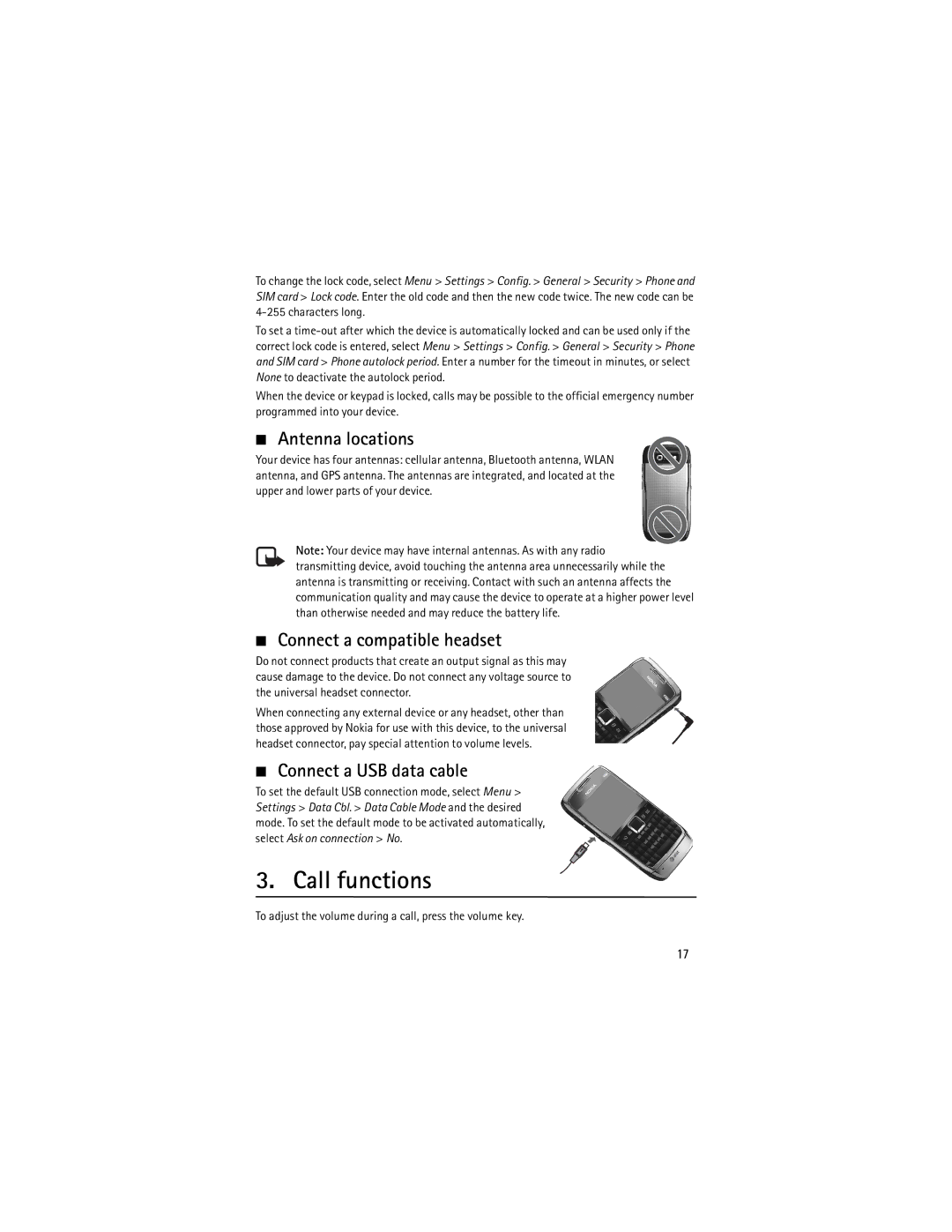
Your device has four antennas: cellular antenna, Bluetooth antenna, WLAN antenna, and GPS antenna. The antennas are integrated, and located at the upper and lower parts of your device.
Note: Your device may have internal antennas. As with any radio transmitting device, avoid touching the antenna area unnecessarily while the antenna is transmitting or receiving. Contact with such an antenna affects the communication quality and may cause the device to operate at a higher power level than otherwise needed and may reduce the battery life.
■Connect a compatible headset
Do not connect products that create an output signal as this may cause damage to the device. Do not connect any voltage source to the universal headset connector.
When connecting any external device or any headset, other than those approved by Nokia for use with this device, to the universal headset connector, pay special attention to volume levels.
■ Connect a USB data cable
To set the default USB connection mode, select Menu > Settings > Data Cbl. > Data Cable Mode and the desired mode. To set the default mode to be activated automatically, select Ask on connection > No.
3. Call functions
To adjust the volume during a call, press the volume key.
17