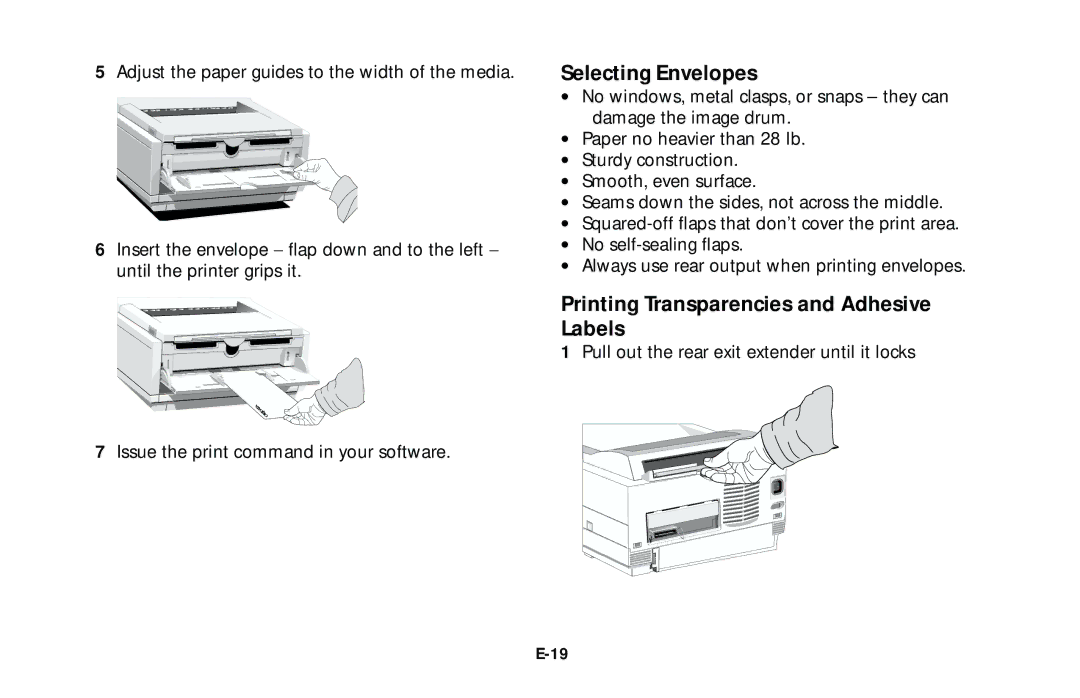
5Adjust the paper guides to the width of the media.
6Insert the envelope − flap down and to the left − until the printer grips it.
7Issue the print command in your software.
Selecting Envelopes
•No windows, metal clasps, or snaps – they can damage the image drum.
•Paper no heavier than 28 lb.
•Sturdy construction.
•Smooth, even surface.
•Seams down the sides, not across the middle.
•
•No
•Always use rear output when printing envelopes.
Printing Transparencies and Adhesive Labels
1Pull out the rear exit extender until it locks