Connecting to Your PC
Connecting to Your PC
Your LCD Monitor : Front View Product Description • Accessory Pack • Connecting to Your PC • Getting Started • Optimizing Performance
Accessory Pack
Unpack all the parts.
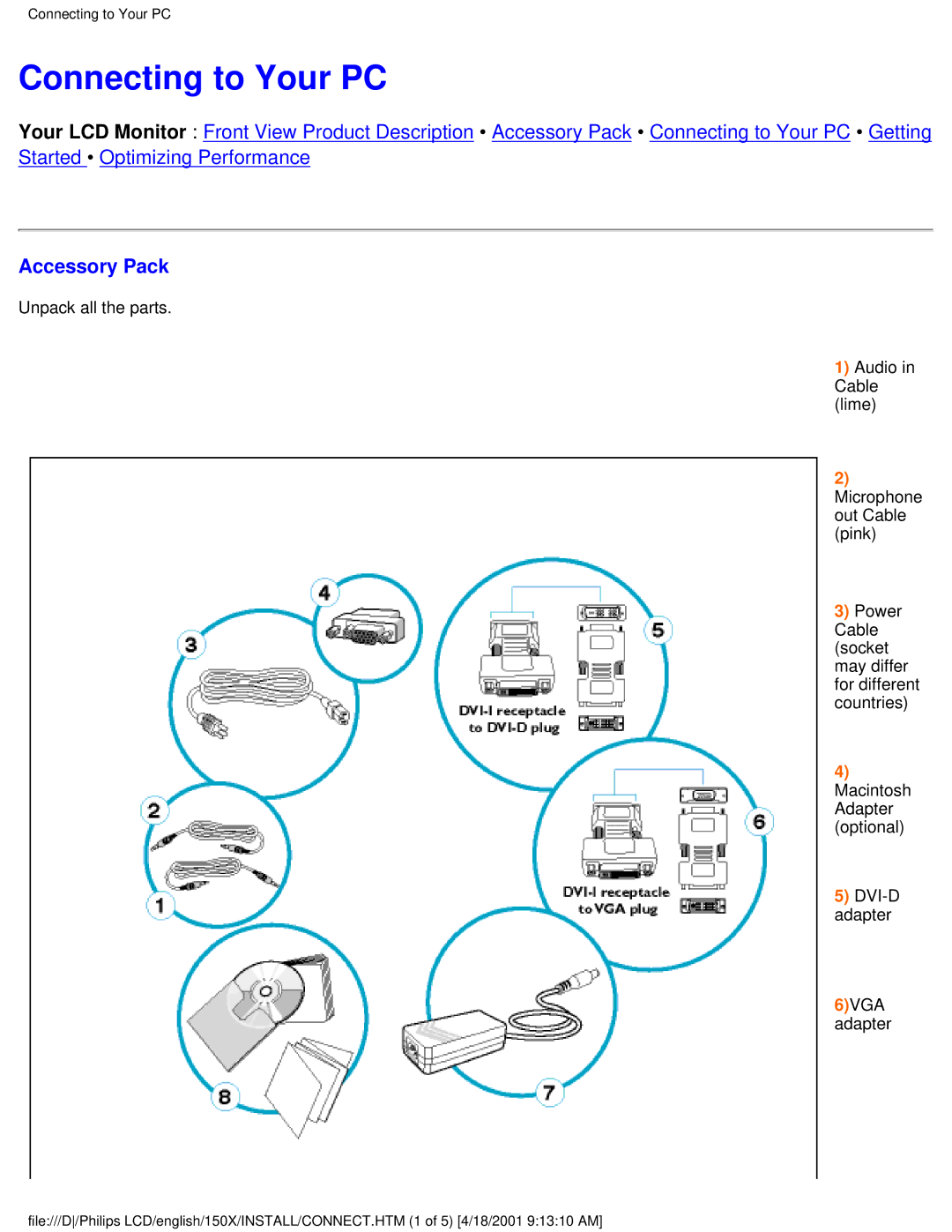
1) Audio in Cable (lime)
2) Microphone out Cable (pink)
3) Power Cable (socket may differ for different countries)
4) Macintosh Adapter (optional)
5) DVI-D adapter
6)VGA adapter
file:///D/Philips LCD/english/150X/INSTALL/CONNECT.HTM (1 of 5) [4/18/2001 9:13:10 AM]