m

•Start or pause iPod/iPhone play.
nSOURCE
•Select a source: iPod/iPhone, Bluetooth, tuner or MP3 link.
oTilt adjustment rod
•Move forward/backward to adjust the angle at which the iPod/iPhone tilts.
pDisplay panel
•Show current status.
qALM 2
•Set the second alarm timer.
•View the second alarm time.
•Turn off the second alarm tone.
rREPEAT ALARM/BRIGHTNESS CONTROL
•Repeat an alarm tone at
•Adjust the display brightness.
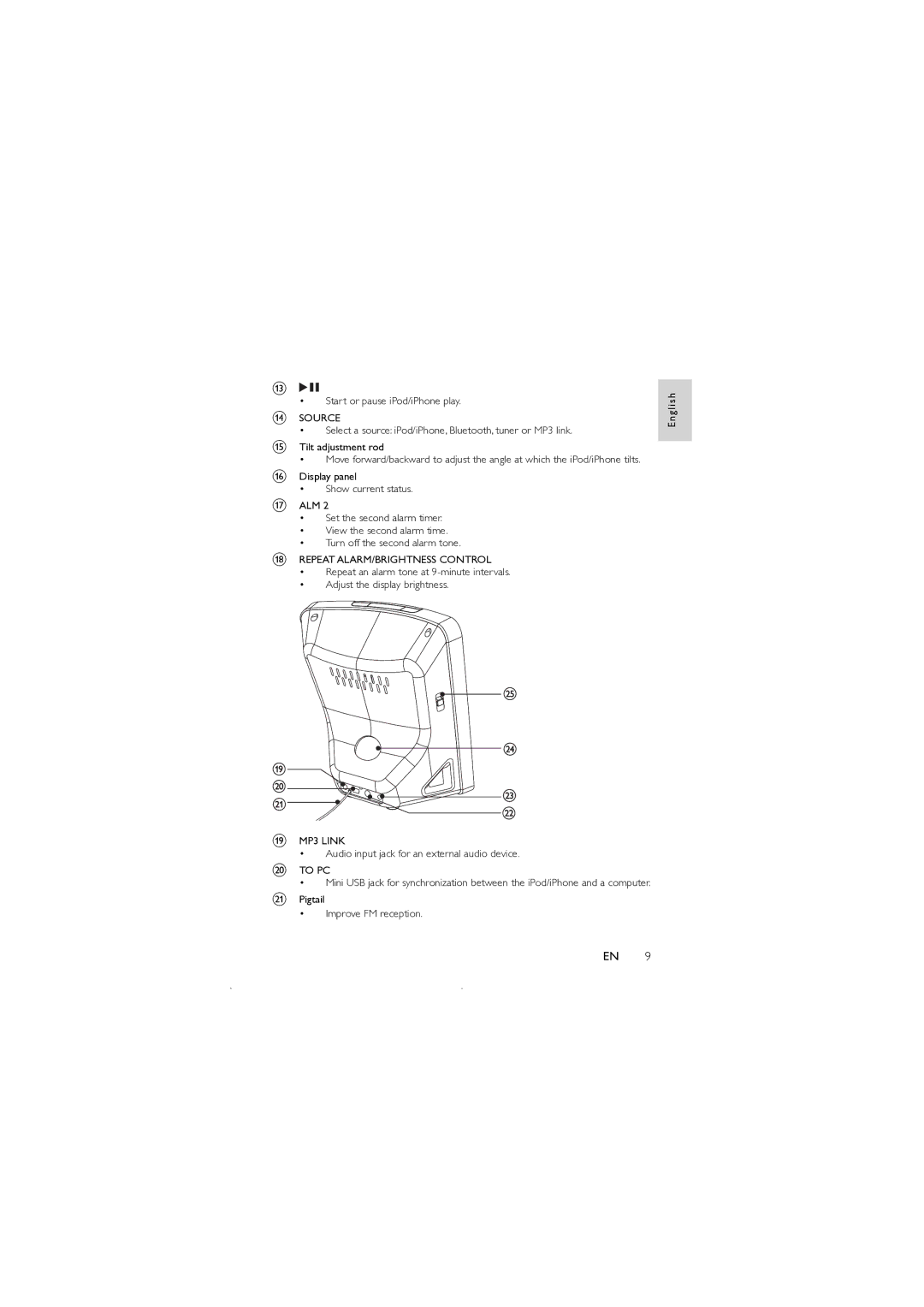
sMP3 LINK
•Audio input jack for an external audio device.
tTO PC
•Mini USB jack for synchronization between the iPod/iPhone and a computer.
uPigtail
•Improve FM reception.
E n g l i s h
EN 9