vDEMO
•Jack for a special device (not supplied) to demonstrate features of the DC350.
wDC IN
•Jack for the supplied AC adaptor.
xTilt adjustment control
•Control the angle at which the iPod/iPhone tilts.
y
•Select alarm mode.
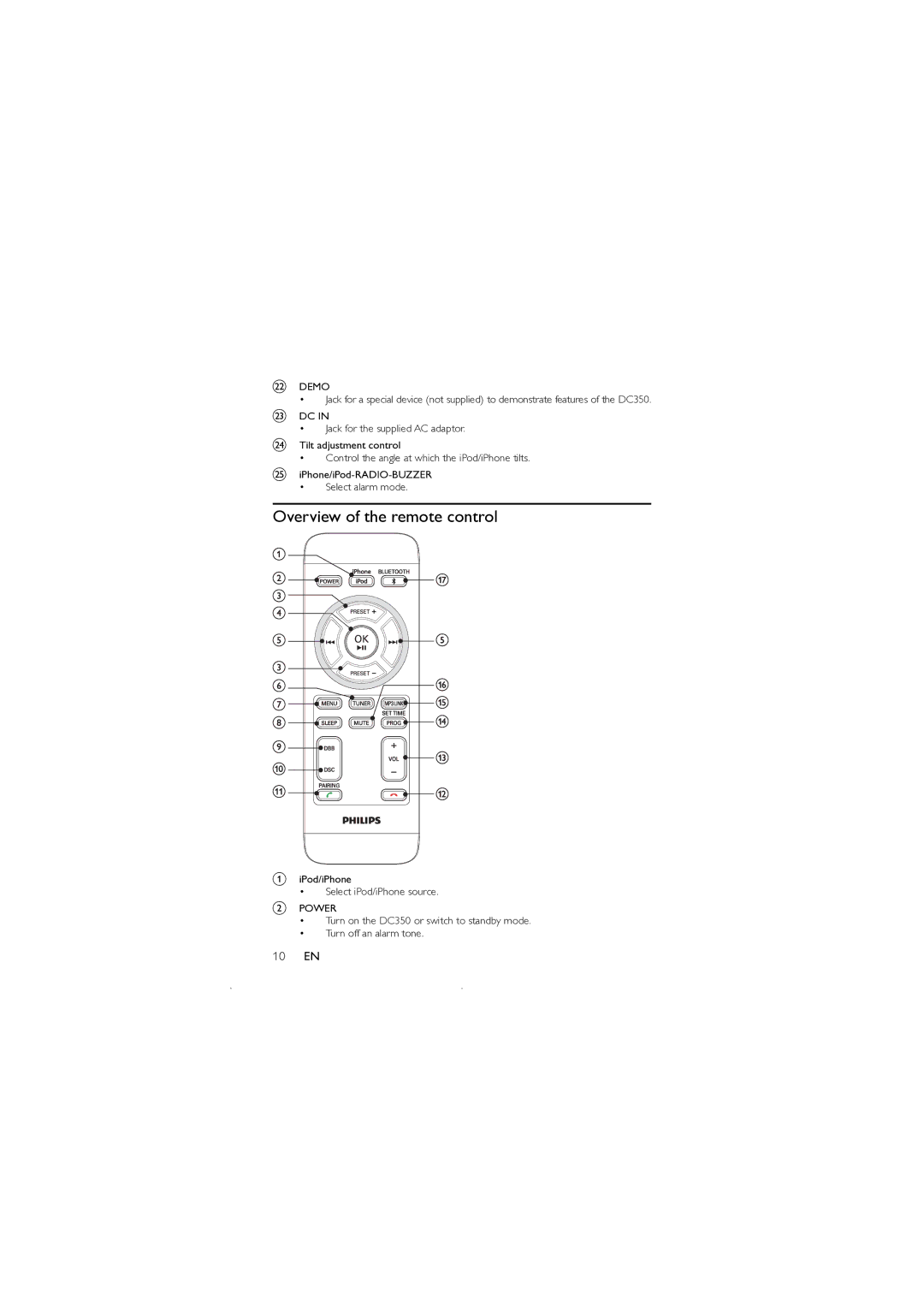
Overview of the remote control
aiPod/iPhone
•Select iPod/iPhone source.
bPOWER
•Turn on the DC350 or switch to standby mode.
•Turn off an alarm tone.