
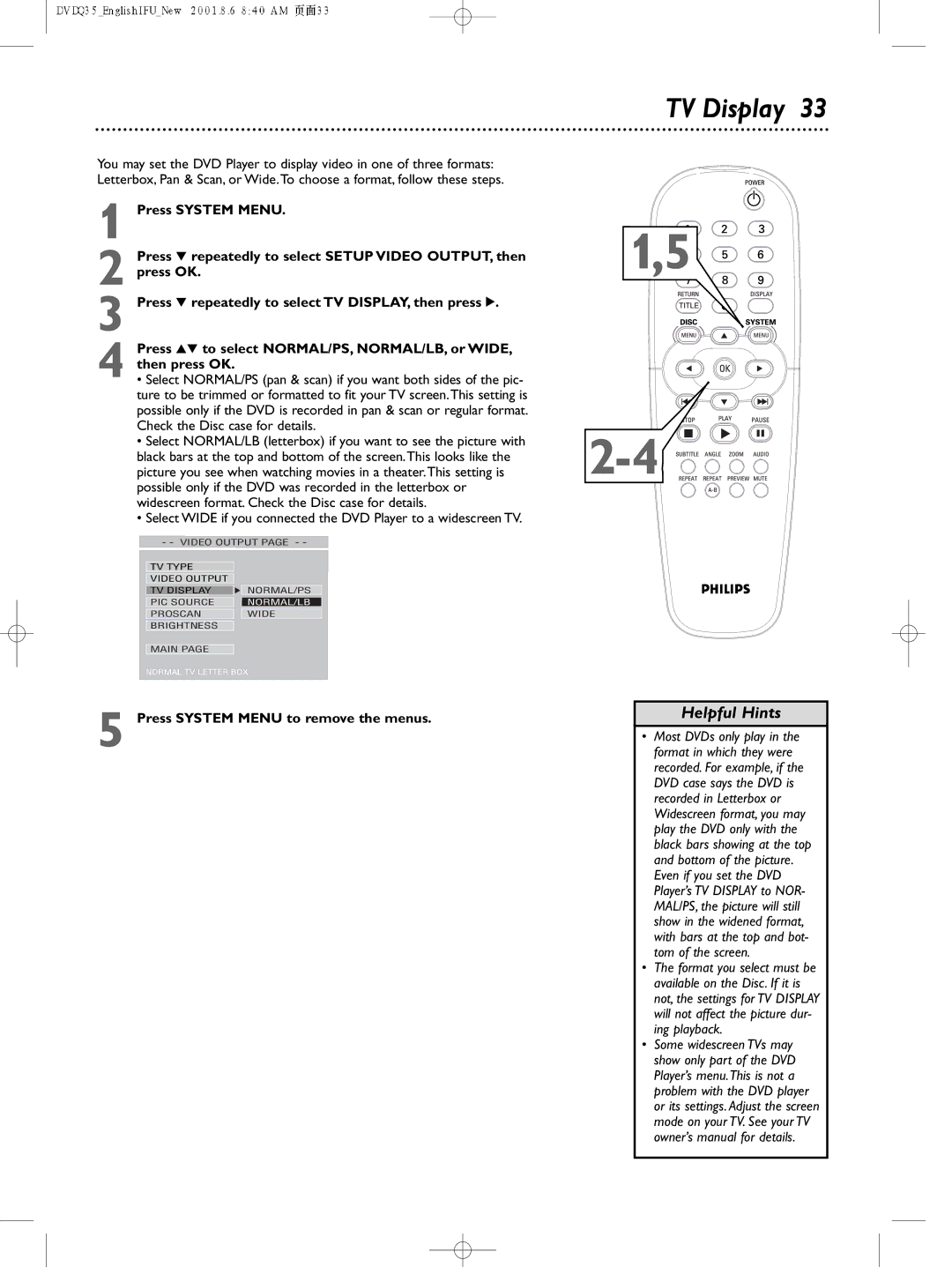
DVDQ35 specifications
The Philips DVDQ35 stands out in the realm of multimedia playback devices, offering users a seamless experience for enjoying their favorite DVDs, CDs, and digital media files. As a compact and efficient DVD player, the Philips DVDQ35 is designed to cater to diverse entertainment needs while boasting a range of impressive features.One of the primary characteristics of the Philips DVDQ35 is its ability to support a wide array of disc formats. Users can enjoy not only standard DVDs but also CD-R and CD-RW formats, allowing for greater flexibility in playback options. Additionally, the device is compatible with various video formats, including MPEG-1, MPEG-2, and JPEG, enabling users to view photos directly from their CDs.
The Philips DVDQ35 incorporates advanced video technologies to ensure high-quality playback. The Progressive Scan feature enhances the clarity and sharpness of images, providing smoother and more detailed visuals. Furthermore, the DVD player's user-friendly interface makes navigating through menus and settings intuitive, ensuring that even those less tech-savvy can enjoy its features effortlessly.
Equipped with various connectivity options, the Philips DVDQ35 allows for an easy connection to televisions and audio systems. The composite video output, along with the audio outputs, makes it simple for users to set up their entertainment systems without the need for complex installations.
In terms of design, the Philips DVDQ35 is both sleek and compact, making it a great choice for spaces where real estate is at a premium. Its lightweight construction makes it portable, which means it can be moved easily between rooms or taken on the go for entertainment during travel.
Durability and reliability are also pivotal aspects of the Philips DVDQ35, built to withstand regular use while maintaining performance. The player’s robust nature ensures a prolonged lifespan, appealing to consumers looking for a long-term multimedia solution.
In summary, the Philips DVDQ35 is a versatile, user-friendly DVD player that encourages enjoyable viewing experiences through its deep integration of advanced technologies and support for various media formats. With its combination of modern design, quality performance, and connective versatility, it remains an attractive option for consumers seeking dependable entertainment in their homes. Whether for family movie nights or personal enjoyment, the Philips DVDQ35 facilitates a reliable and impressive multimedia experience.