| Clock/Timer |
| English |
DISPLAY/ST |
|
2 | T H E A T H R E |
Clock setting
See
Timer setting
●The system can be used as an alarm clock, whereby the last selected source is switched on at a set time (one time operation).The clock time needs to be set first before the timer can be used.
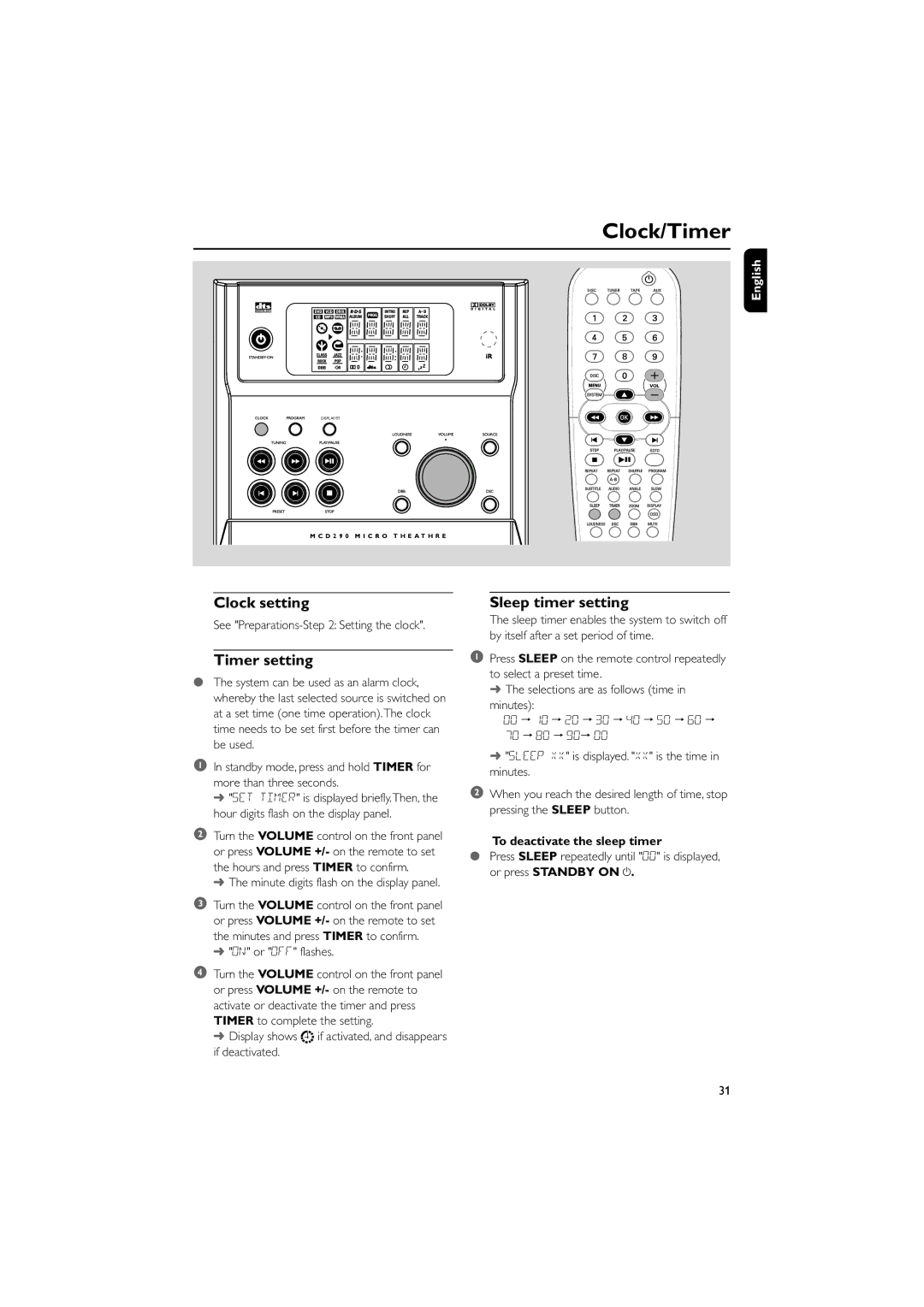
1In standby mode, press and hold TIMER for more than three seconds.
➜ "SET TIMER" is displayed briefly.Then, the hour digits flash on the display panel.
2Turn the VOLUME control on the front panel or press VOLUME +/- on the remote to set the hours and press TIMER to confirm.
➜ The minute digits flash on the display panel.
3Turn the VOLUME control on the front panel or press VOLUME +/- on the remote to set the minutes and press TIMER to confirm.
➜ "ON" or "OFF" flashes.
4Turn the VOLUME control on the front panel or press VOLUME +/- on the remote to activate or deactivate the timer and press TIMER to complete the setting.
➜ Display shows 
 if activated, and disappears if deactivated.
Sleep timer setting
The sleep timer enables the system to switch off by itself after a set period of time.
1Press SLEEP on the remote control repeatedly to select a preset time.
➜The selections are as follows (time in minutes):
00 ™ 10 ™ 20 ™ 30 ™ 40 ™ 50 ™ 60 ™ 70 ™ 80 ™ 90™ 00
➜"SLEEP XX" is displayed. "XX" is the time in minutes.
2When you reach the desired length of time, stop pressing the SLEEP button.
To deactivate the sleep timer
●Press SLEEP repeatedly until "00" is displayed, or press STANDBY ON y.
31