Basics
Setting a face and voice unlock
On the Applications screen, tap Settings →Lock screen →Screen lock →Face and voice.
Fit your face in the frame to be captured and then set a voice command. Then, set a backup unlock PIN or pattern to unlock the screen in case the face and voice unlock fails.
Setting a pattern
On the Applications screen, tap Settings →Lock screen →Screen lock →Pattern.
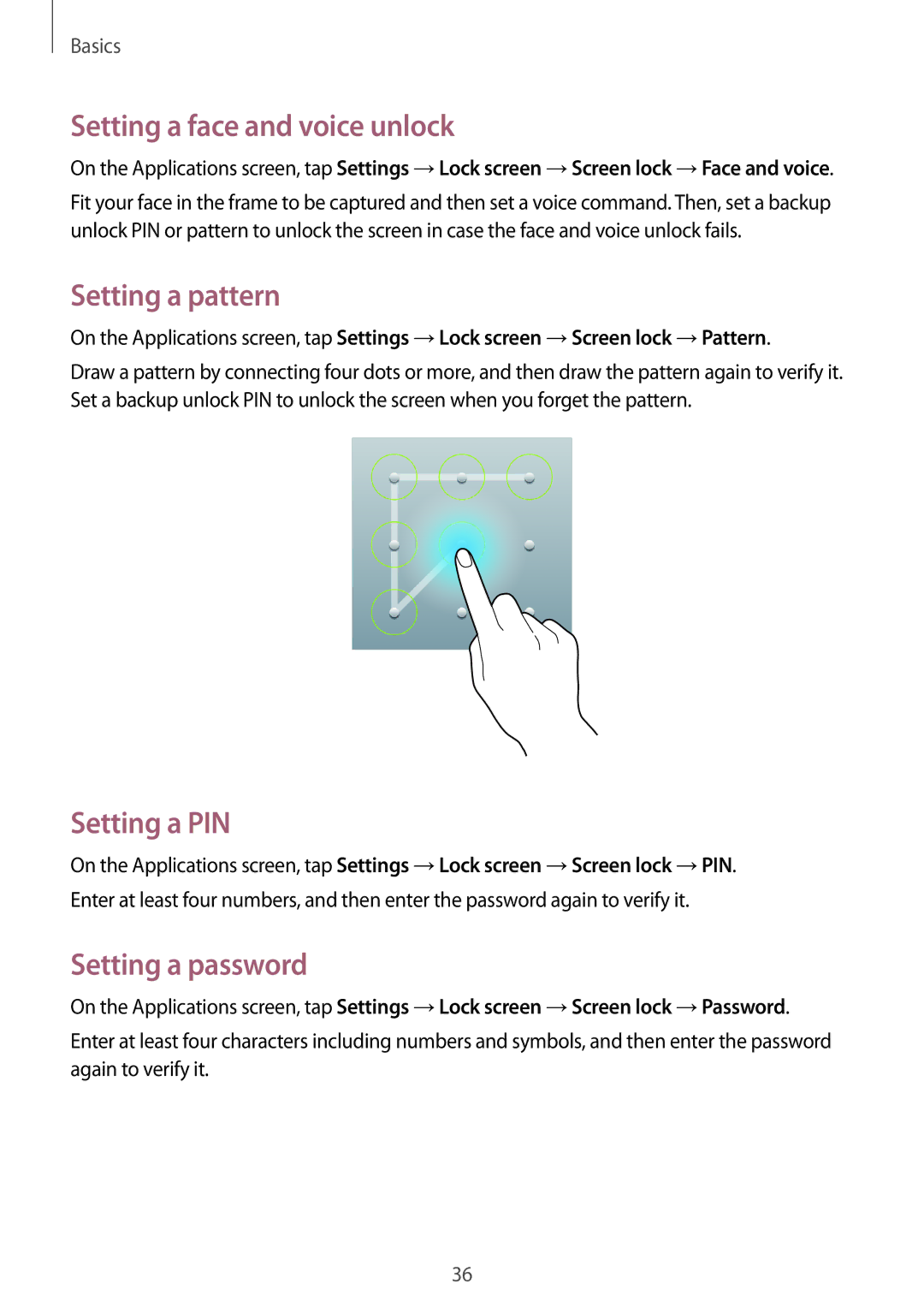
Draw a pattern by connecting four dots or more, and then draw the pattern again to verify it. Set a backup unlock PIN to unlock the screen when you forget the pattern.
Setting a PIN
On the Applications screen, tap Settings →Lock screen →Screen lock →PIN.
Enter at least four numbers, and then enter the password again to verify it.
Setting a password
On the Applications screen, tap Settings →Lock screen →Screen lock →Password.
Enter at least four characters including numbers and symbols, and then enter the password again to verify it.
36