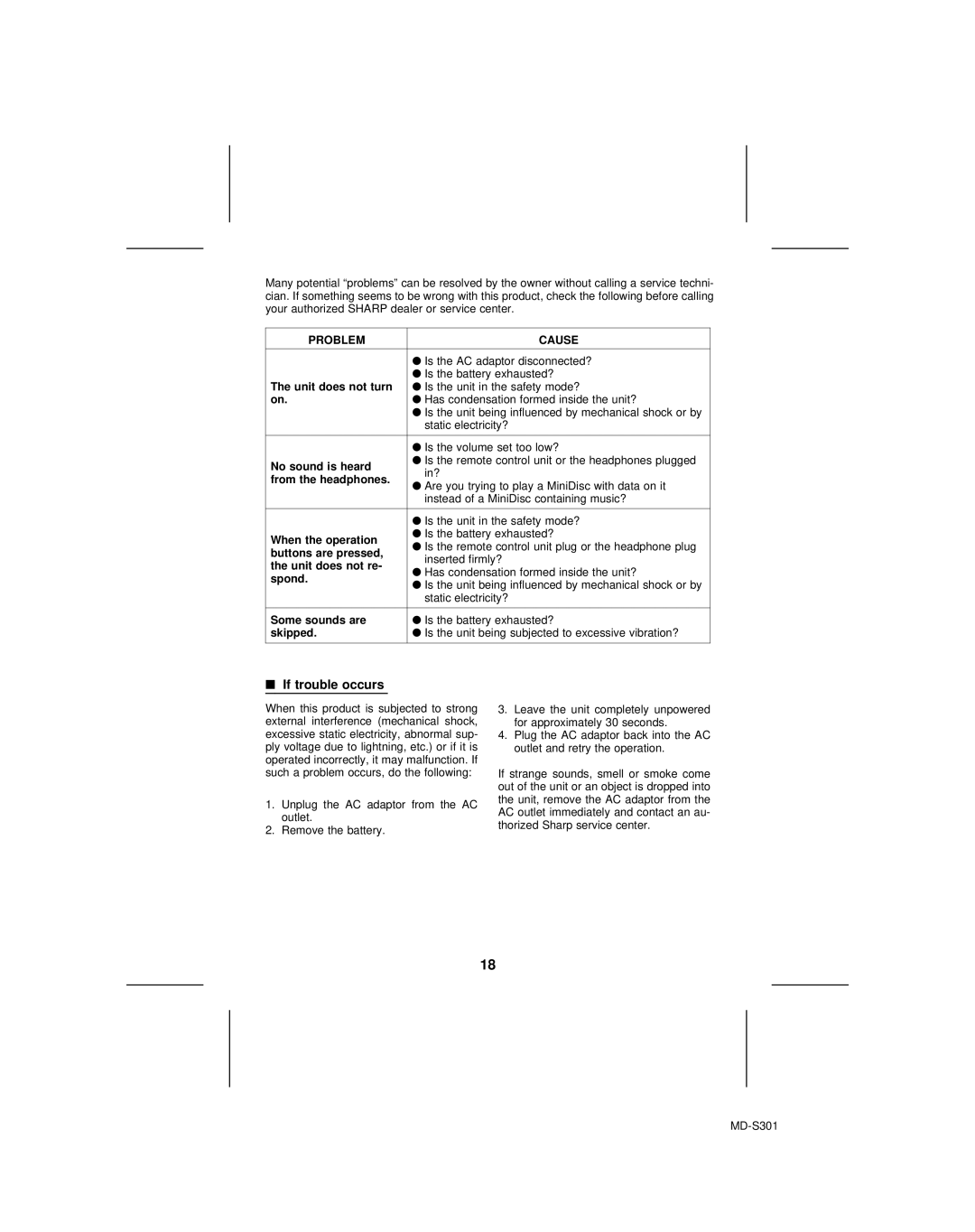
Many potential “problems” can be resolved by the owner without calling a service techni- cian. If something seems to be wrong with this product, check the following before calling your authorized SHARP dealer or service center.
PROBLEM | CAUSE | |
|
| |
| ● Is the AC adaptor disconnected? | |
The unit does not turn | ● Is the battery exhausted? | |
● Is the unit in the safety mode? | ||
on. | ● Has condensation formed inside the unit? | |
| ● Is the unit being influenced by mechanical shock or by | |
| static electricity? | |
|
| |
| ● Is the volume set too low? | |
No sound is heard | ● Is the remote control unit or the headphones plugged | |
in? | ||
from the headphones. | ||
● Are you trying to play a MiniDisc with data on it | ||
| ||
| instead of a MiniDisc containing music? | |
|
| |
| ● Is the unit in the safety mode? | |
When the operation | ● Is the battery exhausted? | |
● Is the remote control unit plug or the headphone plug | ||
buttons are pressed, | ||
inserted firmly? | ||
the unit does not re- | ||
● Has condensation formed inside the unit? | ||
spond. | ||
● Is the unit being influenced by mechanical shock or by | ||
| ||
| static electricity? | |
|
| |
Some sounds are | ● Is the battery exhausted? | |
skipped. | ● Is the unit being subjected to excessive vibration? | |
|
|
■If trouble occurs
When this product is subjected to strong external interference (mechanical shock, excessive static electricity, abnormal sup- ply voltage due to lightning, etc.) or if it is operated incorrectly, it may malfunction. If such a problem occurs, do the following:
1.Unplug the AC adaptor from the AC outlet.
2.Remove the battery.
3.Leave the unit completely unpowered for approximately 30 seconds.
4.Plug the AC adaptor back into the AC outlet and retry the operation.
If strange sounds, smell or smoke come out of the unit or an object is dropped into the unit, remove the AC adaptor from the AC outlet immediately and contact an au- thorized Sharp service center.
18