Using the Included PC Software
The
The software consists of:
Synchronization Software:
Can be used to synchronize Microsoft® Outlook® data, such as Contacts, Calendar, Tasks, and Notes, with the Organizer.
Desktop Utilities:
Can be used to backup/restore data in the Organizer and export/ import data to different file formats.
Minimum System Requirements:
•IBM PC or 100% compatible
•Microsoft® Windows® 98/98SE/2000 Professional/Me/XP Home/XP Professional
•Pentium®300MHz or higher
•50MB free hard disk space
•64MB RAM for Microsoft® Windows® 98/98SE/2000 Professional/ Me
•128MB RAM for Microsoft® Windows® XP Home/XP Professional
•One available
•
•Mouse or compatible pointing device
Additional System Requirements:
•Microsoft® Outlook® 98/2000/2002/2003 must be installed to utilize the Synchronization Software between the Organizer and your PC.
Limitations when using with Windows® XP/2000
Windows® XP
•Log onto your PC with administrator privileges; the software may not be installed properly otherwise. Upon using the software, you will need to log on as an administrator. If you are logged in as a
Windows® 2000
•When installing as well as using the software, you will need to log on as an administrator. If necessary, you may need to contact the administrator of the PC in a work environment.
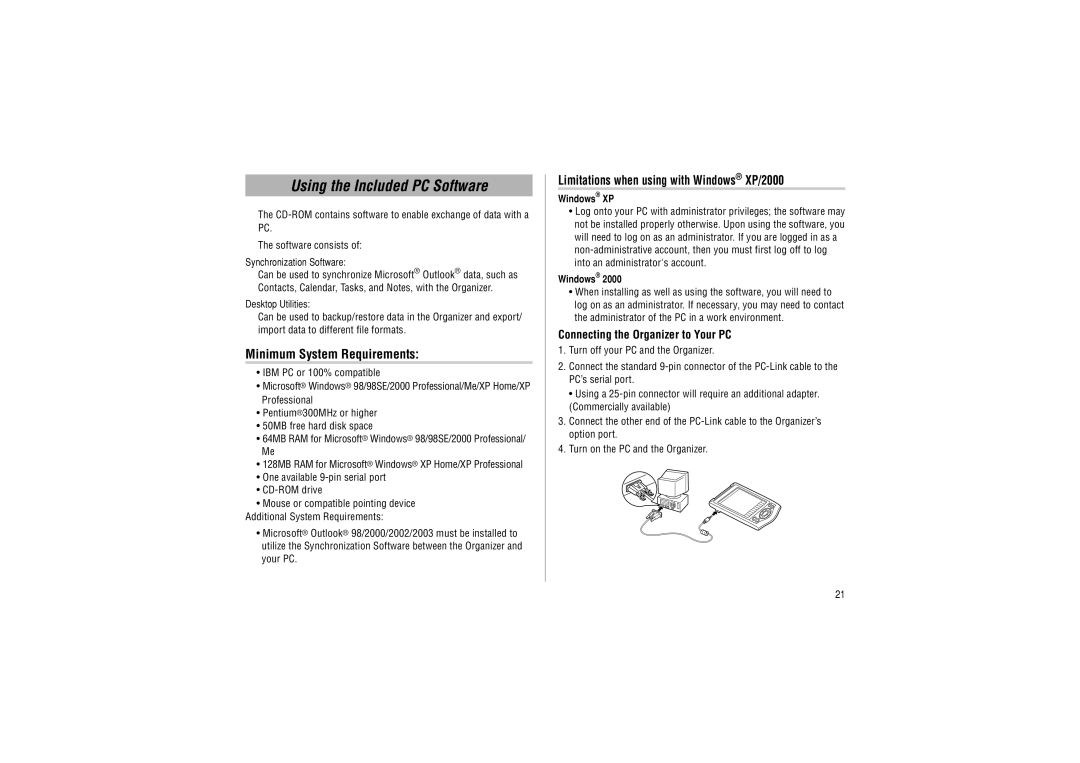
Connecting the Organizer to Your PC
1.Turn off your PC and the Organizer.
2.Connect the standard
• Using a
3.Connect the other end of the
4.Turn on the PC and the Organizer.
21