LOADING THE BATTERY
A
TO CHARGE THE BATTERY
1
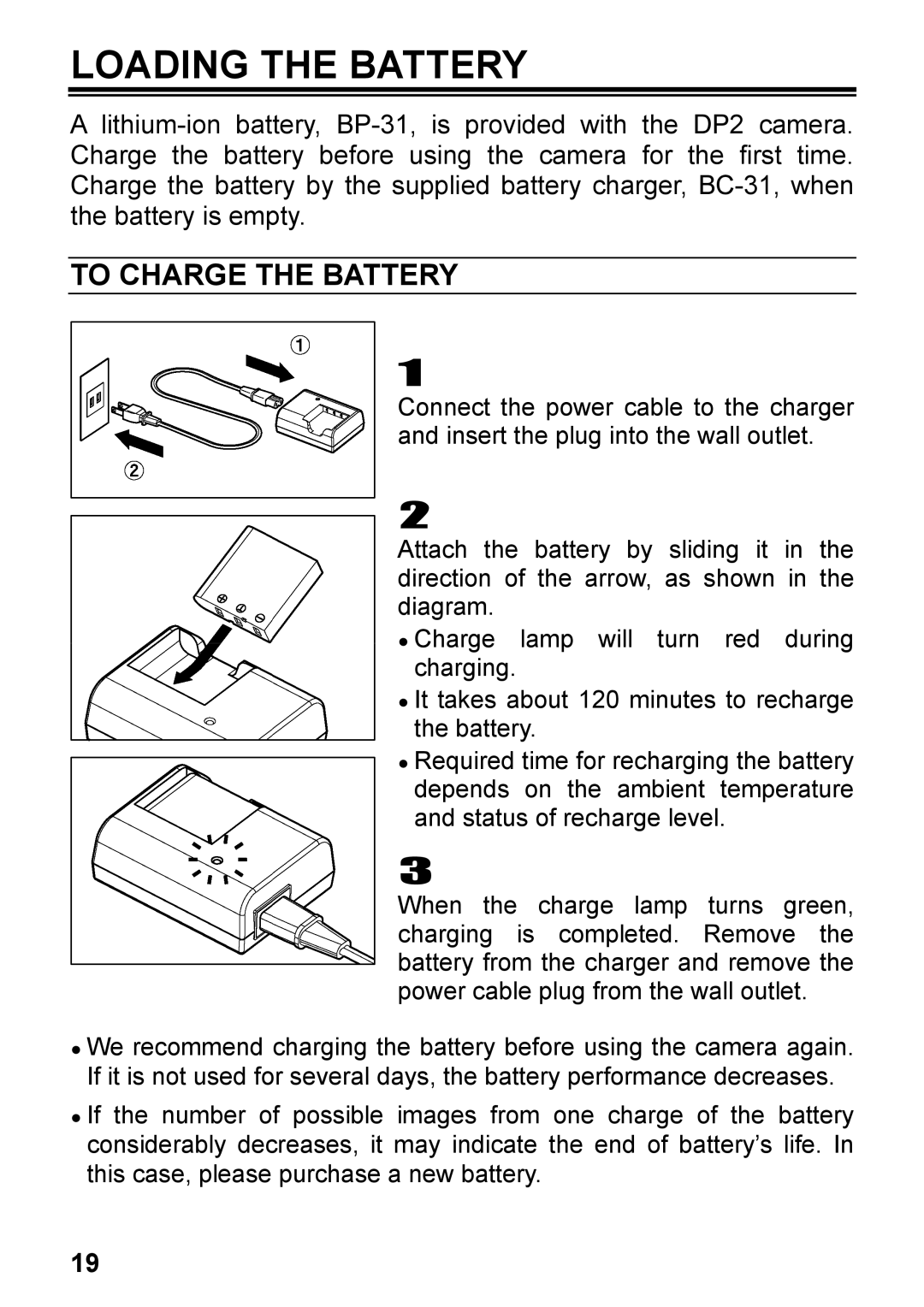
Connect the power cable to the charger and insert the plug into the wall outlet.
2
Attach the battery by sliding it in the direction of the arrow, as shown in the diagram.
●Charge lamp will turn red during charging.
●It takes about 120 minutes to recharge the battery.
●Required time for recharging the battery depends on the ambient temperature and status of recharge level.
3
When the charge lamp turns green, charging is completed. Remove the battery from the charger and remove the power cable plug from the wall outlet.
●We recommend charging the battery before using the camera again. If it is not used for several days, the battery performance decreases.
●If the number of possible images from one charge of the battery considerably decreases, it may indicate the end of battery’s life. In this case, please purchase a new battery.
19