
DAV-FX10 specifications
The Sony DAV-FX10 is a sophisticated home theater system that embodies the fusion of advanced technology and user-friendly design. This all-in-one system is particularly aimed at delivering an immersive audio-visual experience, making it an ideal choice for cinephiles and music lovers alike.One of the standout features of the DAV-FX10 is its elegant yet compact design. It seamlessly blends with various home decor styles while not compromising on performance. The system is equipped with a powerful 5.1-channel surround sound setup, which includes five satellite speakers and a robust subwoofer. This configuration delivers an engaging audio experience, ensuring that every film and music piece resonates with clarity and a rich depth of sound.
The DAV-FX10 supports multi-format playback, allowing users to enjoy various media through its versatile connectivity options. It is compatible with DVD, CD, and even VCD formats, making it a versatile option for different media sources. Additionally, the system features a built-in AM/FM tuner, providing access to a wide range of radio stations.
One of the notable technologies in the DAV-FX10 is the Dolby Digital and DTS decoding capabilities. These technologies enhance the audio quality significantly, enabling users to fully experience the nuances of soundtracks and intricate sound designs in films. The system also includes a Virtual 3D Sound feature that creates an expansive soundstage, making it feel like one is in the middle of the action.
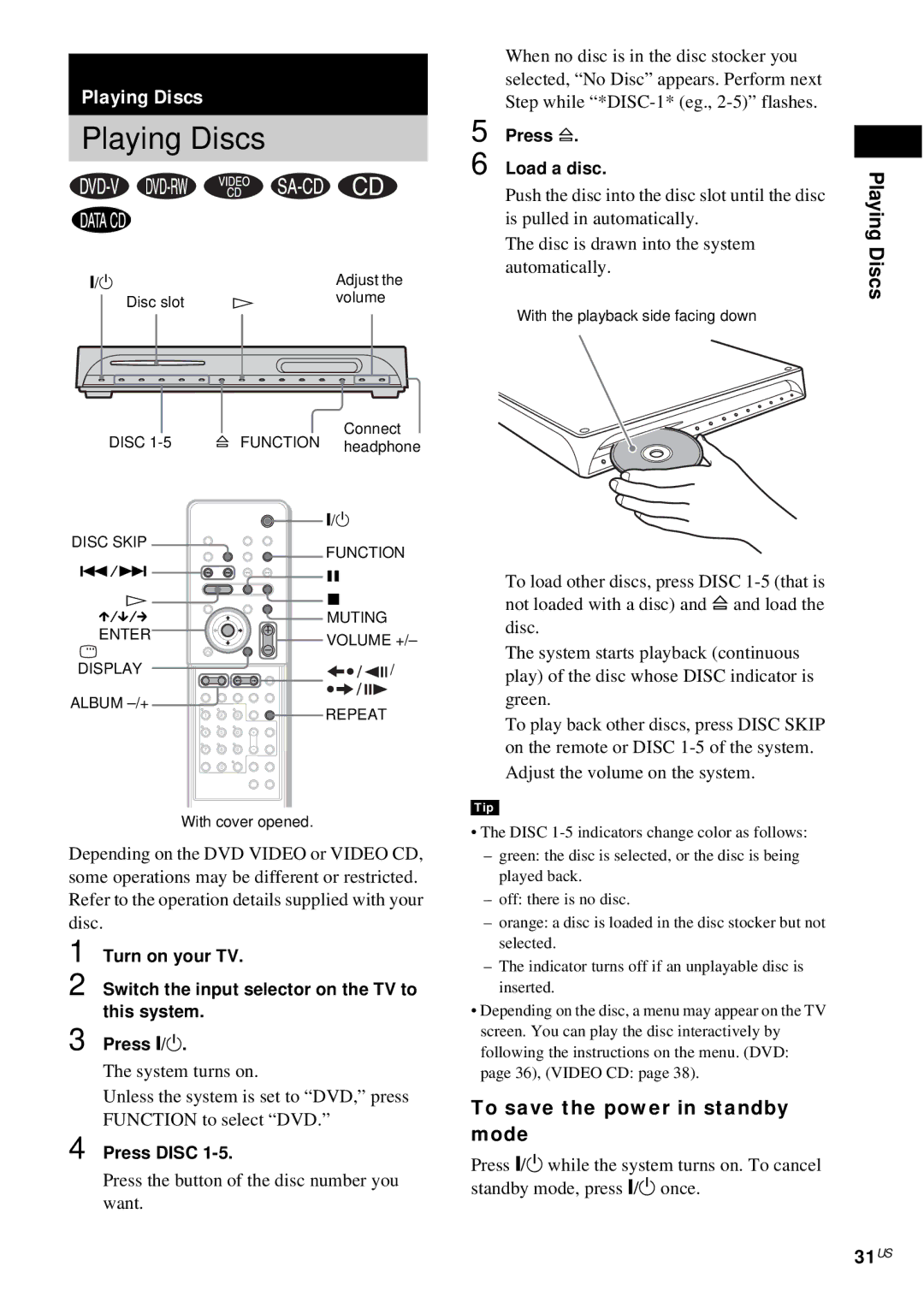
A user-friendly remote control is included, simplifying the navigation through various functions and settings. Users can easily customize audio settings, select audio tracks, or switch between media sources without hassle.
Additional features of the DAV-FX10 include convenient analog video output connections, making it compatible with numerous television sets, and an HDMI output option for modern displays. Its compact size makes it easy to integrate into smaller living spaces, yet it does not compromise audio and video quality.
In conclusion, the Sony DAV-FX10 is a powerful, feature-rich home theater system that caters to a vast range of entertainment needs. With its sleek design, surround sound capabilities, and multi-format support, it offers an impressive solution for anyone looking to elevate their home viewing and listening experience. Whether watching the latest blockbuster or enjoying music, the DAV-FX10 stands out as a commendable choice for home entertainment.