Toshiba
Disclaimer
Copyright
Trademarks
Safety Instructions
When Using Your Computer
Contact
FCC information
FCC notice Declaration of Conformity Information
FCC conditions
Bsmi notice Taiwan only EU Declaration of Conformity
Conformity Statement
Modem warning notice
Network Compatibility Statement
Redial
Type of service
Japan regulations
Region selection
Fax branding
Telephone company procedures
If problems arise
Disconnection
Instructions for IC CS-03 certified equipment
AT+GCI=09
Modem warning notice for Australia
Xii User’s Manual
User’s Manual Xiii
General conditions
EnergyStar Program
Following information is only for EU-member states
Panasonic
Optical disc drive safety instructions
DVD Super Multi UJ-870B/870F
DVD Super Multi DVR-KD08
8x slim DVD Writable Drive TS-L632H
Toshiba Samsung Storage Technology
HD DVD-ROM Drive SD-L802B
Toshiba
HD DVD-RW Drive SD-L912A
International Precautions
Xxi
Important Notice
Creating a computer-friendly environment
General Precautions
Stress injury
Mobile phones
Heat injury
Pressure or impact damage
ExpressCard overheating
Table of Contents
Getting Started
Modem
Using the Web Camera
Keyboard
ExpressCard Slot
Accessing HW Setup -1 HW Setup Window
Xxx User’s Manual
Preface
Manual contents
Keys
Conventions
Abbreviations
Icons
Terminology
Key operation
Display
Messages
Preface Xxxiv User’s Manual
Introduction
Equipment checklist
Hardware
Microsoft Windows Vista
Software
Documentation
Processor
Features
Memory
Disks
Power
DVD-ROM
HD DVD-ROM
Display
Pointing Device
Keyboard
Ports
Multimedia
Slots
Communications
Wireless LAN
Security
Special features
Battery Save Mode *1
Power Off *1
Sleep Mode
Intelligent Power
Toshiba Value Added Package
Utilities and Applications
All Programs, TOSHIBA, CD&DVD
FingerPrint utility
Toshiba Disc
Creator
Toshiba Face
Toshiba ConfigFree
Click ConfigFree
Programs , Toshiba , Networking and then
Options
Introduction User’s Manual
Front with the display closed
Grand Tour
Battery LED
Volume Dial
Wireless Activity
Power LED
Following figure shows the computers left side
Left side
Right side
FM Antenna Jack
Backside
LAN Jack
Modem Jack
Underside
Web Camera LED
Front with the display open
Speakers
Display Screen
CD/ DVD Button
Power Button
Built-in microphone
Mute Button
Region codes for DVD drive and media
Optical Disc Drive
Code Region
Summary
About the HD DVD
HD DVDs supported by HD DVD-RW drive only
Writable discs
CDs
DVDs
HD DVD ROM drive
DVD Super Multi drive Supporting DVD±R DL
HD DVD-RW drive
AC adaptor
Slim size remote controller
Remote controller
Brightness up
Volume +
Power
Control panel ÆSystem and Maintenance Æ
Power Options ÆChoose what the Power
Operational range of the remote controller
Using the remote controller
Operational range of the remote controller
Type of battery that can be used for the remote controller
Installing/Removing batteries
Replacing the batteries
Installing the batteries
Inserting a slim size remote controller
Placing slim size remote controller
Remove a slim size remote controller
Grand Tour User’s Manual
Getting Started
Installing the battery pack
Connecting the AC adaptor
Opening the display
Windows Vista setup
Turning on the power
Shut Down mode Boot mode
Turning off the power
Sleep Mode
Entering Sleep Mode
Benefits of Sleep Mode
Starting Hibernation Mode
Hibernation Mode
Sleep Mode limitations
Benefits of Hibernation Mode
Data saving in Hibernation Mode
Automatic Hibernation Mode
Restarting the computer
Create Optical Recovery Discs
System Recovery Options
System Recovery Options
Restoring the preinstalled software from the Recovery HDD
Restoring the preinstalled software from Recovery Media
Operating Basics
Using the TouchPad
Drag and drop
Using the fingerprint sensor
Scroll
How to swipe the finger
Points to note about the fingerprint sensor
Fingerprint sensor limitations
How to delete the fingerprint data
Click Delete All Fingerprints
Points to note about the fingerprint utility
Set up procedure
Fingerprint registration
General
Windows logon via fingerprint authentication
Fingerprint system boot authentication
Fingerprint authentication procedure
Click settings
Fingerprint Single Sign-On feature
USB Sleep and Charge function
How to enable fingerprint Single Sign-On feature
Fingerprint utility limitations
How to enable/disable USB sleep and charge function
Using the software
Using the Web Camera
Function
Capture Still Images
Video Recording
Audio Recording
Help
Using the microphone
Using the optical disc drive
Settings
Loading discs
Disabled
Enabled
HW Setup User’s Manual
Peripheral devices
Power devices
Optional Devices
Cards/memory
Inserting an ExpressCard
ExpressCard Slot
Removing an ExpressCard
Card Type Capacities
SD/SDHC/MMC/MEMORY Stick / Memory Stick PRO/xD Memory cards
Removing a memory card
Installing a memory card
Memory card care
Memory expansion
Installing a memory module
Removing the memory module cover
Removing a memory module
Points to note about memory module error
Additional AC adaptor
Additional battery pack
Hdmi
External monitor
Settings for audio on Hdmi
Setting for display video on Hdmi
Link IEEE1394
Precautions
Point to i.LINK IEEE1394 device and click
Security lock
Problem solving process
Troubleshooting
Analyzing the problem
Preliminary checklist
System start-up
Hardware and system checklist
Overheating power down
Power
Self test
Battery
AC power
Problem Procedure
Disposing of PC and PC batteries
Keyboard
Real Time Clock
Hard disk drive
LCD panel
ProblemProcedure
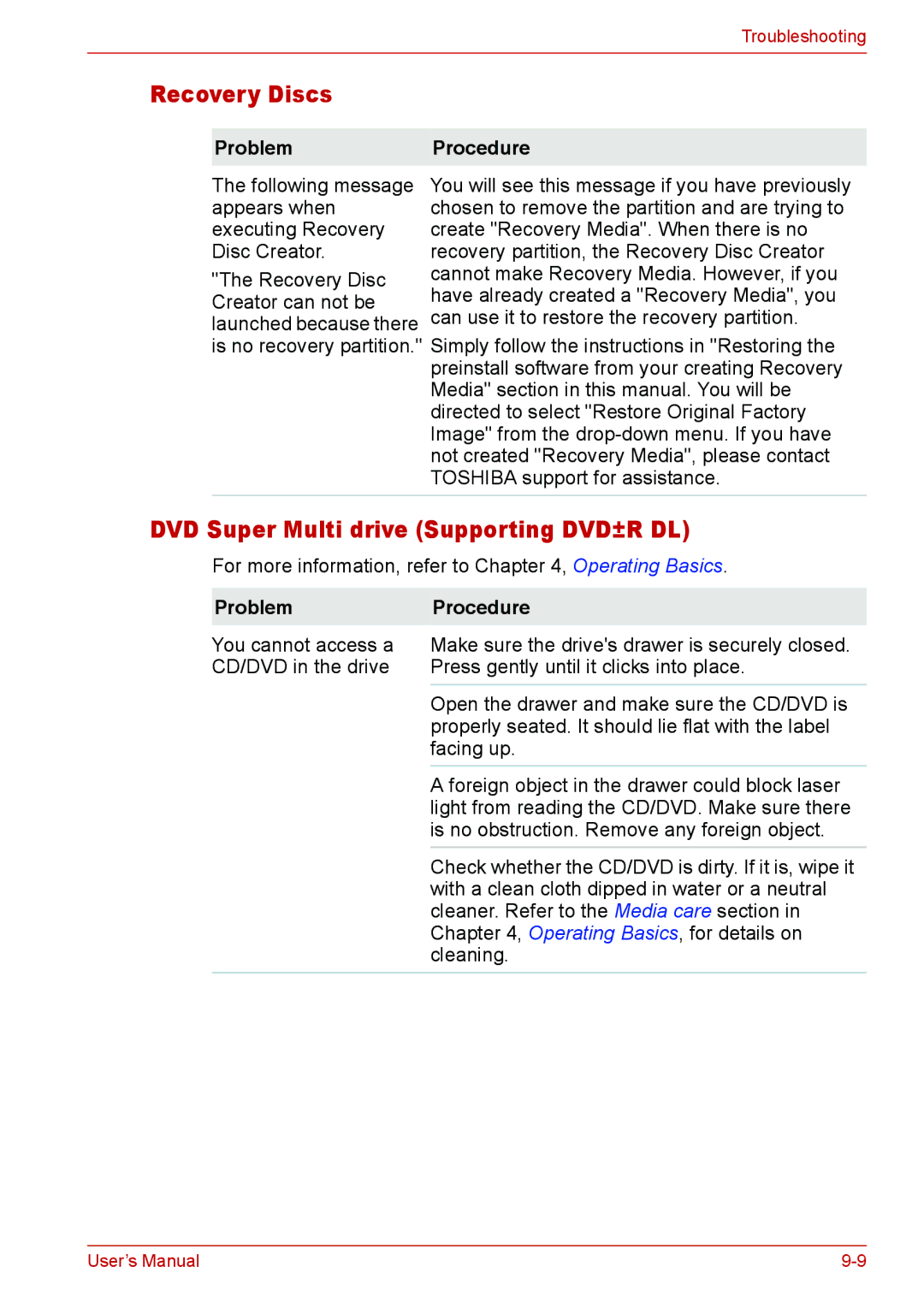
Recovery Discs
DVD-R, DVD-RW, DVD+R
HD DVD-ROM drive
DVD-ROM DVD-ROM
HD DVD-RW drive
Match that on the CD-RW/DVD-ROM drive
TouchPad
Pointing device
USB mouse
USB
USB Sleep and Charge function
Sound system
Memory expansion
Modem
Monitor
LAN
ExpressCard
Fingerprint Sensor
Toshiba support
Where to write
Before you call
United States of America United Kingdom
Outside of Europe Singapore Spain
India Rest of Europe
Troubleshooting User’s Manual
Built-in Modem
Specifications
Power Requirements
Environmental Requirements
Speed
Communication specifications
System
Protocol
Receiving level
Impedance Error correcting
Power supply
Transmitting level
Specifications User’s Manual
Display controller
Display Controller and Modes
Video modes
CRT Display Color Depth Refresh Rate Resolution Bpp
Card Specifications
Wireless LAN
Technique
Radio Characteristics
Frequency
Modulation
2467
Supported Frequency Sub-bands
Channel ID
2457
Wireless LAN User’s Manual