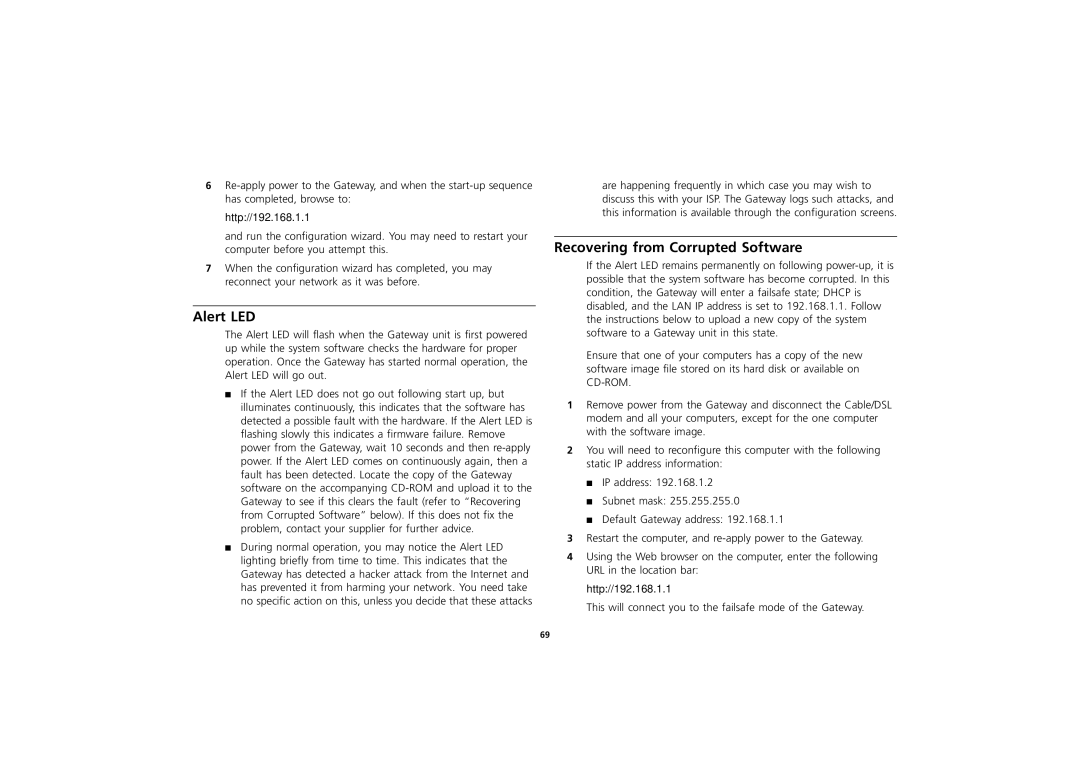
are happening frequently in which case you may wish to discuss this with your ISP. The Gateway logs such attacks, and this information is available through the configuration screens.
Recovering from Corrupted Software
If the Alert LED remains permanently on following power-up, it is possible that the system software has become corrupted. In this condition, the Gateway will enter a failsafe state; DHCP is disabled, and the LAN IP address is set to 192.168.1.1. Follow the instructions below to upload a new copy of the system software to a Gateway unit in this state.
Ensure that one of your computers has a copy of the new software image file stored on its hard disk or available on CD-ROM.
1 Remove power from the Gateway and disconnect the Cable/DSL modem and all your computers, except for the one computer with the software image.
2 You will need to reconfigure this computer with the following static IP address information:
■ IP address: 192.168.1.2
■ Subnet mask: 255.255.255.0
■ Default Gateway address: 192.168.1.1
3 Restart the computer, and re-apply power to the Gateway.
4 Using the Web browser on the computer, enter the following URL in the location bar:
http://192.168.1.1
This will connect you to the failsafe mode of the Gateway.

6Re-apply power to the Gateway, and when the start-up sequence has completed, browse to:

http://192.168.1.1

and run the configuration wizard. You may need to restart your computer before you attempt this.

7When the configuration wizard has completed, you may reconnect your network as it was before.

Alert LED

The Alert LED will flash when the Gateway unit is first powered up while the system software checks the hardware for proper operation. Once the Gateway has started normal operation, the Alert LED will go out.

■If the Alert LED does not go out following start up, but illuminates continuously, this indicates that the software has detected a possible fault with the hardware. If the Alert LED is flashing slowly this indicates a firmware failure. Remove power from the Gateway, wait 10 seconds and then re-apply power. If the Alert LED comes on continuously again, then a fault has been detected. Locate the copy of the Gateway software on the accompanying CD-ROM and upload it to the Gateway to see if this clears the fault (refer to “Recovering from Corrupted Software” below). If this does not fix the problem, contact your supplier for further advice.

■During normal operation, you may notice the Alert LED lighting briefly from time to time. This indicates that the Gateway has detected a hacker attack from the Internet and has prevented it from harming your network. You need take no specific action on this, unless you decide that these attacks

69

Page 69
Image 69
3Com 3CR856-95 manual Alert LED, Http//192.168.1.1

3CR856-95 specifications

The 3Com 3CR856-95 is a versatile networking device designed to meet the demands of small to medium-sized businesses. As a part of the 3Com OfficeConnect series, the 3CR856-95 combines switching, routing, and security features into a compact, integrated solution that enhances network performance and reliability.

One of the main features of the 3CR856-95 is its ability to support multiple network configurations. It operates as a router and switch simultaneously, offering six Ethernet ports for wired connections, while also integrating wireless capabilities. This allows businesses to connect various devices seamlessly, including computers, printers, and smartphones, providing flexibility and convenience in a modern office environment.

The device incorporates advanced technologies such as Quality of Service (QoS) which prioritizes network traffic to ensure that bandwidth-intensive applications like video conferencing and VoIP run smoothly. This feature is essential for maintaining productivity and communication efficiency in busy office settings. Additionally, the 3CR856-95 supports both IPv4 and IPv6 protocols, making it a future-proof solution as businesses transition to the newer Internet Protocol standard.

Security is a critical consideration for any networking equipment, and the 3CR856-95 addresses this with robust measures. It includes a built-in firewall that protects the network from external threats, along with support for Virtual Private Networks (VPN), allowing secure remote access for employees working from off-site locations. Furthermore, the device supports WPA2 encryption for wireless connections, safeguarding sensitive data transmitted over the network.

Another important characteristic of the 3CR856-95 is its user-friendly interface, which simplifies the setup and management of the network. The device features a web-based management console that allows network administrators to easily configure settings, monitor traffic, and troubleshoot issues from any internet-connected device. This accessibility saves time and reduces the complexity often associated with network management.

In summary, the 3Com 3CR856-95 is a robust and feature-rich networking solution tailored for small to medium-sized businesses. With its combination of switching, routing, and security features, it provides a reliable platform for facilitating seamless communication and connectivity. Its support for advanced technologies and user-friendly management interface makes it a smart choice for organizations looking to enhance their network infrastructure.