1412 2002.12.7 9:20 AM Page 38
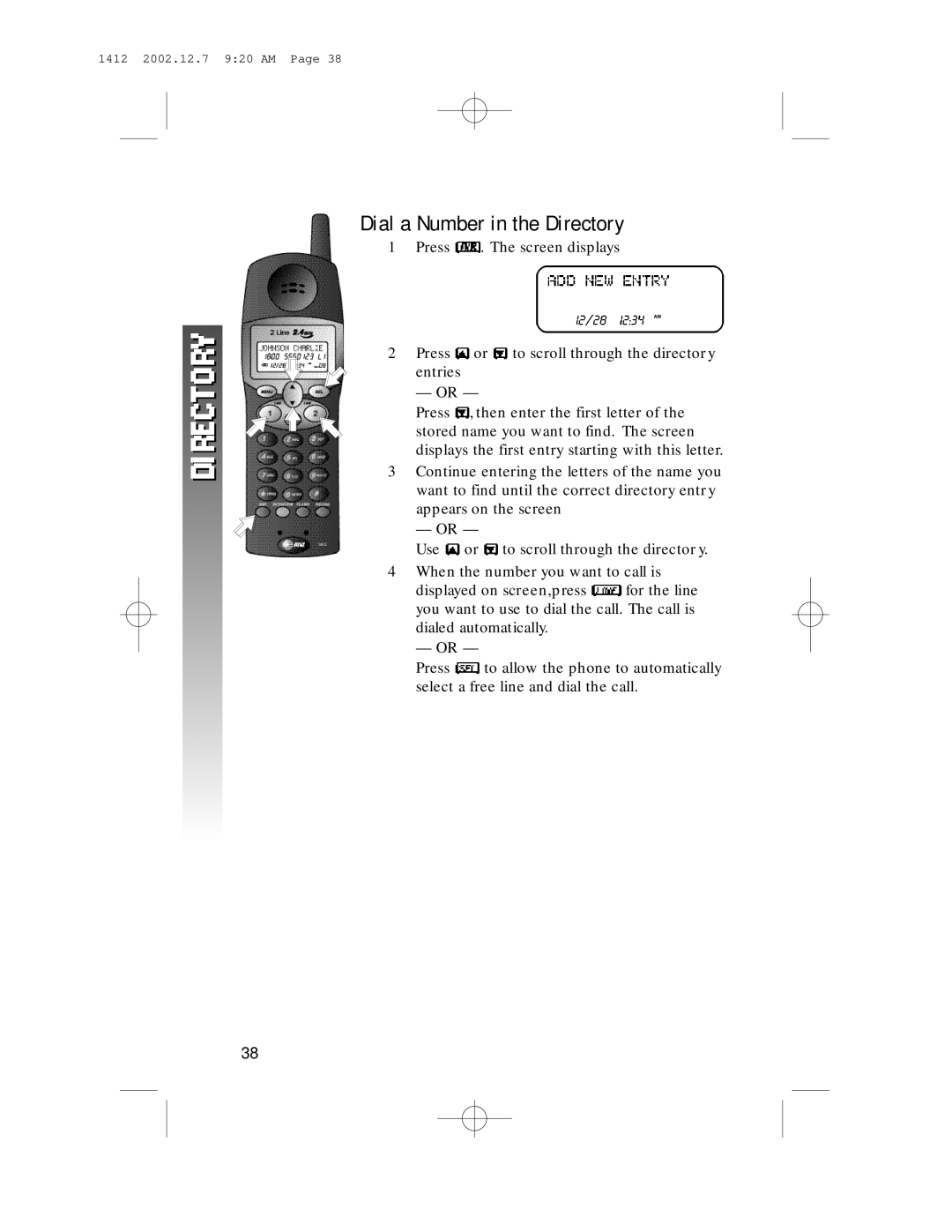
Dial a Number in the Directory
1Press  . The screen displays
AM
2Press  or
or  to scroll through the directory
entries
— OR —
Press  , then enter the first letter of the stored name you want to find. The screen displays the first entry starting with this letter.
3Continue entering the letters of the name you want to find until the correct directory entry appears on the screen
— OR —
Use  or
or  to scroll through the director y.
4When the number you want to call is
displayed on screen,press  for the line you want to use to dial the call. The call is dialed automatically.
— OR —
Press  to allow the phone to automatically select a free line and dial the call.
38