Product Features
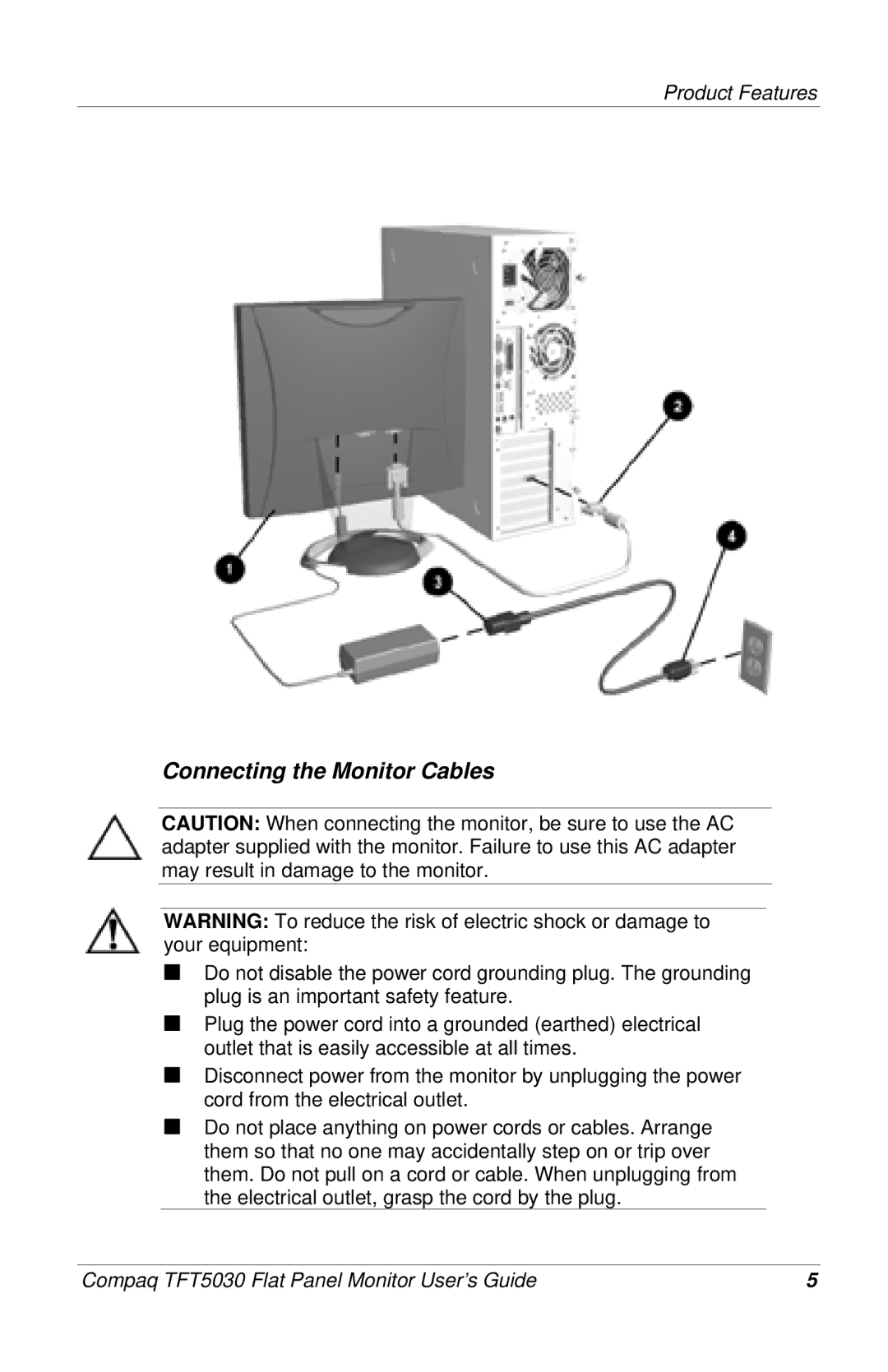
Connecting the Monitor Cables
CAUTION: When connecting the monitor, be sure to use the AC adapter supplied with the monitor. Failure to use this AC adapter may result in damage to the monitor.
WARNING: To reduce the risk of electric shock or damage to your equipment:
■Do not disable the power cord grounding plug. The grounding plug is an important safety feature.
■Plug the power cord into a grounded (earthed) electrical outlet that is easily accessible at all times.
■Disconnect power from the monitor by unplugging the power cord from the electrical outlet.
■Do not place anything on power cords or cables. Arrange them so that no one may accidentally step on or trip over them. Do not pull on a cord or cable. When unplugging from the electrical outlet, grasp the cord by the plug.
Compaq TFT5030 Flat Panel Monitor User’s Guide | 5 |