Quick Reference Guide
W . d e l l . c o m s u p p o r t . d e l l . c o m
Abbreviations and Acronyms
Contents
Contents
Finding Information and Assistance
System Information Label
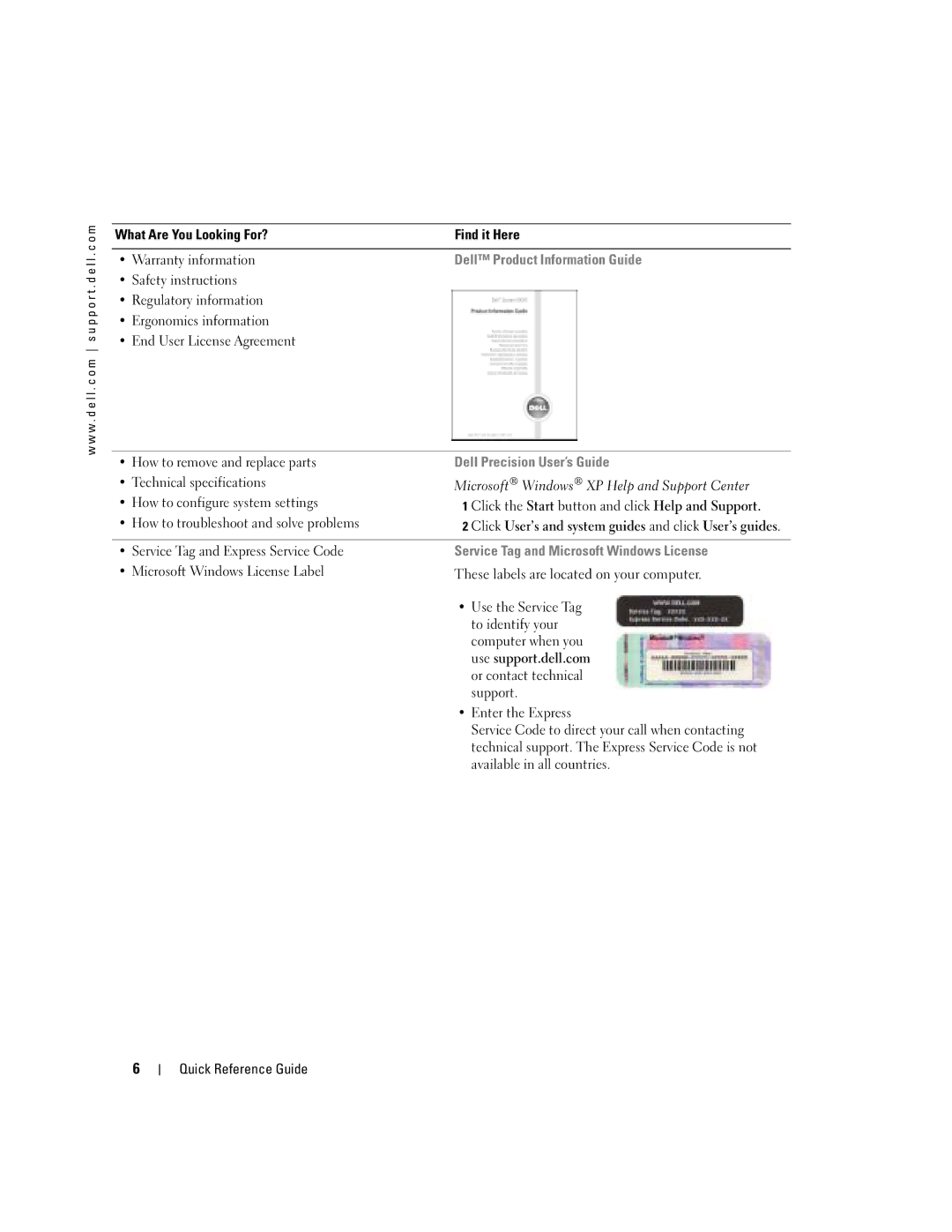
Service Tag and Microsoft Windows License
Dell Product Information Guide Dell Precision User’s Guide
Click User’s and system guides and click User’s guides
Dell Support Website support.dell.com
Windows Help and Support Center
Dell Supported Linux Sites
Operating System CD
Setting Up Your Mini-Tower Computer
Located in the Product Information Guide
Connect the keyboard and the mouse
Quick Reference Guide
VGA Adapter
For dual-monitor capable cards with 2 DVI connectors
Speakers
Computer and monitor Quick Reference Guide
Setting Up Your Desktop Computer
Connect the modem
VGA Adapter
VGA
Connect the power cables Turn on the computer and monitor
See your User’s Guide
To access the User’s Guide from your hard drive
To access your User’s Guide from the Dell Support Site
Locating Your User’s Guide
Opening Your Mini-Tower Computer
Release button Security cable slot
Power supply Optional
Card Cooling Fan
CD/DVD drive
Opening Your Desktop Computer
Cover latch release
Padlock ring Quick Reference Guide
CD/DVD drive Floppy drive optional Hard drive Power supply
Caring for Your Computer
Resolving Software and Hardware Incompatibilities
Solving Problems
Troubleshooting Tips
Windows XP
Using Microsoft Windows XP System Restore
Creating a Restore Point
Restoring the Computer to an Earlier Operating State
Undoing the Last System Restore
Enabling System Restore
Using Last Known Good Configuration
Dell Diagnostics
When to Use the Dell Diagnostics
Starting the Dell Diagnostics From Your Hard Drive
Before You Start Testing
Beep Codes
Product Information Guide
Diagnostic Lights
Error Messages
User’s Guide
Light Pattern Problem Description Suggested Resolution
Run the Dell Diagnostics
Reseat the memory modules
If the problem still exists, install a
Problem Description Suggested Resolution
Information on reinstalling
If the problem persists or
If available, install properly working
Installed, reinstall it and restart
Modules installed, remove
If you have one memory module
Incompatibilities see
If the problem persists, reinstall
Software and Hardware
See your User’s Guide
Frequently Asked Questions
How Do Solution
Drivers and Utilities CD
System Information Label
Quick Reference Guide
Index
Index
Index
Guide de référence rapide
Remarques et avertissements
Abréviations et sigles
Utilisation de la dernière configuration valide
Précautions à prendre avec votre ordinateur
Sommaire
Sommaire
Obtention dinformations et dassistance
Étiquette des informations sur le système
Manuel de lutilisateur Dell Precision
Numéro de service et licence Microsoft Windows
Guide dinformations sur le produit Dell
Létiquette de licence Microsoft Windows
Premiersupport.dell.com
Site Web du support Dell support.dell.com
Site Web de support technique de Dell Premier
Centre daide et de support Windows
Du système dexploitation commandé
CD du système dexploitation
Remarque la couleur du CD varie en fonction
Installation de votre ordinateur mini-tour
Connectez le clavier et la souris
Le moniteur à lordinateur Guide de référence rapide
Adaptateur VGA
Un DVI/Un VGA Deux moniteurs VGA avec ladaptateur VGA
Remarque si votre
Dalimentation
Installation de votre ordinateur de bureau
Lordinateur Guide de référence rapide
L l . c o m s u p p o r t . d e l l . c o m
Un DVI/Un VGA Deux moniteurs VGA avec ladaptateur VGA
Votre Manuel de lutilisateur
Comment consulter le Manuel de lutilisateur
Pour accéder au Manuel de lutilisateur sur votre disque dur
Ouverture de lordinateur mini-tour
Bouton de déverrouillage Emplacement pour câble de sécurité
De CD/DVD
Ventilateur de la carte
Lecteur
Module Lecteur
Ouverture de lordinateur de bureau
Taquet
Anneau pour cadenas Guide de référence rapide
Emplacement pour câble de sécurité
Précautions à prendre avec votre ordinateur
Disque dur
Résolution des problèmes
Conseils de dépannage
Windows
Création dun point de restauration
Restauration de lordinateur à un état antérieur
Annulation de la dernière restauration du système
Quand utiliser les diagnostics Dell
Utilisation de la dernière configuration valide
Diagnostics Dell
Activation de la fonctionnalité Restauration du système
Démarrage des diagnostics Dell à partir de votre disque dur
Codes sonores
Avant de commencer un test
Du Guide dinformations sur le produit
Messages derreur
Voyants de diagnostic
Description du problème Solution proposée Des voyants
Consultez le Manuel de lutilisateur
En retirant une carte autre que la
Graphique, retirez-la, réinstallez-la
Déterminez sil existe un conflit
Sur le retrait dune carte, consultez
Si un seul module de mémoire est
Sur les modules de mémoire
Vérifiez quaucune contrainte
Pour linstallation des modules
Résolution des incompatibilités
Particulière ne doit être respectée
Système au disque dur, au lecteur
Détectez les conflits éventuels
Contacter Dell, consultez
De CD et au lecteur de DVD
Supplémentaires ?
Comment faire pour Solution
Questions fréquemment posées
Le CD Pilotes et utilitaires
C o m
Précédent, 26 voyants de diagnostic Index
Diagnostics Dell, 28 résolution des problèmes
Précédent, 26 voyants de diagnostic
Matériels, 25 restauration à létat
Problèmes matériel
Schnellreferenzhandbuch
Anmerkungen, Hinweise und Vorsichtsmaßnahmen
Abkürzungen und Akronyme
Letzte als funktionierend bekannte Konfiguration verwenden
Inhalt
Inhalt
Dokumentation und Support
Wird auch als ResourceCD bezeichnet
Etikett mit den Systeminformationen
Service-Tag-Nummer und Microsoft Windows-Lizenz
Dell-Produktinformationshandbuch
Dell PrecisionBenutzerhandbuch
Wichtige technische Hinweise
Dell-Support-Website support.euro.dell.com
Dell Premier Support-Website
Premiersupport.euro.dell.com
Linux-Webseiten von Dell
Betriebssystem-CD
Den Minitower-Computer einrichten
Schließen Sie Tastatur und Maus an
Schnellreferenzhandbuch
Dual-DVI-Y-Kabeladapter
Um einen VGA-Monitor mit einem Um zwei VGA-Monitore mit den
Anmerkung
An dieser Karte an
Den Desktop-Computer einrichten
Wenn Ihr Computer
Einen geeigneten Y-Kabeladapter Dual-DVI-Y-Kabeladapter
Einen geeigneten Y-Kabeladapter
Dual-VGA mit VGA-Adapter
An und schalten Sie Computer und Monitor ein
Das Benutzerhandbuch aufrufen
Den Minitower-Computer öffnen
Freigabetaste Sicherheitskabeleinschub
Der Kartenlüfter
Laufwerk Disketten
Systemplatine
Den Desktop-Computer öffnen
Am Computergehäuse
Bügel für Vorhängeschloss Schnellreferenzhandbuch
Pflege des Computers
Laufwerk
Netzteil
Probleme lösen
Tipps für die Fehlersuche
Inkompatibilitäten von Software und Hardware beheben
Erstellen eines Wiederherstellungspunktes
Zurücksetzen der letzten Systemwiederherstellung
Systemwiederherstellung aktivieren
Letzte als funktionierend bekannte Konfiguration verwenden
Dell Diagnose
Wann Dell Diagnose eingesetzt wird
Dell Diagnose von der Festplatte aufrufen
Dell Diagnose von der Drivers and Utilities-CD aufrufen
Signaltoncodes
Vor Testbeginn
Fehlermeldungen
Diagnoseanzeigen
Benutzerhandbuch
Besteht das Problem weiterhin
Karte finden Sie in Ihrem
Ein, entfernen eine andere Karte
Der Grafikkarte aufgetreten
Installieren Sie eine Grafikkarte
Möglicherweise ist ein Fehler bei
Informationen zur erneuten Instal
Es ist ein Fehler an der
Anschließend den Computer neu
Finden Sie in Ihrem
Systemplatine aufgetreten Sie technische Unterstützung an
Ein, und starten Sie den Computer
Neu
Wenden Sie sich an Dell
Korrekt an der Systemplatine
Angeschlossen sind
Häufig gestellte Fragen
Angeschlossen werden. Folgen
Etikett mit den
USB- oder Ieee 1394-Geräte?
Wie finde ich Dokumentation
Systeminformationen
Schnellreferenzhandbuch
Inkompatibilitäten
Computer ausschalten, 20
Früheren Systemzustand wiederherstellen
Page
Guida di consultazione rapida
Abbreviazioni e acronimi
Individuazione della Guida dellutente
La ventola di raffreddamento della scheda
Sommario
Sommario
Ricerca di informazioni e supporto tecnico
Etichetta informazioni di sistema
Guida Informazioni sul prodotto Dell
Guida dellutente Dell Precision
Numero di servizio e licenza di Microsoft Windows
Sito Web del supporto tecnico Dell support.dell.com
Guida in linea e supporto tecnico di Windows
Siti Linux supportati da Dell
Cosa si sta cercando?
CD del sistema operativo
Configurazione del computer mini tower
Collegare la tastiera e il mouse
Al computer Guida di consultazione rapida
Adattatore VGA
Singolo DVI / singolo VGA Doppio VGA con adattatore VGA
Collegare Gli altoparlanti
Alla scheda
Configurazione del computer desktop
Il cavo di rete
Adattatore VGA
Singolo DVI / singolo VGA Doppio VGA con adattatore VGA
La Guida dellutente
Individuazione della Guida dellutente
Per accedere alla Guida dellutente dal disco rigido
Apertura del computer mini tower
Page
Unità CD/DVD Unità a dischetti opzionale
La ventola di raffreddamento della scheda
Alimentatore
Disco rigido
Apertura del computer desktop
Anello di sicurezza Guida di consultazione rapida
Manutenzione del computer
Soluzione di problemi
Suggerimento per la risoluzione dei problemi
Risoluzione delle incompatibilità software e hardware
Creazione di un punto di ripristino
Annullamento dellultimo ripristino
Uso dellultima configurazione valida conosciuta
Attivazione di Ripristino configurazione di sistema
Quando utilizzare il programma Dell Diagnostics
Avvio del programma Dell Diagnostics dal disco rigido
Pagina
Codici bip
Prima di avviare le verifiche
Messaggi di errore
Indicatori di diagnostica
Per stabilire se vi sia un conflitto
Se il problema persiste, contattare
Grafica, rimuoverla, reinstallarla
Video, quindi riavviare il computer
La Guida dellutente
Se è presente un solo modulo
Sui moduli di memoria, consultare
Su come contattare Dell, consultare la Guida dellutente
Contattare il supporto tecnico di Dell
Installati siano compatibili con
Reinstallare i moduli di memoria
Accertarsi che non vi siano requisiti
Rimozione di una scheda
Unità CD, unità DVD e scheda di
Domande frequenti
Come fare per Soluzione
Guida dellutente
Guida Informazioni sul prodotto
Etichetta informazioni di sistema
Indice
Indice
Indice
Guía de referencia rápida
Notas, avisos y precauciones
Abreviaturas y acrónimos
Ventilador de refrigeración de la tarjeta
Indicadores luminosos de diagnóstico
Contenido
Contenido
Búsqueda de información y asistencia
CD Drivers and Utilities Controladores y utilidades
Etiqueta de información del sistema
Guía de información del producto de Dell
Guía del usuario de Dell Precision
Etiqueta de servicio y licencia de Microsoft Windows
Página Web de soporte de Dell support.dell.com
Centro de ayuda y soporte técnico de Windows
Páginas Web de Linux con soporte de Dell
CD Operating System Sistema operativo
CD Drivers
Configuración del ordenador minitorre
Conecte el teclado y el ratón
Page
Adaptador VGA
Un solo DVI/un solo VGA VGA dual con adaptador VGA
Conecte Los altavoces
De alimentación
Configuración del ordenador de escritorio
Conecte el módem
Adaptador VGA
Un solo DVI/un solo VGA VGA dual con adaptador VGA
Alimentación y encienda el ordenador y el monitor
Localización de la Guía del usuario
Apertura del ordenador minitorre
Botón de liberación
Anillo para
Ventilador de refrigeración de la tarjeta
Unidad de Ventilador
Candado
Apertura del ordenador de escritorio
Anillo para candado Guía de referencia rápida
Mantenimiento del ordenador
Unidad de CD/DVD
Del Anillo para candado Procesador
Solución de problemas
Sugerencias para la solución de problemas
Solución de incompatibilidades de software y hardware
Uso de la función Restaurar sistema de Microsoft Windows XP
Creación de un punto de restauración
Restauración del ordenador a un estado operativo anterior
Cómo deshacer la última restauración del sistema
Que la restauración del sistema haya finalizado
Activación de la función Restaurar sistema
Uso de la última configuración correcta conocida
Diagnósticos Dell
Cuándo se deben utilizar los Diagnósticos Dell
Guía de referencia rápida
Códigos de sonido
Antes de comenzar con las pruebas
Mensajes de error
Indicadores luminosos de diagnóstico
La Guía del usuario
Determine si existe un conflicto
La tarjeta gráfica y, a continuación
Continuación, reinicie el
Si el problema persiste, instale
Si el ordenador incluye una tarjeta
Ordenador. Para obtener más
De memoria, vuelva a instalarlo y
Si el problema persiste, póngase
Si tiene instalado un módulo
Memoria, consulte la Guía del usuario
Vuelva a instalar los módulos de
Especiales para la colocación del
Que instala sean compatibles con
Memoria y reinicie el ordenador
Estén conectados correctamente
Una tarjeta gráfica y reiniciando
Compruebe que los cables de
La placa base
Utilities Controladores
Preguntas más frecuentes
Cómo Solución Dónde encontrar más información
Consulte la Guía del usuario
Cómo Solución
40 Guía de referencia rápida
Mensajes de error indicadores luminosos
Página Web de soporte preferente
De diagnóstico, 32 restaurar al estado anterior Índice
Restaurar sistema, 26 Solucionador de problemas
Hardware Windows 2000 Administrador de
Dispositivos, 25 Solucionador de problemas
De hardware Windows XP Centro de ayuda y soporte técnico