Using the Network Setup Disk | 7 |
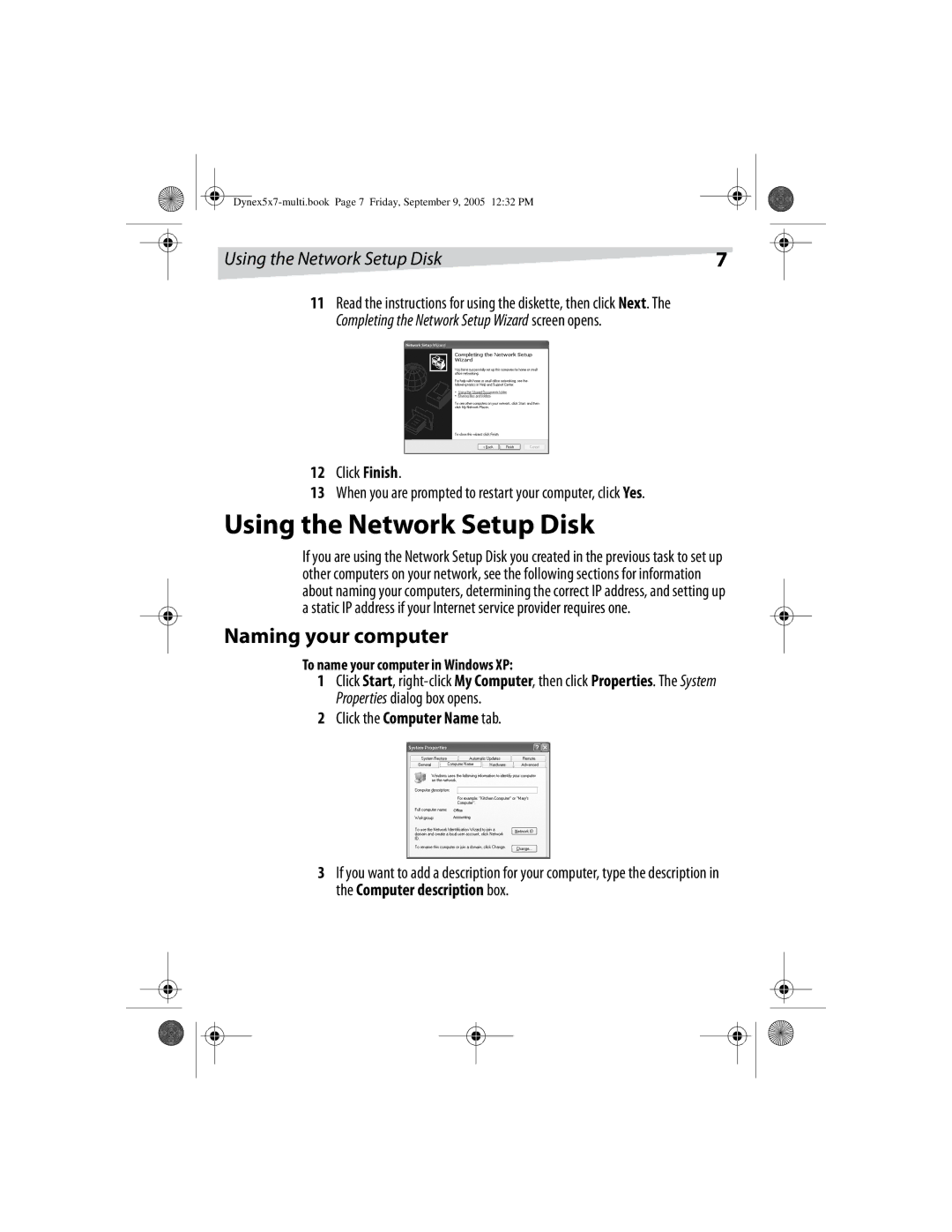
11Read the instructions for using the diskette, then click Next. The Completing the Network Setup Wizard screen opens.
12Click Finish.
13When you are prompted to restart your computer, click Yes.
Using the Network Setup Disk
If you are using the Network Setup Disk you created in the previous task to set up other computers on your network, see the following sections for information about naming your computers, determining the correct IP address, and setting up a static IP address if your Internet service provider requires one.
Naming your computer
To name your computer in Windows XP:
1Click Start,
2Click the Computer Name tab.
3If you want to add a description for your computer, type the description in the Computer description box.