Intel Desktop Board D845PESV Product Guide
Chipset Configuration Submenu
Maintenance Main
Advanced
| Security |
| Power | Boot | Exit |
|
|
|
|
|
|
|
|
PCI Configuration
Boot Configuration
Peripheral Configuration
IDE Configuration
Diskette Configuration
Event Log Configuration
Video Configuration
USB Configuration
Chipset Configuration
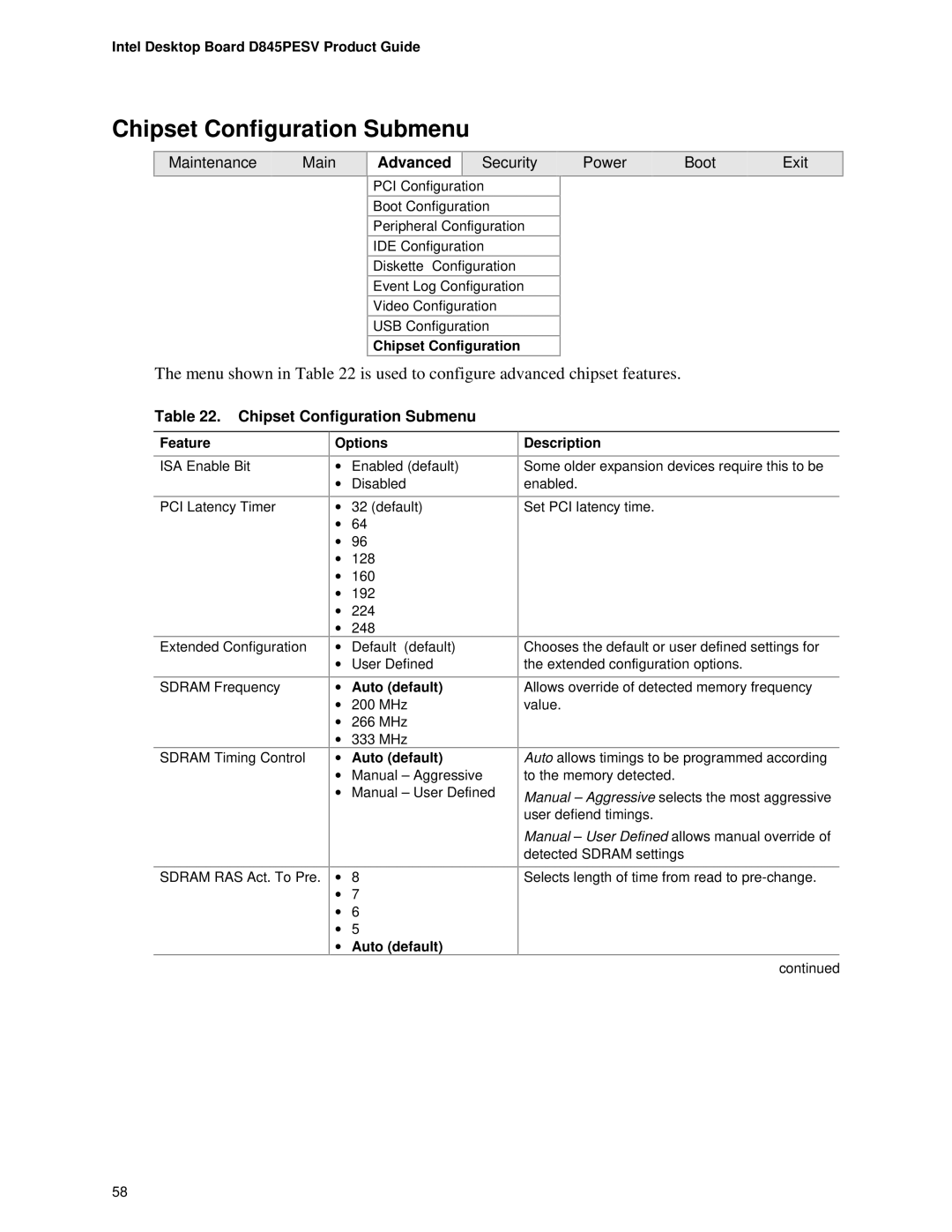
The menu shown in Table 22 is used to configure advanced chipset features.
Table 22. Chipset Configuration Submenu
Feature
ISA Enable Bit
PCI Latency Timer
Extended Configuration
SDRAM Frequency
SDRAM Timing Control
SDRAM RAS Act. To Pre.
Options
•Enabled (default)
•Disabled
•32 (default)
•64
•96
•128
•160
•192
•224
•248
•Default (default)
•User Defined
•Auto (default)
•200 MHz
•266 MHz
•333 MHz
•Auto (default)
•Manual – Aggressive
•Manual – User Defined
•8
•7
•6
•5
•Auto (default)
Description
Some older expansion devices require this to be enabled.
Set PCI latency time.
Chooses the default or user defined settings for the extended configuration options.
Allows override of detected memory frequency value.
Auto allows timings to be programmed according to the memory detected.
Manual – Aggressive selects the most aggressive user defiend timings.
Manual – User Defined allows manual override of detected SDRAM settings
Selects length of time from read to
continued
58