Appendix
Cleaning the Camera
When cleaning the camera, do not use solvents such as benzene or paint thinner.
After Use
Remove the batteries when the camera is not going to be used for an extended period.
Troubleshooting
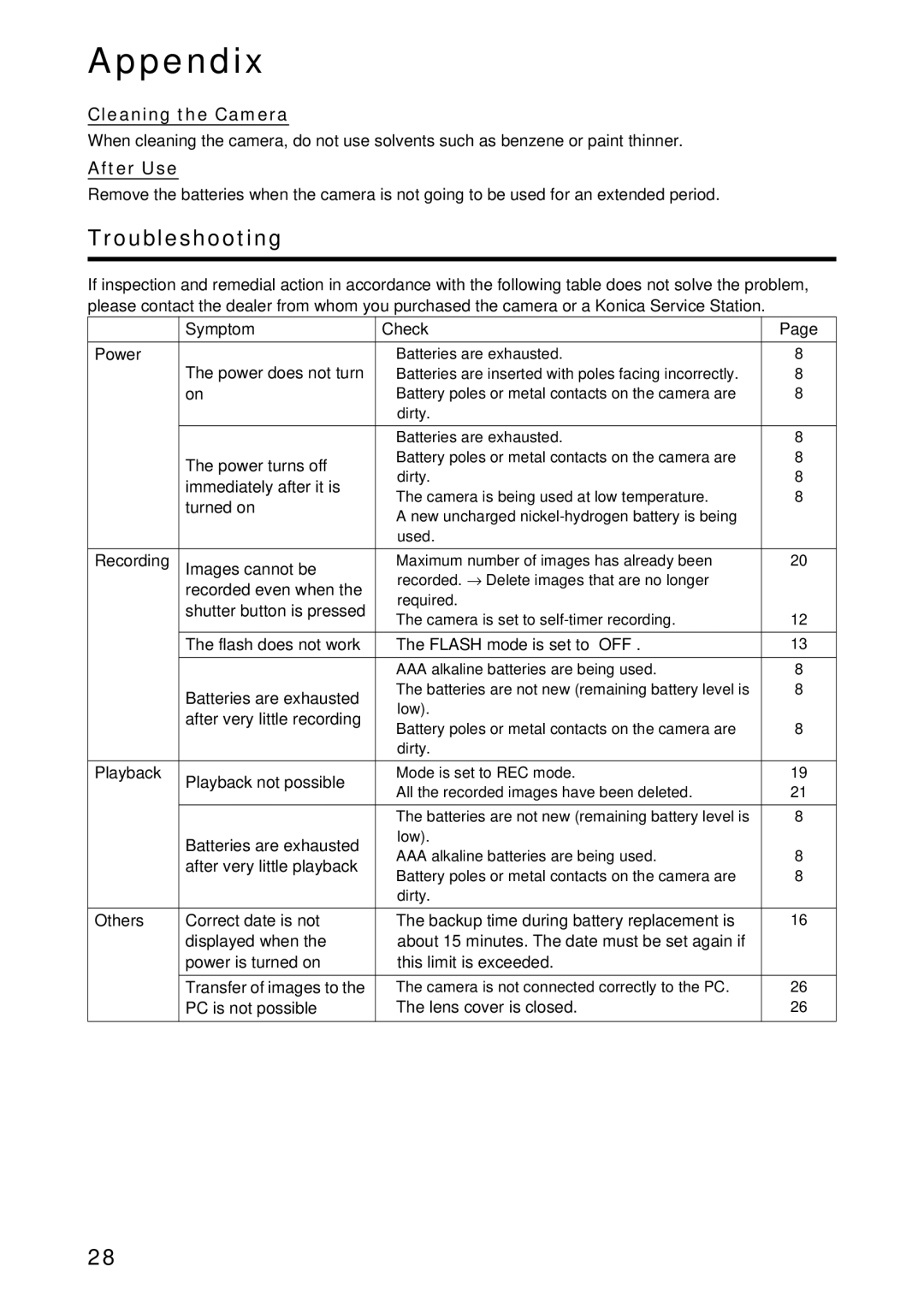
If inspection and remedial action in accordance with the following table does not solve the problem, please contact the dealer from whom you purchased the camera or a Konica Service Station.
| Symptom | Check | Page | |
Power | The power does not turn | • | Batteries are exhausted. | 8 |
| • | Batteries are inserted with poles facing incorrectly. | 8 | |
| on | • | Battery poles or metal contacts on the camera are | 8 |
|
|
| dirty. |
|
|
| • | Batteries are exhausted. | 8 |
| The power turns off | • | Battery poles or metal contacts on the camera are | 8 |
|
| dirty. | 8 | |
| immediately after it is |
| ||
| • | The camera is being used at low temperature. | 8 | |
| turned on | |||
| • | A new uncharged |
| |
|
|
| ||
|
|
| used. |
|
Recording | Images cannot be | • | Maximum number of images has already been | 20 |
| recorded even when the |
| recorded. → Delete images that are no longer |
|
|
| required. |
| |
| shutter button is pressed |
|
| |
| • | The camera is set to | 12 | |
| The flash does not work | • | The FLASH mode is set to “OFF”. | 13 |
|
| • | AAA alkaline batteries are being used. | 8 |
| Batteries are exhausted | • | The batteries are not new (remaining battery level is | 8 |
|
| low). |
| |
| after very little recording |
|
| |
| • | Battery poles or metal contacts on the camera are | 8 | |
|
| |||
|
|
| dirty. |
|
Playback | Playback not possible | • | Mode is set to REC mode. | 19 |
| • | All the recorded images have been deleted. | 21 | |
|
| |||
|
| • | The batteries are not new (remaining battery level is | 8 |
| Batteries are exhausted |
| low). |
|
| • | AAA alkaline batteries are being used. | 8 | |
| after very little playback | |||
| • | Battery poles or metal contacts on the camera are | 8 | |
|
| |||
|
|
| dirty. |
|
Others | Correct date is not | • | The backup time during battery replacement is | 16 |
| displayed when the |
| about 15 minutes. The date must be set again if |
|
| power is turned on |
| this limit is exceeded. |
|
| Transfer of images to the | • | The camera is not connected correctly to the PC. | 26 |
| PC is not possible | • | The lens cover is closed. | 26 |
28